Beyond These Stars · Power connections
The generator runs, but a nearby factory has no power
On this page
Check for a continuous connection of touching buildings or Power Lines. A road or empty hex can break an early power connection. If the connection is intact, inspect the generator’s fuel, workers and Soot output before building another one.
Published October 20, 2026 · Windows PC · 1.0 release mechanics
Trace the connection one building at a time
Start at the factory that has stopped. Find its generator and follow the chain between them. Power is not carried by a Peep along the road: it travels through connected buildings and Power Lines.
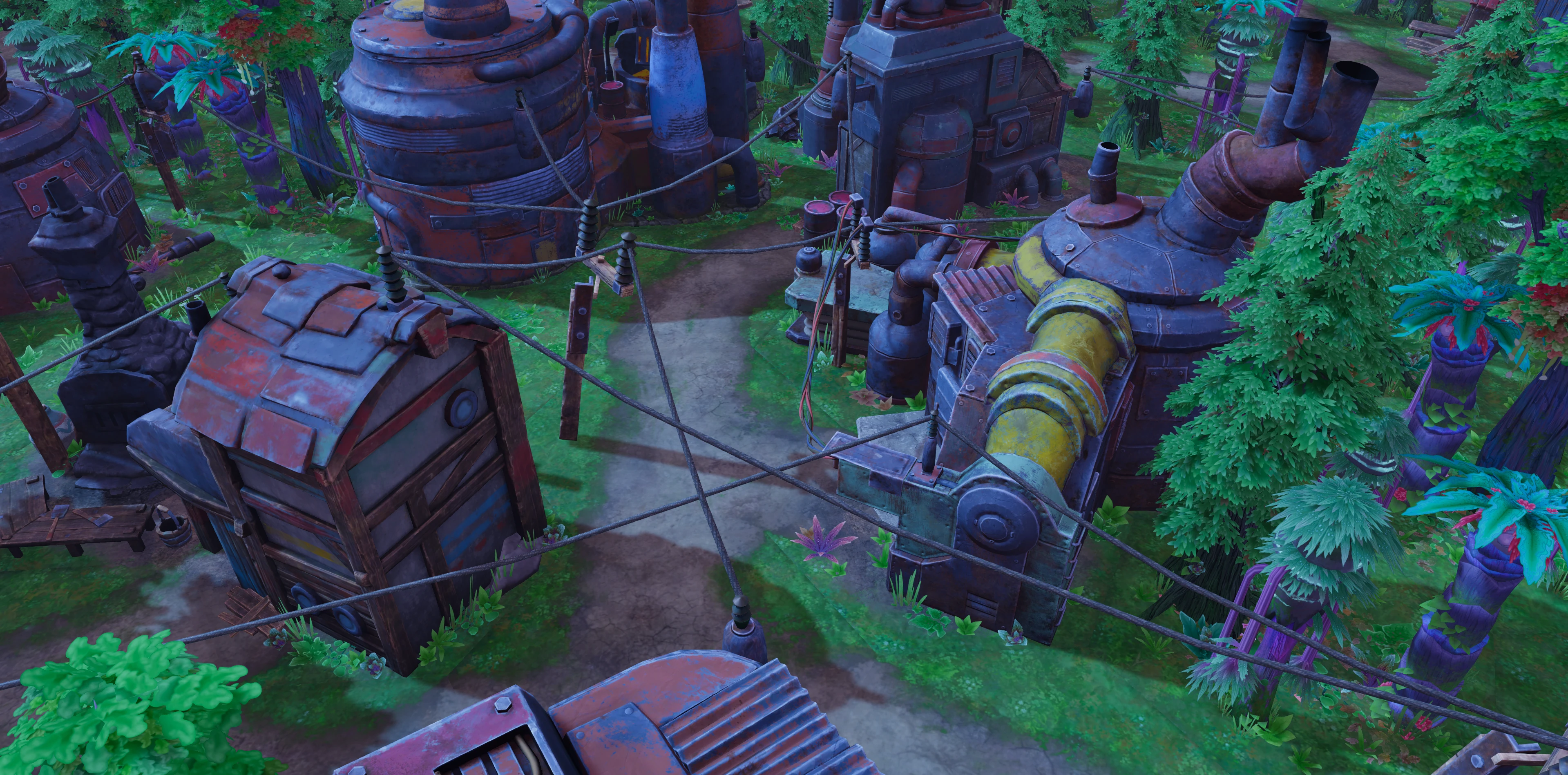
- Check whether the factory touches a building on the powered chain.
- Look for a road or unused tile between two buildings you expected to connect.
- If Power Lines are available, bridge the missing connection with them. Otherwise, plan a touching arrangement before spending resources on a replacement factory.
- Reopen the affected building and inspect its power input when its next production task is ready.
The buildings do not all need to touch the generator itself. A continuous chain can share power; the important part is that there is no gap in that chain.
If every connected factory stops, inspect the source
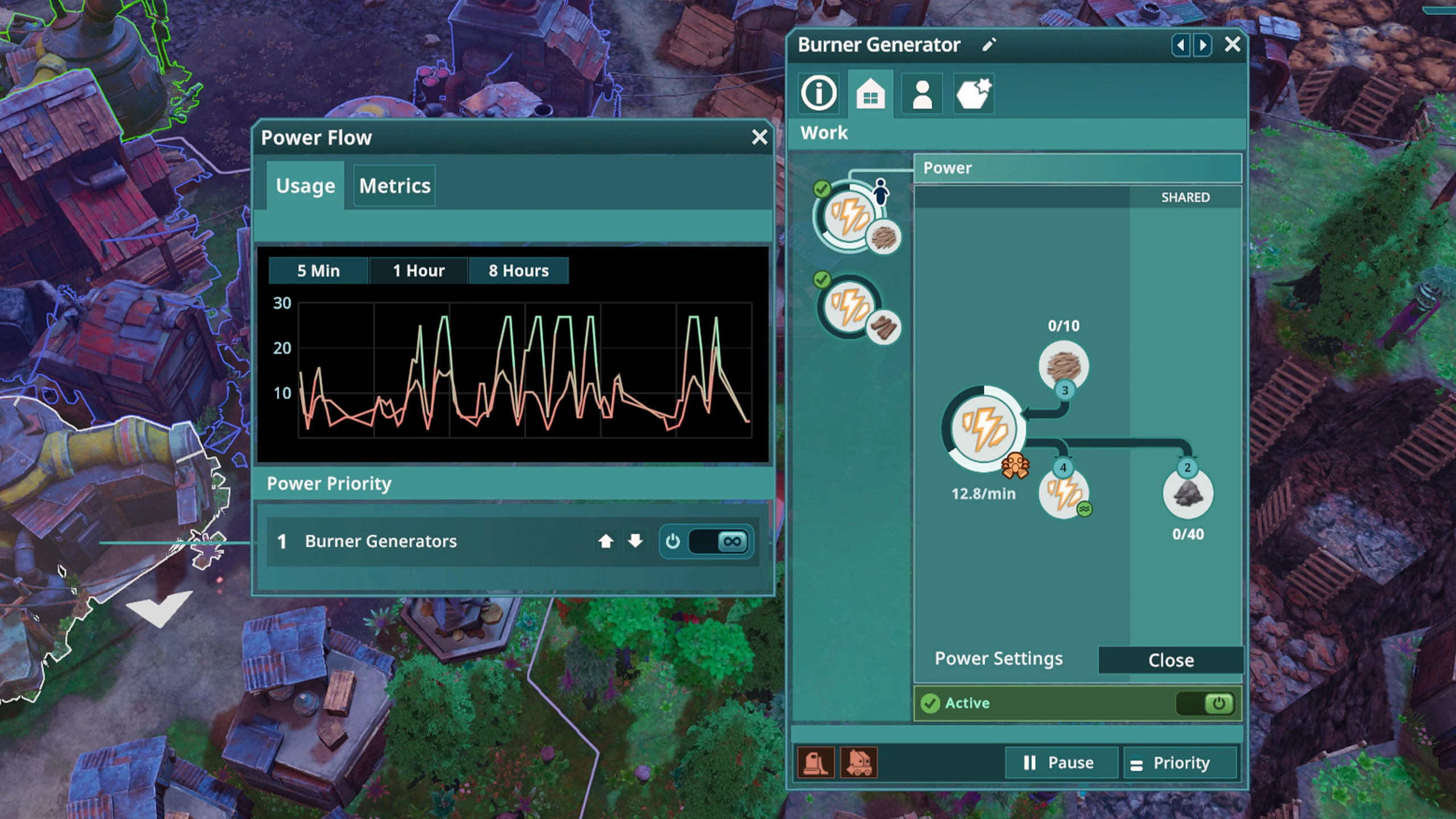
A Burner Generator needs Wood or Wood Waste to run, and room for the Soot it produces. Check those slots as well as staffing. A full Soot output can stop generation even when you have plenty of fuel elsewhere.
If that has also stopped tool production, free the by-product bottleneck before spending your last Tools on more industry. An extra generator needs its own supply and output handling too.
Do you need continuous generation?
Use Power Settings when you intentionally want the burner to keep producing Soot. The official guide documents continuous operation for that purpose. It is not a repair button for a disconnected factory.
When generation exceeds what the connected grid can store, surplus power is wasted while the burner keeps consuming inputs. Switch it on to meet a named Soot need, watch storage and pollution, then review the setting once that need is covered.
For a clean test, restore one generator and one consumer first. If fuel falls and Soot rises but the factory’s power input does not recover, inspect the connection again. If the generator itself remains idle, the next question is its work state or resources rather than the factory’s location.
Sources
Official beginner guide: Powering Buildings; Official Community Wiki: Power and Burner Generator. Official instructions and original player reports checked October 20, 2026. Screenshots identify the relevant controls and states; the troubleshooting sequences are independently written, not a report of a personal game test.