Recipes / Infinite Craft / Lake
How to make Lake in Infinite Craft
Combine Water + Water to make Lake. Drag two separate copies of Water together in the original Infinite Craft game. No intermediate ingredient is needed.
Tested in the original game Checked and published October 16, 2026.
Make Lake from the starting elements
- Find Water in the element list on the right. Drag one copy onto the empty play area.
- Drag another Water from that list onto the first Water. The two inputs must be separate copies of the same element.
- Read the result label: it should say Lake. Stop at this point if Lake is your goal.
Our browser test started with only Water, Fire, Wind, and Earth in the item list. After the combination, Lake appeared on the canvas and in the list on the right. We did not need to unlock an ocean, a river, or a different water ingredient first.
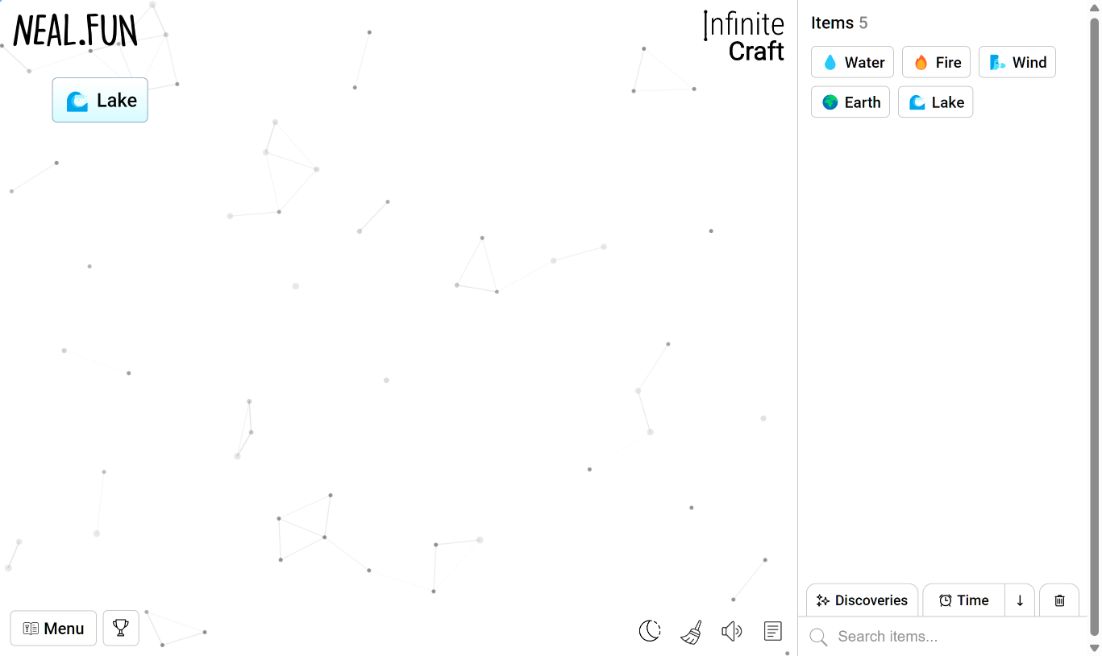
Our test: why another Water changes the answer
We continued the same browser session after making Lake. With Lake still on the canvas, we dragged one more Water from the sidebar onto it. The output changed to Ocean. This was a second combination, not an extra step needed to make Lake.
Water + Water → Lake
Water + Lake → Ocean
This matters when you follow a recipe by repeatedly adding the same starting element. The first combination reaches the Lake you wanted; the next combination changes what is on the canvas. If you now see Ocean, check whether you added Water to a Lake that had already formed.
To repeat the Lake result without guessing, put a fresh Water on an empty area and add a second Water to that fresh copy. Use the labels of the two inputs to check what you are combining. Our Ocean result does not mean Water + Water failed: the second experiment used a different input pair.
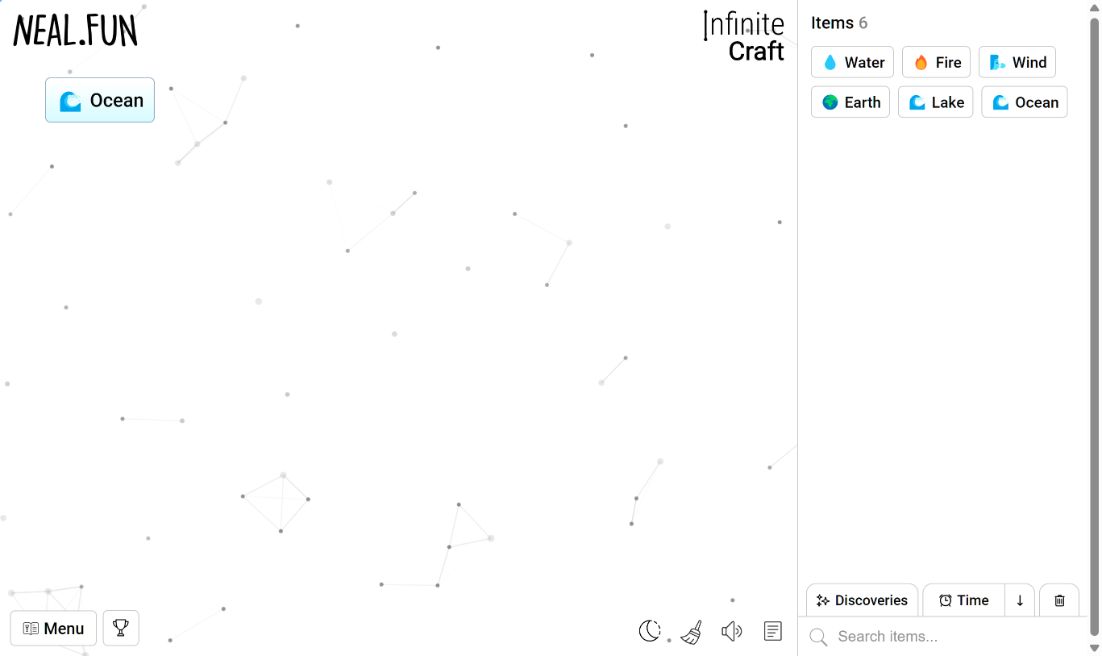
We observed Lake remaining in the sidebar after its canvas copy changed to Ocean. For this session, that gave us a way to select Lake again without treating the Ocean on the canvas as the Lake ingredient. Keep an eye on both places: the canvas shows the current experiment, while the sidebar still showed our earlier discovery.
These observations describe the session shown in our screenshots. They are not a claim that every possible Lake recipe has been checked. We tested the starting-element route and the Water continuation above; we did not compare every alternative or measure a fastest completion time.
Lake recipe questions
Can I combine an element with itself?
Yes. In our test, two separate Water copies combined successfully to make Lake. Use a second copy from the sidebar rather than trying to overlap an item with itself.
Do I need Ocean first?
No for this tested route. Water was available among the starting elements, and Water + Water gave us Lake directly.
Why did I get Ocean instead?
Our Water + Lake test produced Ocean. Check the exact input names before retrying. If you used Water + Water and saw a different result, email the two input labels and a screenshot to contact@craftandquest.com; we have not verified that different result.
Verification and next steps
Both combinations on this page were performed in the browser at neal.fun/infinite-craft on October 16, 2026. The screenshots are from our own session. For a longer checked sequence, try our Infinite Craft recipes in order guide.