Planet Zoo 2 · Animal shelter
Shelters missing from the browser—or built but not counting?
On this page
Check the item browser first; check usable shelter second. Open Habitats → Bedding, Shelters, and Nests → Shelter. If the list is empty, inspect Essentials and the other active filters. If a shelter is already placed, use the Shelter Heatmap to check whether the animal can actually fit under enough cover.
Published October 20, 2026 · English PC interface · Official instructions checked October 20
When there is nothing to place
A missing item and a poor shelter score are different problems. Start in the Shelter category, clear the search text and check the species filter. Then inspect the Essentials toggle in that browser tab. Frontier explains that Essentials narrows the browser to functional items and blueprints; turning it off shows the wider selection.
Players in the day-two discussion reported inconsistent results: some found shelters after changing Essentials, while others still had an empty category. Treat the filter check as a quick test, not a guaranteed bug fix. Also inspect the broader Bedding, Shelters, and Nests list and available blueprints before concluding that your game contains no shelters.
When the animal still needs shelter
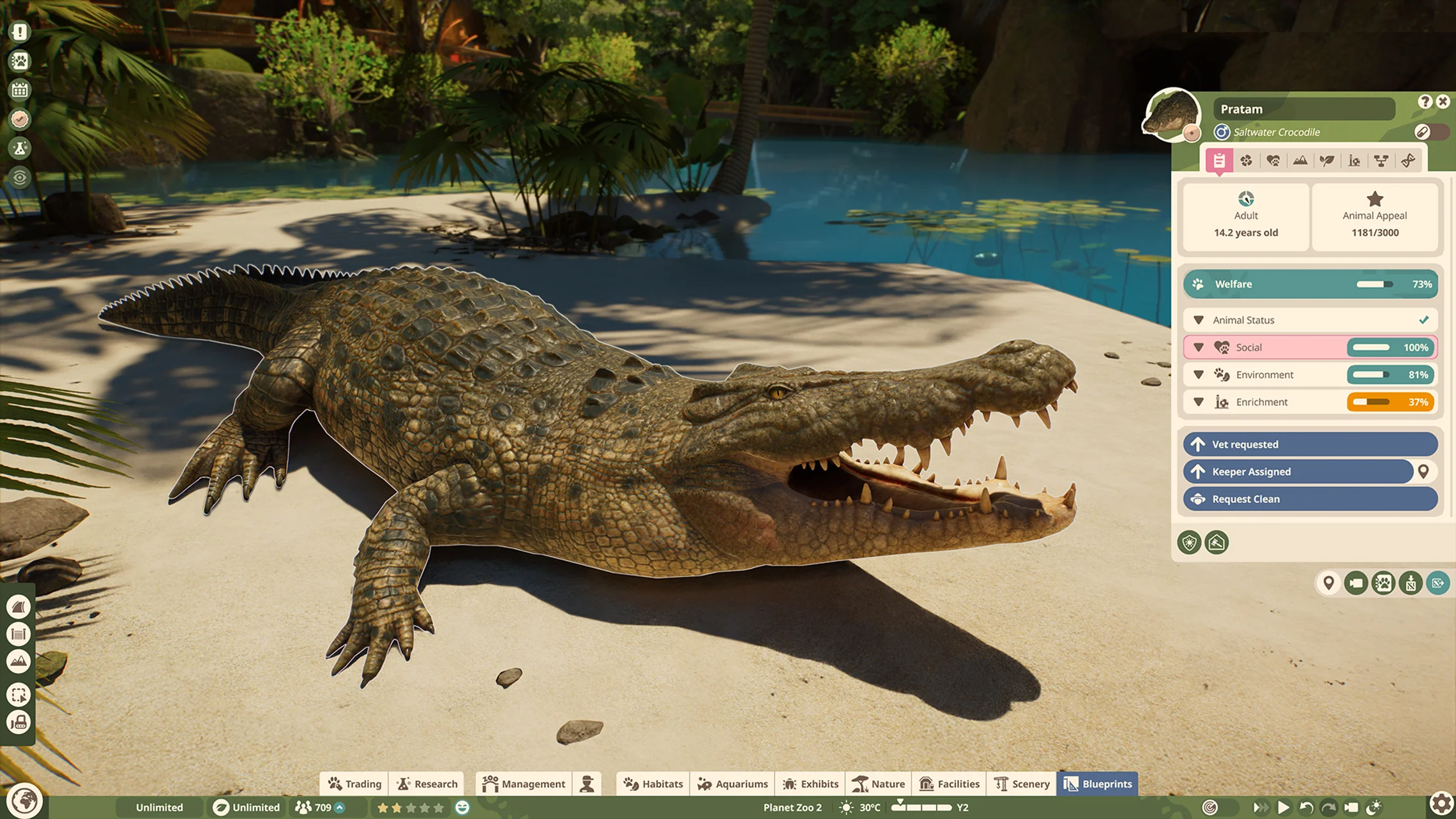
- Check the species’ requirements in the Zoopedia and select the animal whose need is unmet.
- Open the Shelter Heatmap and inspect the covered area available to that animal.
- Check the opening and interior clearance. A small roof can look adequate while the animal cannot fit underneath.
- Enlarge or reposition the cover, then check the heatmap again before adding decorative pieces.
A bedding object is a place to rest; its presence does not prove that the surrounding structure provides enough suitable cover. If you have built a roof, check usable space beneath it before buying another bed.
A custom shelter is an option
Frontier documents shelter made from compatible scenery, including walls and roofs that block the weather, as well as rock caves and suitable burrows. Keep the first version simple: cover, room for the animal and an unobstructed opening. Check the heatmap before spending time furnishing it.
For example, if a low decorative roof fails, change its clearance or covered footprint and inspect the result. Adding more roof detail without changing usable space gives you no useful test. If the heatmap shows suitable shelter but the need remains wrong, record the species, affected animal, build and screenshot for the issue tracker; this guide does not establish a universal reset command.
Sources and version
Written for Planet Zoo 2, with the English PC interface and Frontier’s live player guides checked October 20, 2026. Frontier: shelter and animal needs; habitat welfare; Frontier’s Essentials explanation. Player reports: day-two shelter questions. Game images are limited publisher instructional excerpts, credited at each image; they show the controls, rather than a personal gameplay test.