Warhammer 40,000: Boltgun 2
Lost in Boltgun 2? Use the two navigation tools together
On this page
Check the automap for your remaining objective, then use the Navigation Guide to get a route to it. They solve different problems: the map shows where you have been; the guide points you toward what comes next.
Stop searching the same cleared rooms
- Open the controls or key-binding screen and identify your current bindings for the automap and Navigation Guide. Use your own bindings rather than copying a key from a different control layout.
- Open the automap. Find your position and the objective markers, then use the legend to distinguish an objective from other icons.
- Close the map and activate the Navigation Guide. Follow its indicated route until the next junction or interaction.
- If you lose the route after a fight, call the guide again. Recheck the map when the objective changes.
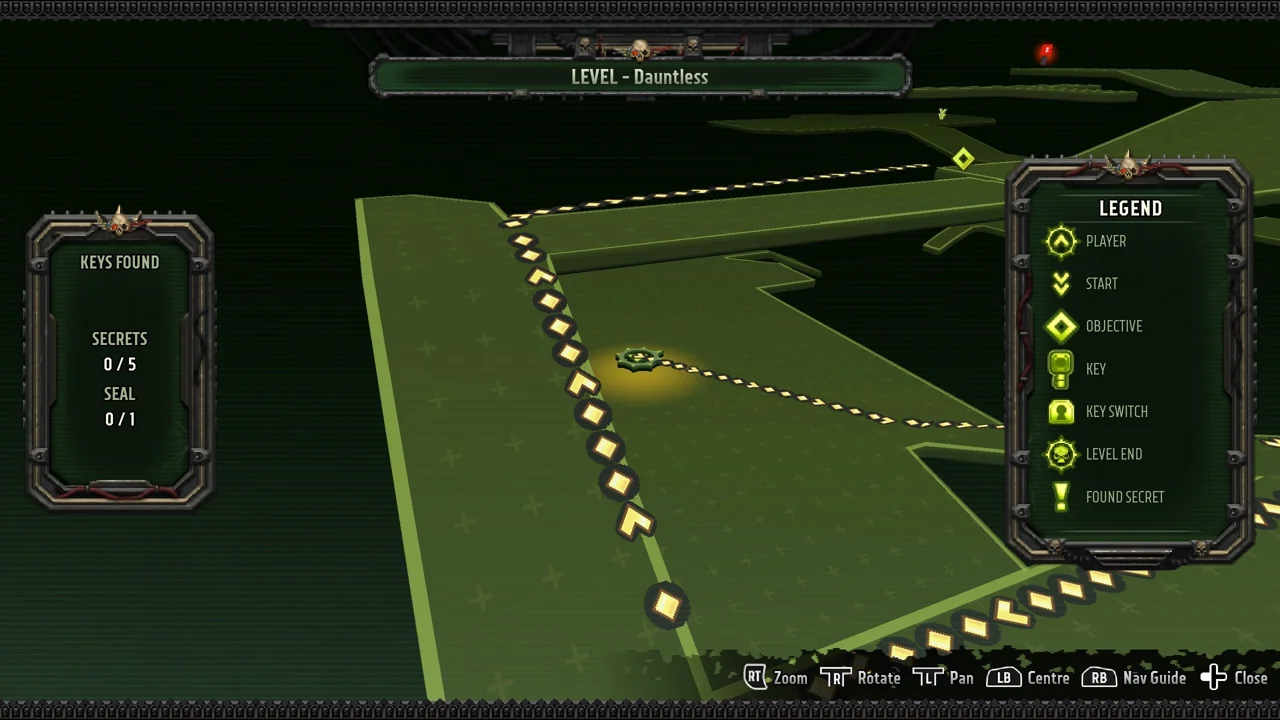
A useful habit is to check the map before crossing back through a large arena. It lets you compare the direction you intend to travel with the actual objective, instead of repeating a familiar route because its doorway looks inviting.
A locked arena is a different problem
If combat is still active and an exit will not open, navigation alone cannot finish the encounter. Check for enemies you have left behind before treating the map as wrong. On older builds, The Trenches could become blocked by a Daemonette moving out of bounds; the October 20 patch specifically fixes that problem. Update before repeating the same encounter on an outdated build.
Check that you loaded the campaign you meant to play
Before October 20, Continue could pick a Level Select save instead of the campaign save. The patch changes Continue to load campaign saves exclusively. If you are unexpectedly in a different level, inspect the campaign and save selection before restarting your run. Do not delete autosaves as a navigation fix.
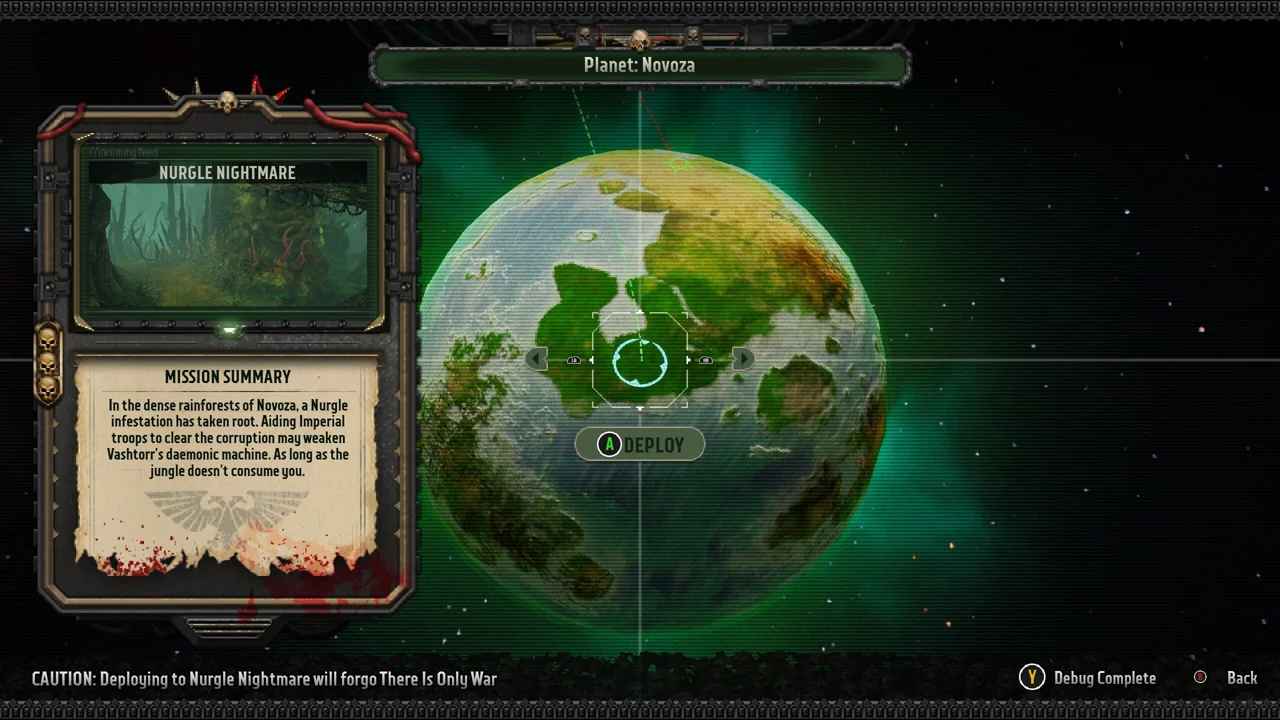
The campaign branches, so seeing a different planet from someone else’s video does not by itself mean you missed a mandatory door. First establish which mission you are in, then use the tools inside that mission. For difficulties surviving its fights, see Nyra’s movement guide.
Sources and scope
Checked October 21, 2026 against Auroch Digital’s What’s New in Boltgun 2, October 20 patch notes and support FAQ. Enemy abilities and movement features come from the developer; the suggested combat sequences are editorial advice, not damage benchmarks or a claim of a personal playthrough. Images show official pre-release gameplay; interface details may differ in the current build. © Games Workshop / Auroch Digital / Big Fan Games.