Enshrouded · 1.0 · Practical guide
Enshrouded lore audio: listen while exploring without losing the next note
On this page
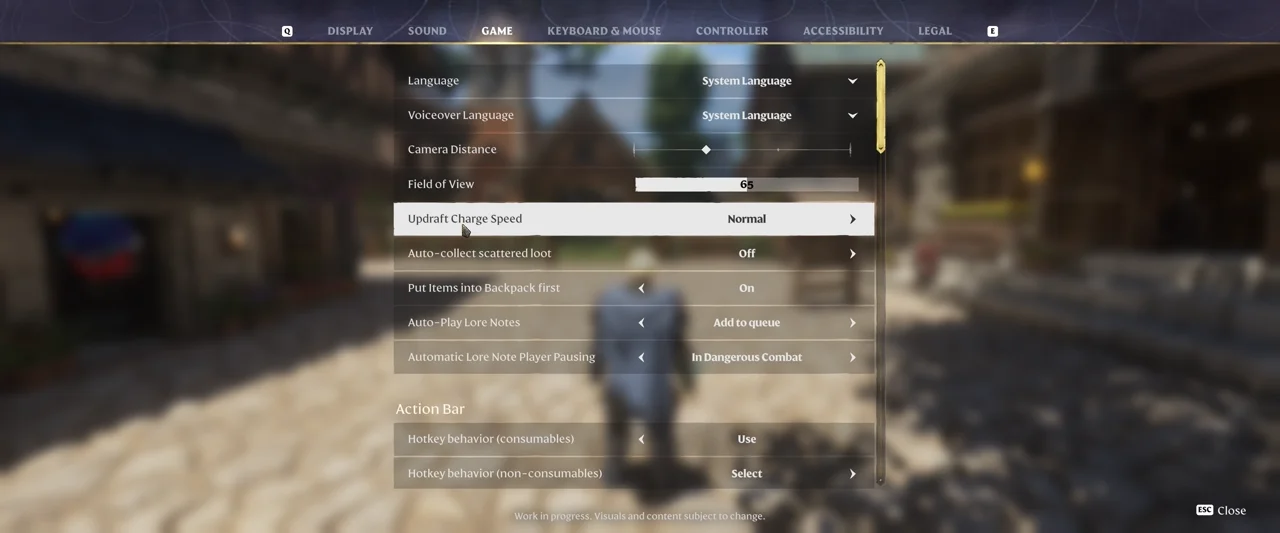
Use the narrated-journal playback controls to queue notes or play them immediately. In Game settings, inspect Auto-Play Lore Notes and Automatic Lore Note Player Pausing; the keyboard action Play/Pause Voice-Overs defaults to L. Queueing is useful when you collect another text before the first recording finishes.
Published October 17, 2026 · Version 1.0 developer notes reviewed
Choose a listening mode before collecting several notes
Decide whether this trip is about hearing the story, collecting information for later, or fighting through an unsafe area. You can change that decision as the trip changes. The useful distinction is between starting a new recording now and placing it after the recording already playing.
- Open the Game settings. Locate Auto-Play Lore Notes. Read the selected value instead of assuming your configuration matches a video.
- Use the queue for a collection route. The official footage shows an Add to queue choice. This is the sensible starting point when several books or letters are close together.
- Inspect automatic pausing. The same demonstration shows Automatic Lore Note Player Pausing with In Dangerous Combat selected. Choose the behavior that suits how much attention you can give the narration.
- Check your manual control. Find Play/Pause Voice-Overs in your keyboard bindings. The documented default is L, but a remapped key takes precedence for your setup.
- Try one note before collecting a batch. Confirm that playback is audible and that you understand the pause behavior. This avoids confusing a growing queue with a silent or paused player.
What to do when another note is found mid-recording
| Your intention | Useful choice | Check afterward |
|---|---|---|
| Finish hearing the current text | Add the next text to the queue. | Confirm the player is not paused. |
| Hear the new text immediately | Use the playback widget’s immediate-play control. | Confirm which entry is active. |
| Concentrate on a fight | Pause manually or use the configured combat-pause behavior. | Check playback again once it is safe. |
| Explore without reading a full page | Continue moving while the recording plays. | Keep enough attention on the route and nearby threats. |
For a practical collection route, hear one short entry first. Then queue the next entry and check that your choice preserves the listening order you want. A queue is an organizational tool; it does not make every entry equally relevant to the task you are currently pursuing.
No voice, or narration stops unexpectedly?
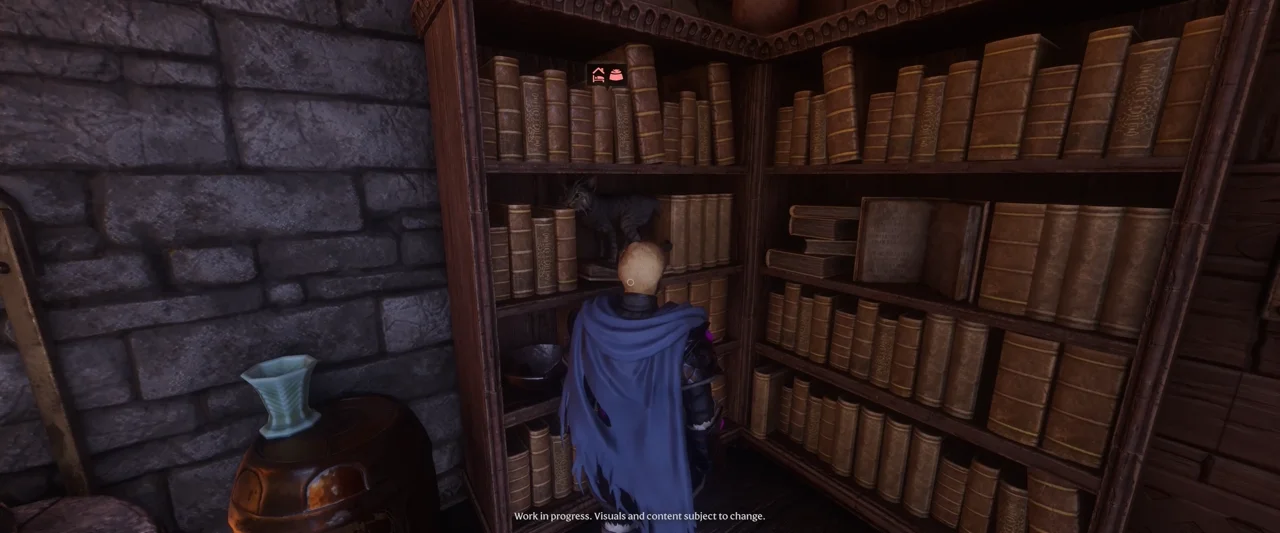
Start with the player state. An entry waiting behind another recording is different from an entry selected for immediate playback. A paused player is different from missing narration. Inspect those states before changing several audio settings at once.
Next check the relevant language. At the 1.0 launch, the developer lists English, German and Mandarin Chinese narration. Another interface language is not evidence that the same text has a recording in that language. Do not treat the absence of a promised future language as a broken download.
If playback stopped when a fight began, inspect the automatic-pause option before filing a bug report. When safe, check the playback widget and use your mapped pause/play action as needed. Keep the test simple: one known entry, one selected language, and one deliberate play command.
A useful habit for exploration
Use queued listening for familiar or relatively quiet routes, and manual pausing when the next encounter needs your attention. If the story matters to you, avoid collecting a long list while ignoring whether anything is actually playing. A quick player-state check is more useful than returning later to guess which text you missed.
For another returning-player check, see why your skill points need assigning again after 1.0.
Sources and version
Rules checked against Keen Games’ 1.0 release changelog, retrieved October 17, 2026. Images are frames from the publisher’s Quality of Life press video, rather than a personal playtest. The troubleshooting order and examples are editorial recommendations. Later updates can change menus and controls.