Planet Zoo 2 · Transport and trading
Animal still in storage, or unable to trade? Check the blocked stage
On this page
Animal moves need a Trade Centre connected to the main path network and an available caretaker or vet. Destination habitats need a valid perimeter and Staff Gate. Normal trading adds separate rules: a healthy, stable adult must be sent to the Trade Centre first.
Published October 21, 2026 · English PC interface · Official instructions checked October 21
Separate storage, transport and sale
An adopted animal enters Animal Storage; it has not already arrived in a habitat. An animal that can be moved is not automatically eligible for sale. Identify whether you need placement, a facility transfer or a player listing before changing buildings.
Storage is shared across zoos and has a capacity limit. Frontier ties increased capacity to Accreditation Tier; adding empty scenery buildings does not increase it.
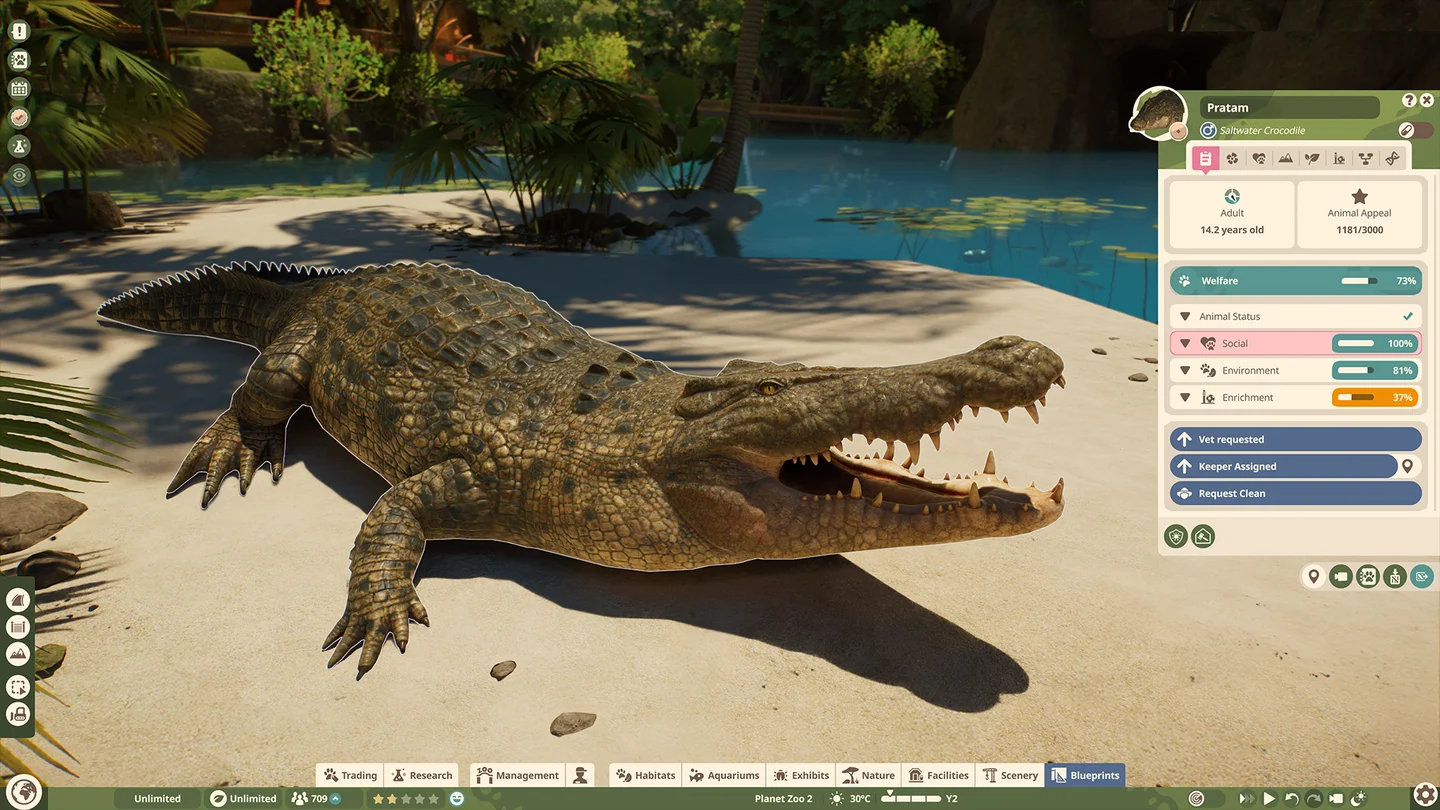
Trace the move to its destination
- Confirm a functional Trade Centre in the current location, connected to the main path network. Staff facilities also require power.
- Check for an available caretaker or vet. A keeper nearby is not proof someone is carrying the animal.
- For habitat placement, inspect the continuous barrier loop, its single Staff Gate and the path to it.
- Inspect the employee’s job, energy and route. A worker on another task differs from one visibly blocked at an entrance.
- Watch arrival and automatic unboxing. Selecting a destination is only the start.

Exhibit animals are different: with a Trade Centre, transfers to and from Exhibits happen instantly. Do not require a visible crate journey as the only evidence that this move succeeded.
Check trade eligibility separately
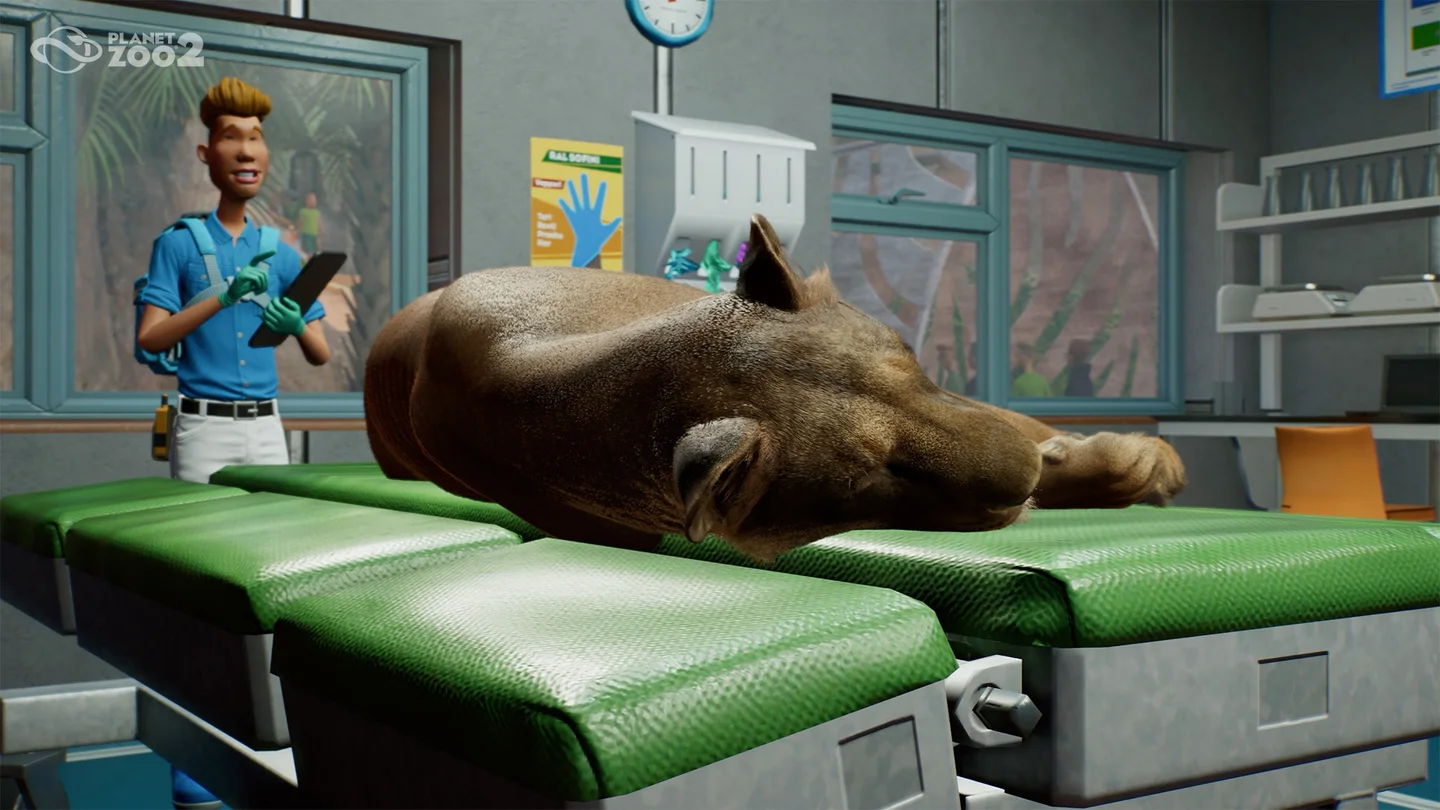
First send the animal to the Trade Centre. Normal trading excludes juveniles, gestating animals, elderly animals, and animals that are sick or injured.
| Current state | Next check |
|---|---|
| Juvenile | Species maturity timing; relocation does not make it tradeable |
| Gestating | Reproductive state; listing does not bypass pregnancy |
| Sick or injured | Veterinary care before reassessing eligibility |
| Healthy adult still in habitat | Transport to the Trade Centre before listing |
Choose the outcome you actually want
Franchise listings sell to other players for Conservation Credits; an expired unsold listing returns the animal to storage. Frontier distinguishes Quick Trade for Cash, Quick Release for Conservation Credits, and Rehome for a fee. Read the selected action and outcome before confirming.
If a move remains blocked, retain a save and capture animal status, Trade Centre connection, destination and worker task. That separates an access failure from a correctly enforced trading rule. For long staff journeys, use the work-zone guide.
Sources and version
Storage, transport and trade eligibility; Staff roles and facilities; Valid habitat gates. Checked against Frontier’s Planet Zoo 2 guides, not the first game. Screenshots are publisher examples, not our own playthrough. The diagnostic order is an editorial suggestion; check species-specific requirements in your current Zoopedia.