PUBG: BATTLEGROUNDS · PC Update 43.2
PUBG Playgrounds Grouping and Undo: Why G or Ctrl+Z Does Not Do What You Expect
On this page
In PC Playgrounds editing, use R to select 2–100 objects and G to group them. To ungroup, select one group and press G again; selecting multiple groups prevents that operation. Ctrl+Z and Ctrl+Y affect your own supported actions, with up to 50 actions retained, not every shared editor setting.
Published October 18, 2026 · PC changes live October 14; Console update scheduled October 22 · Playgrounds editing scope
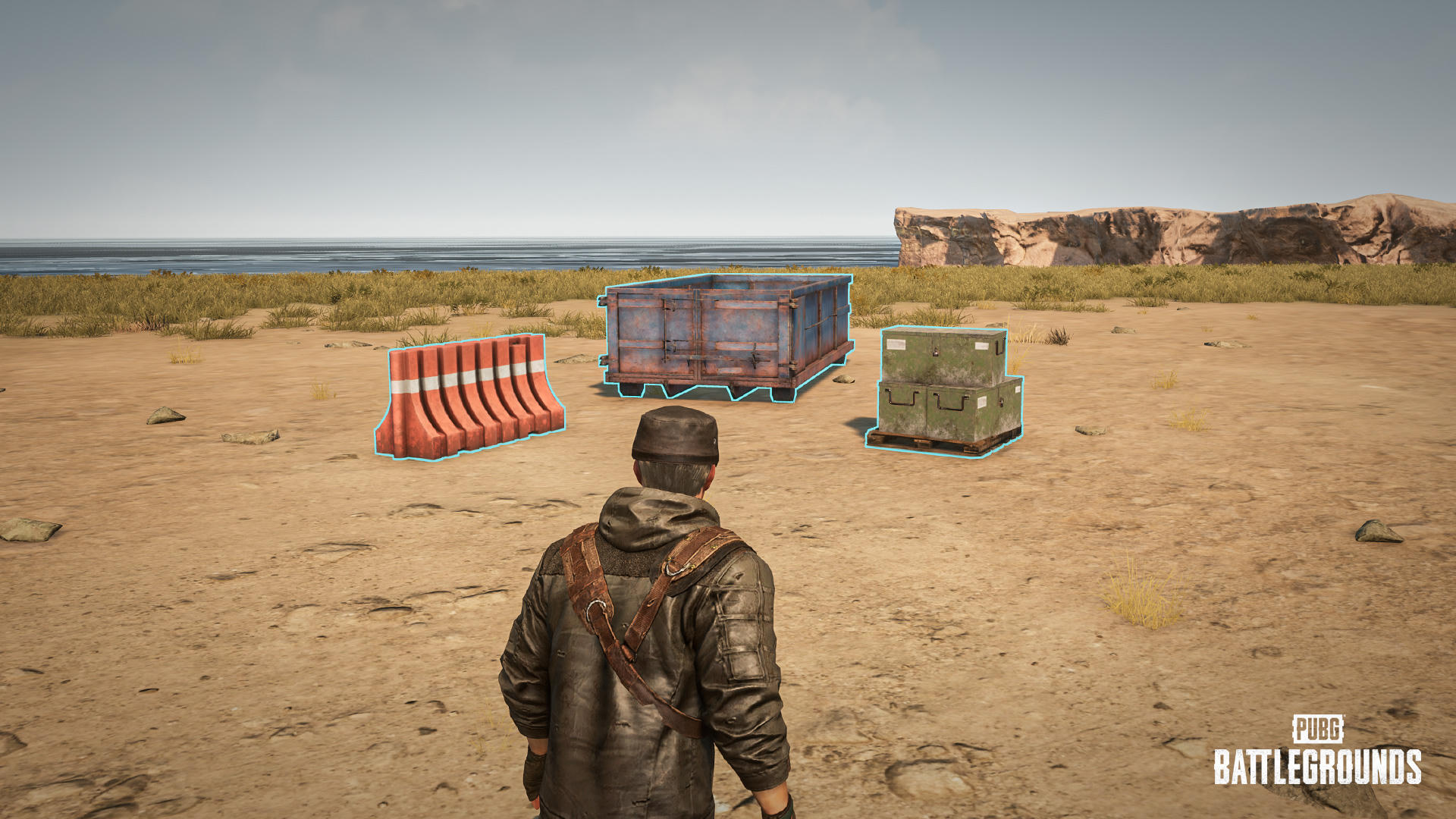
Check in this order
- Identify whether you selected individual objects, one group or several groups before pressing G.
- For a new group, select at least two and no more than one hundred objects using the documented multi-selection control.
- For ungrouping, isolate one group first. Do not repeatedly press G while multiple groups remain selected.
- Before moving or deleting, check whether the whole group is selected. Undo only the supported actions you performed yourself.
The operation depends on selection state
The same key has different outcomes for a valid multi-object selection and an existing group. A failure to ungroup may simply mean that two groups are selected. Read the outlines and isolate the intended group before diagnosing the key binding.
A group is a meaningful editing unit
Moving or deleting a grouped object affects the group. Existing groups can be nested into another group, so a selection may contain more than the single prop you noticed. Check membership before a destructive edit. Groups automatically dissolve when they contain one object or fewer.
Undo has a scope
The supported history includes object placement and device-setting changes. Editor Manager rules, game options and team settings are excluded. Each player has separate history, so your Ctrl+Z is not a general rollback button for another creator’s work. Confirm the owner and action type before relying on history.
A safe small test
Select two expendable props in a working copy, group them and move them once. Ungroup only that group, then compare the individual selection. This checks the selection workflow without risking the main structure. Do not change several editor settings and expect the same history operation to restore all of them.
Related answers
Sources and scope
The checking order and examples are independently written. Publisher images illustrate the named interface or object; they are not our gameplay tests. Images are credited under the Content Creation Guideline. All PUBG guides →