Valheim · Specific problem, practical next step
Valheim Achievements Not Unlocking: Old Saves and the Official Opt-In
On this page
Repeat the required action after installing 1.0 if you only completed it before the achievement tracker existed. If devcommands or mods block eligibility, hotfix 1.0.12 adds the official opt-in command yesiuseddevcommandsbutiwantmyachievementsanyway. Check your platform build rather than relying only on the launch FAQ’s original restriction.
Published October 18, 2026 · Current patch history reviewed
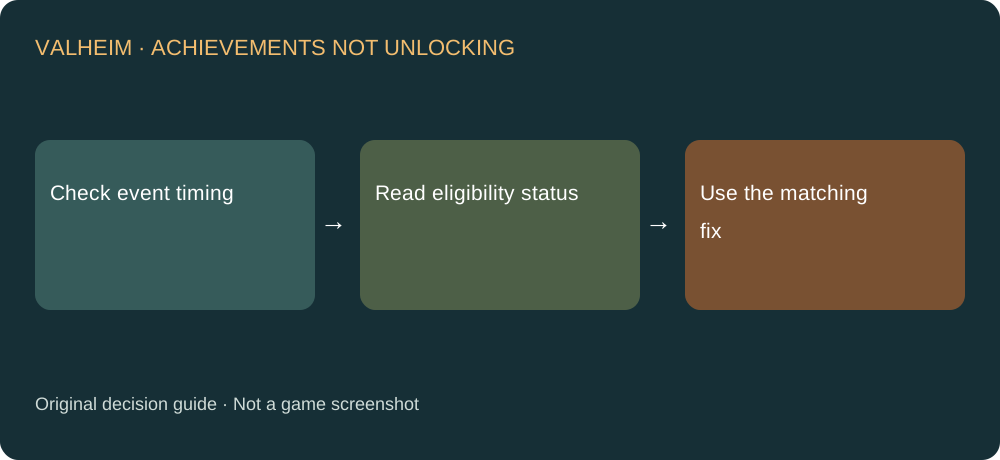
What to do first
- Identify the exact achievement and its progress or eligibility message. An unmet condition and disabled progress are different problems.
- For a boss killed before 1.0, repeat the required event after the update. Old actions are not retroactively counted by the launch tracker.
- If you deliberately want the official opt-in, check that your build includes it and enter the exact command in the game console: yesiuseddevcommandsbutiwantmyachievementsanyway.
- Check the resulting status before repeating an expensive task. Record platform, build and response if it is unavailable.
Read the patch history in order
The July FAQ describes the original restrictions. September’s hotfix adds a developer-supported choice. Opting into eligibility does not mean the achievement’s actual condition has been completed, and it is not proof that every old statistic will be imported.
Named achievements received separate fixes
Patch 1.0.16 fixes Child of Odin and a case of Comfort is King not unlocking, and excludes the unobtainable Blue Mushroom from The Gourmet. Update before following an old checklist that tells you to obtain that mushroom. The note does not promise that every incomplete achievement automatically unlocks on loading.
Keep the platform caveat precise
The hotfix initially labels the opt-in Steam-only, with other platforms to follow. That historical rollout statement does not establish availability on every platform today. Check the actual build and response; do not copy PC console-opening keystrokes into a console-platform guide.
Before deleting a character
Write down the achievement, whether its triggering event happened before or after 1.0, and the eligibility message. Preserve the save while investigating. Starting a new character before identifying the condition can add work without answering why the original attempt failed.
Sources and next steps
Steps and diagnostic comparisons are independently written. For a different problem, choose its specific answer in the Valheim guide directory. For lost equipment levels after conversion, see the backup recovery decision.