Warframe · PC 44.1 · Specific problem guide
Warframe Tau Prologue Missing? Codex Prerequisites and the Lua Crash Hotfix
On this page
Complete both The Hex and The Old Peace to see the Tau Prologue Series in the Codex after logging in on the relevant update. If the quest is available but entering the Dark Refractory during the Lua chapter crashes or performs severely poorly, check Hotfix 44.1.2.1. Missing access and that specific runtime fault are different problems.
Published October 18, 2026 · Launch rules checked through Hotfix 44.1.2.1 where relevant
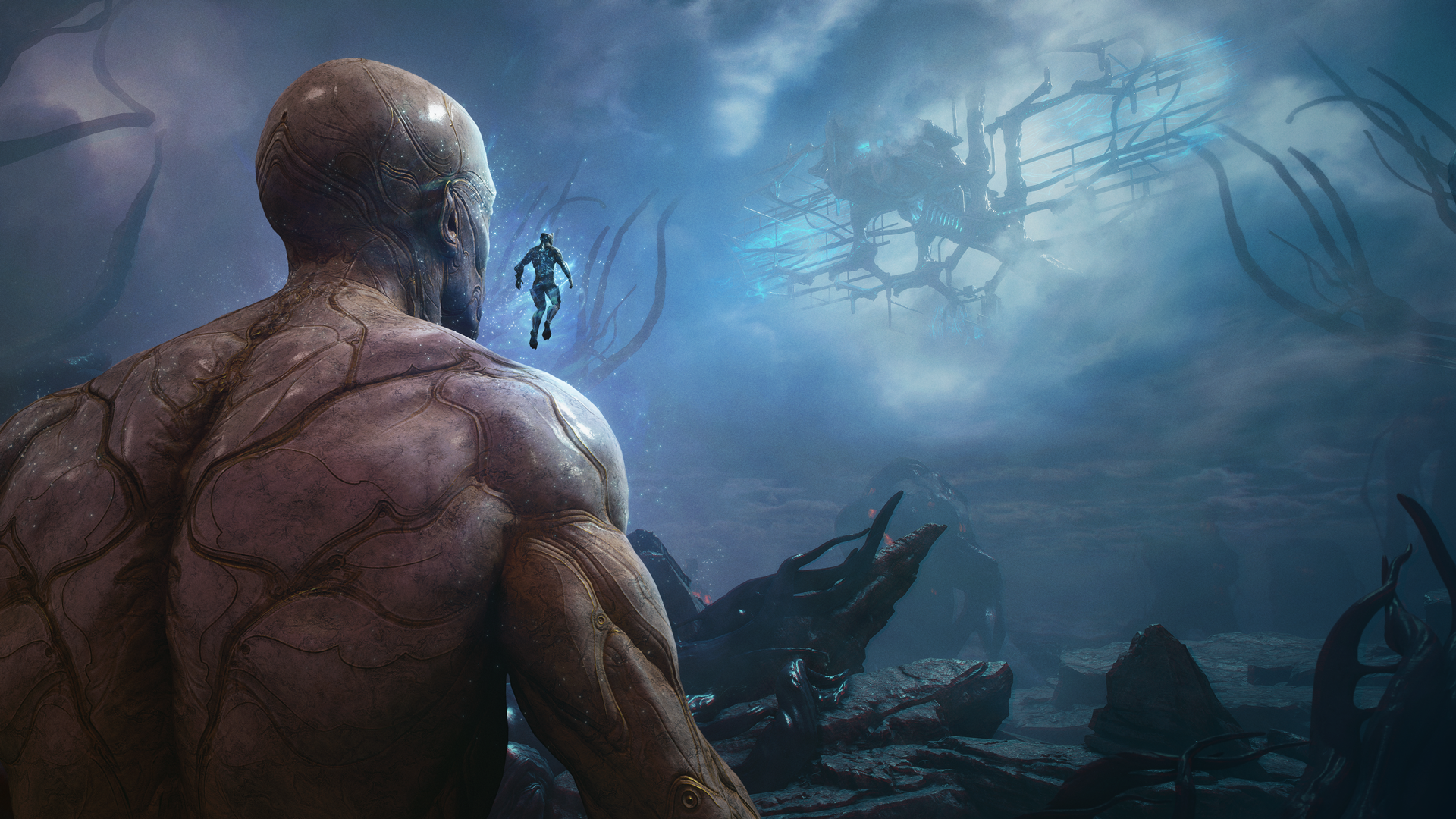
Do these checks in order
- Verify completion of both named prerequisite quests rather than relying on being far along in some other story branch.
- Check the installed version, then log in and inspect the Codex for the Prologue Series. Record the exact chapter that is absent.
- If the chapter starts, note the last location reached before failure. The Dark Refractory/Lua fault has a specific later hotfix.
- Update before retesting that sequence. Keep the build and failure stage if it continues; do not reinstall or reset story progress as an automatic first step.
Availability and a crash need different checks
If you never see the series, begin with prerequisites and update availability. If it appears and a chapter reaches the problematic location, repeating the prerequisite checklist will not address that runtime failure. A useful report says which stage works before describing the stage that fails.
The prologue is not a limited-time reward window
The October 15 notes describe the chapters as permanent main-story additions that are replayable. They also announce the separate Epoch Operation: Taubound. Do not infer that the story disappears on the event’s schedule, and do not import the event’s entry or reward rules into the Codex quest.
Keep the hotfix claim narrow
The 44.1.2.1 fix concerns crashing or severe performance issues on entering the Dark Refractory in the Lua prologue. It is not a blanket promise that all low frame rates, hardware limitations or unrelated quest crashes are solved. Compare the same transition after updating and keep other changes stable enough to interpret the result.
If you need to report a remaining fault
Record platform, complete version, chapter, last successful interaction and whether the failure happens every time. Include the error or crash record if available, after removing private account information. Keeping this sequence precise is more useful than deleting the save or describing every Tau-related activity as one broken quest.
Continue with the matching problem
Sources and version
The step order and examples are independent explanations of documented mechanics. Publisher pictures illustrate the described scene or interface; they are not our gameplay tests. Images are used in this freely accessible fan guide under the Warframe Content Policy. All Warframe guides →