Loftia · PC (Steam Early Access) · EA Patch #2 (Nov 10, 2026)
Loftia Can't Click Anything, Zone Freeze, Save File Location & EA Patch #2 Fixes
On this page
When Loftia refuses left-clicks or drops your HUD quest tracker, Alt+Tab back onto the game viewport, unplug any idle gamepad or toggle Steam Input under Steam Properties → Controller, and check whether opening the Tool Wheel or Menu Hub alongside pickup popups triggered the lock resolved in EA Patch #2 (November 10, 2026). All inventory, island structures, and quest flags persist server-side via Qloud Games rather than editable local files, while Unreal Engine configs, shader caches, and crash logs reside under %LocalAppData% on Windows.
Even gentle social MMOs encounter rough client edges during Early Access launch weeks, and Loftia players have hit three frustrating technical walls: a dead UI where the mouse glides freely across buttons that ignore left-clicks, endless transit screens entering social hubs or Showcase plots, and vanished corner quest trackers.
Separating local Windows focus bugs from server shard drops keeps you from panicking or wiping healthy local files unnecessarily. Between Patch #1 (November 6, 2026) and Patch #2 (November 10, 2026), Qloud Games closed multiple hard menu locks directly in code—including the Tool/Emote Wheel freeze, a lock triggered by picking up items right as the Menu Hub opens, heavy Friends panel hitching, and tricky terrain crevices.
Before blaming a broken save or trying to force-delete Steam files, run one 15-second animation check: look past the unresponsive UI at the in-game clock, leaves, or nearby players running through Dome City. If world animation keeps moving while buttons stay dead, you have a clean pointer or UI focus trap rather than an engine crash.
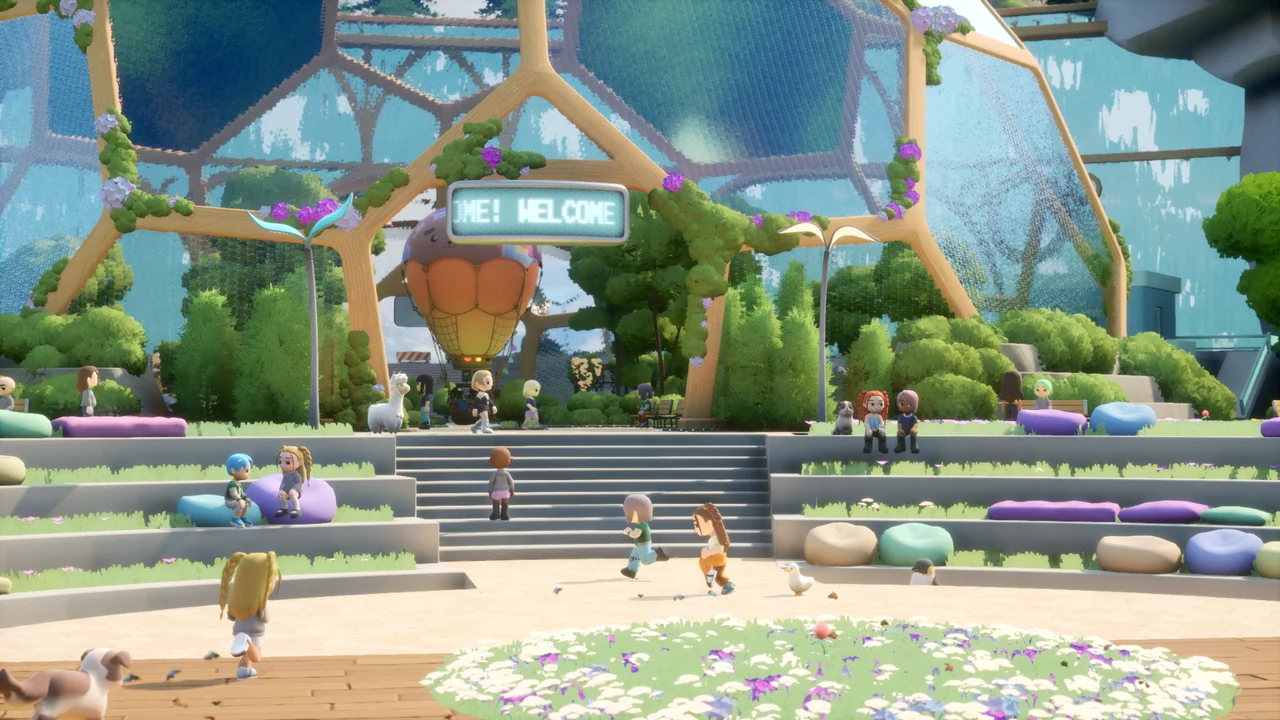
Fixing the "Can't Click Anything" Frozen UI & Disappearing HUD
Loftia's mouse-ignore behavior almost always points back to Unreal Engine losing exclusive pointer capture, dual keyboard/gamepad conflict in Steam Input, or an interrupted menu state left behind by pre-patch clients. Step cleanly through these five actions from fastest to deepest before reaching for Task Manager.
- Tap Escape & Refocus the Active Game Viewport: Press Esc once cleanly, hit
Alt+Tabout to your Desktop, and click squarely inside the active Loftia window instead of borderless edges or a second monitor. That single viewport click forces Windows to return mouse focus straight back to Unreal UI layers. - Unplug Drifting Gamepads or Turn Off Idle Controllers: Any plugged-in USB controller or asleep Bluetooth pad resting on a desk regularly feeds tiny 1% stick micro-inputs into Unreal UI listeners, flipping prompt glyphs from mouse back to gamepad mid-menu. If you actively use a controller inside Options and tabs stop scrolling, use the D-Pad rather than the left analog stick to jump categories cleanly.
- Toggle Steam Input Under Properties → Controller: Close Loftia cleanly, open your Steam Library → right-click Loftia → Properties → Controller, and switch between Enable Steam Input and Use default settings (Disable Steam Input). Conflicting controller wrappers routinely swallow hover states and mouse clicks right after closing the Steam Overlay.
- Verify Patch #2 Build Update (Tool Wheel & Pickup Locks): Prior to November 10, flipping open the Tool or Emote Wheel during screen transitions or looting world items simultaneously with hitting the Menu Hub froze UI buttons across the entire session. Confirm Steam downloaded Patch #2 so both locks stay dead permanently.
- Perform a Full Relog When Quest HUDs Disappear: When your corner quest tracker disappears without locking movement or inventory bags, crossing another district gate rarely restores missing HUD elements. Log completely back out to login and re-enter the world so the shard pushes clean objective UI widgets.
Note also for dual-monitor setups running Borderless Windowed mode: Steam friend toast notifications or Discord overlays sliding across screen corners can invisibly steal cursor focus mid-craft. Temporarily toggling full-screen mode or silencing overlay popups cuts repeat pointer lockouts immediately.
Desktop players who switch back and forth between desktop mouse setups and controller-first handheld play often carry sticky Steam Cloud input profiles across sessions. Whenever hover borders disappear or left-clicks suddenly stop opening crafting stations on desktop after handheld play, inspect Properties → Controller explicitly on PC so old controller mappings stop fighting mouse focus.
Patch #1 & Patch #2 Freeze, Lag & Map Recovery Matrix
Many loud crash and freeze complaints lingering in opening-week threads already shipped live client or server patches between November 6 and November 10. Match your exact symptom against this verified status sheet before wasting an hour troubleshooting patched bugs:
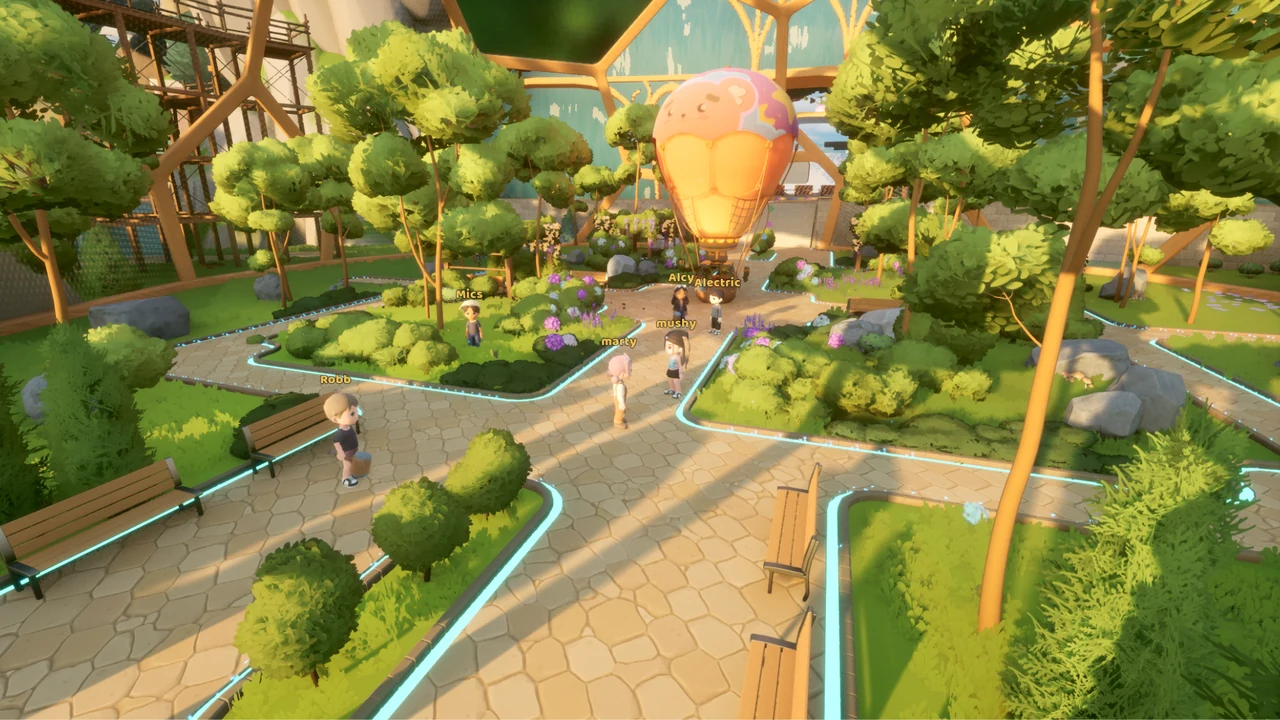
| Symptom / Broken District | Underlying Trigger | Patch #1 / Patch #2 Status & Workaround |
|---|---|---|
| Tool / Emote Wheel UI freeze | Opening radial wheel mid-interaction locked menu focus | Fixed in Patch #2 (Nov 10); ensure game updates completely on Steam |
| Menu Hub + Item Pickup soft-lock | Opening Menu Hub simultaneously with pickup toast notifications | Fixed in Patch #2 (Nov 10); client no longer drops pointer input |
| Friends Panel severe lag / stutter | Large friend lists hammering social sync packets | Patch #2 temporary 100-friend cap applied until deeper social rewrite |
| House Showcase endless loading | Timing out loading crowded showcase interiors | Addressed in Patch #1 (Nov 6); relog cleanly if shard handshake hangs past 45s |
| Hanging Gardens / Gridfall stuck spots & Overgrowth stutters | Terrain rock pockets and heavy underground cave meshes | Stuck pockets sealed + Overgrowth cave optimizations added in Patch #2 |
| Gridfall dance floor sprint crash / freeze | Sprinting across active dance plaza tiles triggers instability on some setups | Walk rather than sprinting across Gridfall's interactive dance plaza; report lingering dumps |
Pay extra attention to that 100-friend cap added inside Patch #2 if your social panel acts locked or stalls out when adding new town teammates. Qloud Games temporarily limited friend rosters at 100 entries on November 10 solely to eliminate heavy packet stalls blocking Friends menus across busy shards.
Co-Op Hub Crowd Stutters & Showcase Loading Etiquette
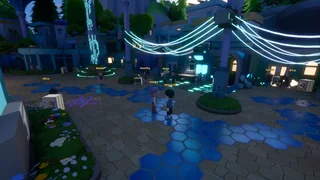
High-density social maps like Global Village campfires, packed Dome City transit plazas, and popular House Showcase builds naturally pull far heavier character rendering loads than private island plots. Before concluding your GPU or install broke mid-session during peak weekend traffic, watch how loading behavior behaves under normal shard stress:
- House Showcase Handshakes: Although Patch #1 resolved infinite load freezes entering Showcase plots, heavily crowded instances can still sit longer on initial handshakes. Wait cleanly through 30–40 seconds before quitting, and avoid Alt+Tabbing repeatedly while an island transfer is actively streaming assets.
- Gridfall Dance Floor Triggers: Several launch reports highlighted sudden locks triggered right when sprinting onto active dance tiles in Gridfall's plaza. Walk normally across lighted floor tiles when browsing shops or heading down toward Atlas and the Underworld drop hole until future hotfixes patch remaining movement-state edge cases.
- Crowded Campfires & Friends Menu Polling: Opening large Friends drawers repeatedly while dozens of players spam emotes beside a campfire magnifies UI hitching—step slightly away into calmer streets or hop back to Player Island first before sorting large social lists.
Loftia Save File Location vs. Server-Authoritative Persistence
Whenever a quest NPC hangs—such as Atlas and Mita in Gridfall refusing a dialogue turn-in—PC players naturally poke through their system folders expecting a manual local save slot to copy or revert. Because Loftia operates as a shared persistent online MMO, client files and game progress stay split cleanly in two places.
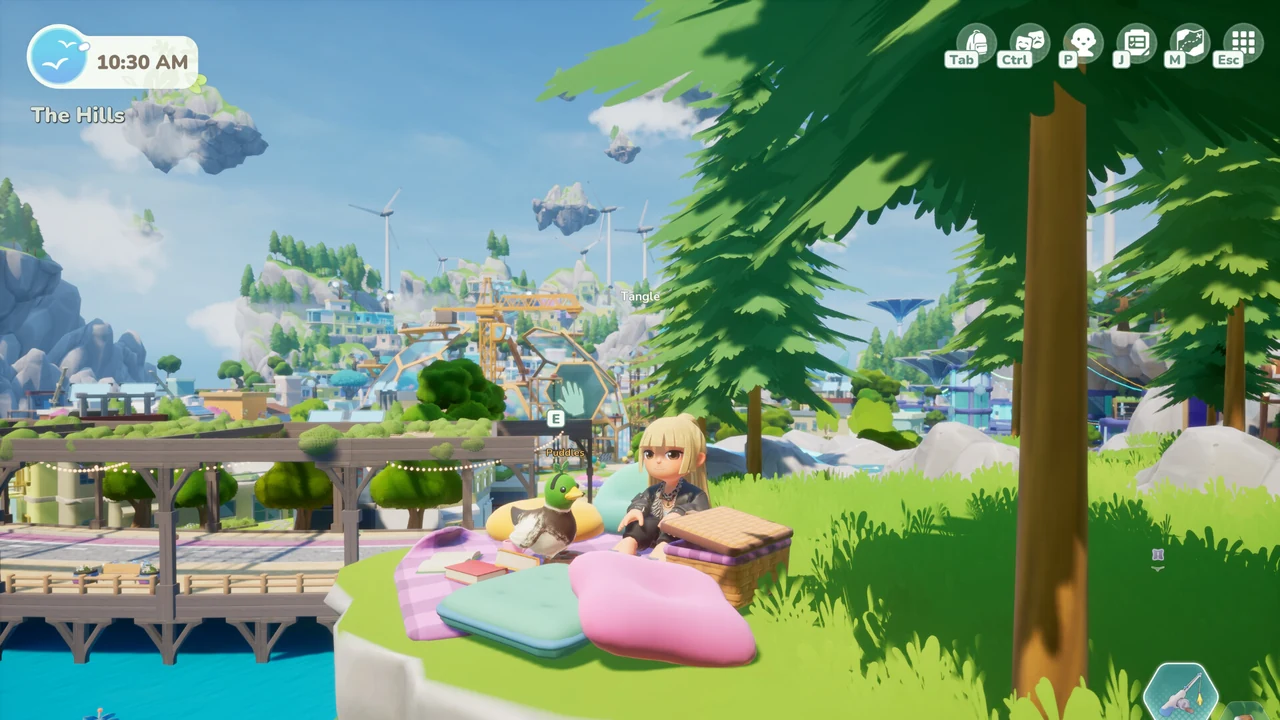
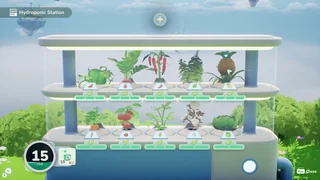
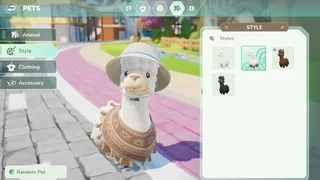
- Server-Authoritative Character & World State (Qloud Games Servers): Your backpack items, tools (Glider, Bounce Shoes, Rail Boots), Project Station upgrade tiers, Hydrofarm slots, Research Station checkmarks (Anadromous Odyssey, Electric Dreams), Pets (Shorthair Cat), and main quest steps live solely on Qloud Games' remote database. You cannot roll back a broken dialogue flag or back up island crops by copying a folder off your SSD.
- Local Configuration, Shader Caches & Session Logs (Windows
%LocalAppData%): PressWin + R, enter%LocalAppData%(and check%AppData%if tracing cross-roaming folders) to locate your local Qloud Games / Loftia Unreal Engine folder. Those files handle graphics presets (.inifiles), cached shaders, keybinds, crash dump telemetry, and plain-text runtime Logs. - Understanding Patch #2 Longer Launch Splashes & Shader Preloading: On November 10, Qloud Games introduced a dedicated Unreal launch splash screen together with expanded shader preloading on both Windows and Mac to smooth frame spikes inside zones like Overgrowth caves. Expect 20–30 seconds of splash screen warmup on your first boot after any Steam patch; closing the executable mid-compile forces incomplete caches and stuttering transitions.
Resetting Corrupted Video Settings Safely Without Harming Progress
If an awkward ultra-wide resolution, off-screen windowed frame, or black borderless render traps your menus completely out of clickable sight on launch, resetting local config files is completely safe for your character. First close Loftia completely via Steam or Alt+F4.
Open Win + R → %LocalAppData%, move only local graphics configuration INIs (leaving crash log exports copied onto your Desktop if you intend to file a ticket) into a backup folder, then right-click Loftia on Steam → Properties → Installed Files → Verify integrity of game files. Every quest flag, island plot, and Pet sits untouched on Qloud Games servers waiting for your next login.
While troubleshooting Windows display settings, remember to verify your Steam Update channel as well so automated Patch #2 shader caches line up with current servers. If a launcher sits stuck at older build IDs inside shared Steam folders, restarting Steam entirely clears stale content manifests before you load into heavy zones like Overgrowth.
Windows & Mac Shader Preloading vs. Hard Freeze Symptoms
Players upgrading onto Patch #2 occasionally mistake longer initial launch times for an unresponsive black window. When Qloud Games rolled out the dedicated startup splash screen paired with improved Windows and Mac shader preloading on November 10, initial post-patch compile passes moved earlier in startup so zones like Overgrowth caves run smoothly once loaded.
Distinguish healthy shader compilation from true freezes cleanly before killing the process. Watch Windows Task Manager disk or CPU activity for 20–30 seconds on first boot after an update; steady background activity during startup splash means shaders are caching smoothly onto drive folders inside %LocalAppData%. Once shader generation finishes on that initial launch, consecutive daily logins load straight into district transit screens noticeably faster without repeat warmup delays.
Recovering Desynced Battery Caps, Quests & Escalating Tickets
Most mid-game progression hiccups clear up on their own once you force a fresh district load or confirm you aren't missing an earlier story prerequisite. Run through this four-step triage routine before packing up logs for support:
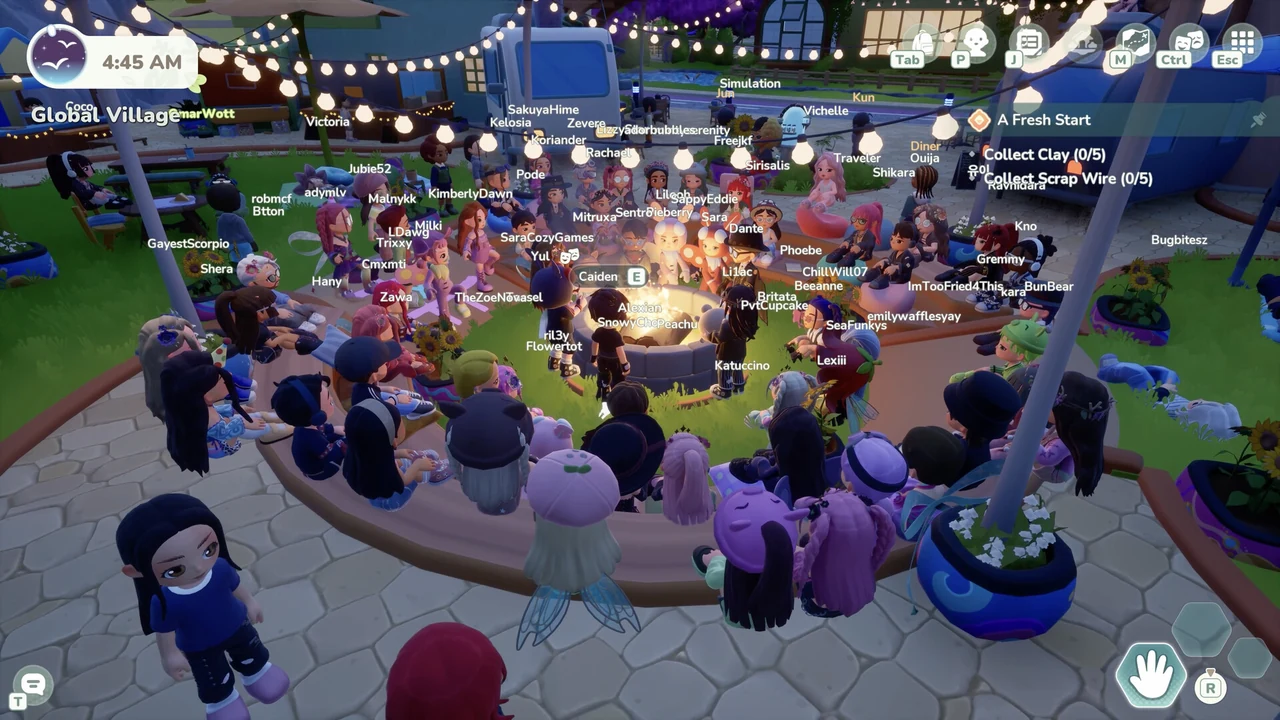
- Travel Between Districts to Trigger Server Re-Checks: Whenever your backpack Battery cap reads stuck below your unlocked tier, or an NPC stands unresponsive inside a crowded hub like Global Village or Dome City, fast-travel cleanly from Player Island to Loftia City and back. In Patch #1, Qloud Games attached automatic server-side Battery capacity self-correction directly onto logins and district hops.
- Cross-Check Silent Prerequisite Locks Before Assuming a Bug: Multiple seemingly muted quests merely enforce hidden prerequisite tasks: Milo and Ryder split the Glider pipeline cleanly; Mita waits for Field Notes and Loose Bolts before giving out the Urbex Key; and Joanna waits on Hanging Gardens' Notes From the Fauna before granting Fur Real?.
- Restart Client Cleanly After Every Hotfix or Maintenance Window: Leaving Loftia running idle across live server hotfixes guarantees stale inventory tables (especially around adjusted bundles like Fruit Trees, Community Farms crops, and Recycler quantities). Exit completely through Steam so updated data manifests load clean.
- Submit In-Game Bug Reports With Latest Log Timestamps: If a core flag like Your Daily Do-Good or a permanently stalled main story step stays stuck across district transfers and full restarts, use Loftia's built-in Bug Report button or reach Qloud Games support through loftia.gg with your character handle, current district, quest title, and recent
%LocalAppData%log excerpts.
Hold off on wiping and reinstalling the whole Steam folder whenever a single HUD bar disappears or a district load hangs. Because character flags, tool upgrades, and inventories live on remote Qloud Games shards rather than local hard drives, uninstalling twenty gigabytes rarely repairs a stuck dialogue flag while costing half an hour of downloads; verify game files first and isolate UI overlay locks cleanly.
Frequently Asked Questions
Why can't I click buttons in Loftia even though my mouse cursor still moves?
This usually stems from losing Unreal viewport focus, an active controller or stick drift hijacking Steam Input prompts, or an older pre-Patch #2 Menu Hub lock triggered during item pickups or Tool Wheel switches. Update to Patch #2, unplug idle gamepads, toggle Steam Input under Steam Properties, and Alt+Tab cleanly back into the window.
Where are Loftia's save files on Windows PC—and can I roll back a bugged quest?
Character inventory, quests, island plots, and pets are stored remotely on Qloud Games' servers rather than local save slots, so manual local rollbacks are impossible. Local graphics INIs, shader caches, and session crash logs live inside Windows %LocalAppData% (opened via Win + R).
Why won't Loftia let me add more than 100 friends after Patch #2?
Qloud Games introduced a temporary 100-friend cap on November 10, 2026 inside Patch #2 to stop severe lag spikes whenever players opened crowded Friends panels. The limit stays in place temporarily until social synchronization is optimized further.
Why does Loftia take longer on launch before the title screen appears now?
Patch #2 added a startup splash screen paired with broader shader preloading on Windows and Mac to smooth frame transitions inside districts like Overgrowth caves and Global Village. Wait 20–30 seconds after updates instead of force-closing early during shader compilation.
How do I restore missing HUD quest trackers or a glitched Battery limit?
Perform a full logout to the title screen and log back in to restore missing HUD widgets, or travel cleanly between two districts—Patch #1 wired automatic Battery tier correction straight into both login and district changes.
Sources & Patch Verification
Every quest prerequisite, crafting recipe, station unlock, and bug workaround in this guide reflects Qloud Games’ live Early Access client through Patch #2 (November 10, 2026), verified against the Loftia Steam announcements and official developer documentation (Loftia EA Patch #1 & Patch #2 Patch Notes · Official Early Access Overview · Qloud Games Press Kit).
All Loftia guides → · Valheim progression guides → · Enshrouded building guides → · Browse all game hubs →