Mycopunk · 1.0
Mycopunk Population Control: Next Site and Extraction
On this page
Follow the active site, wait when the HUD says “Wait for the next site,” then board during extraction. Under the 1.0 rule, the mission fails if nobody successfully enters the Drop Pod.
Read the Population Control briefing before dropping
Population Control sends you to clear areas with high enemy density. The task moves through sites before the extraction phase, so keep the objective text visible as you fight. When that text changes, use the new instruction to decide whether to stay, move or head for the Drop Pod.
Before launching, inspect the mission briefing for the region, threat level and active modifier. The illustrated run below takes place on Gravity Farms at threat level 2 with Crash Test Dummy active. Your own selection can present different conditions, so read its card before choosing a loadout.
Crash Test Dummy rewards movement with progress toward its benefit. That changes how the illustrated fight feels, especially when the player crosses the hills between enemies. If you compare your damage or survival with a recording, check the modifier first so you can account for that difference.
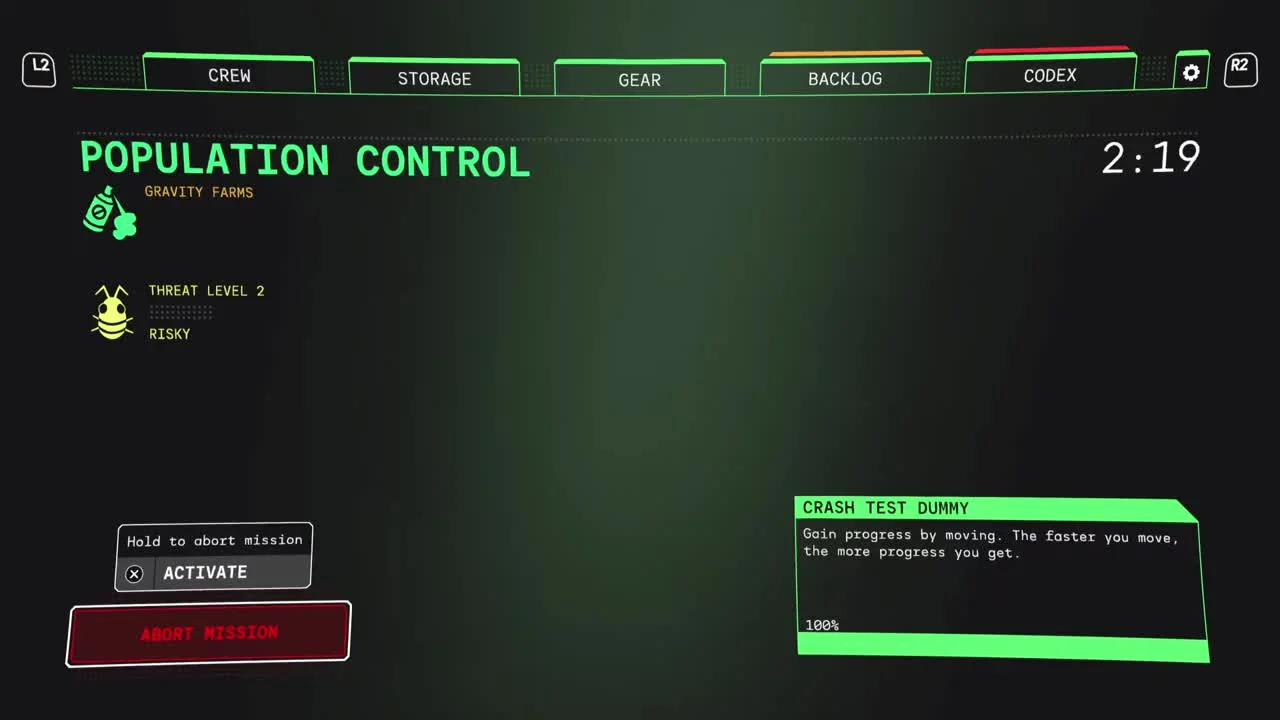
Bring a weapon that handles nearby groups and a familiar option for targets outside that weapon’s comfortable range. The Diffraction Driver’s wide and focused cones offer one way to cover those changes in distance. Use the employee whose movement you can control reliably while reading the next objective.
Clear the active site while watching the objective
On the ground, locate the current objective marker and approach the active encounter. Fight with enough space behind you to move away from the group. A hill, wall or other terrain can interrupt your view of the objective, so glance at the marker again whenever you reposition.
Keep the enemy group in view while crossing the edge of the fight. In the example, the terrain is open and uneven, with enemies and projectiles arriving across the grass. Remaining in one low spot makes it harder to see an approach over the next rise; moving along the slope gives you a clearer view of the field.
Clear immediate threats before settling into a long reload or inspecting an upgrade. When several enemies are close, create space first and use that opening to reload. If you switch to a focused attack for a distant target, look back toward the nearby group before committing to another shot.
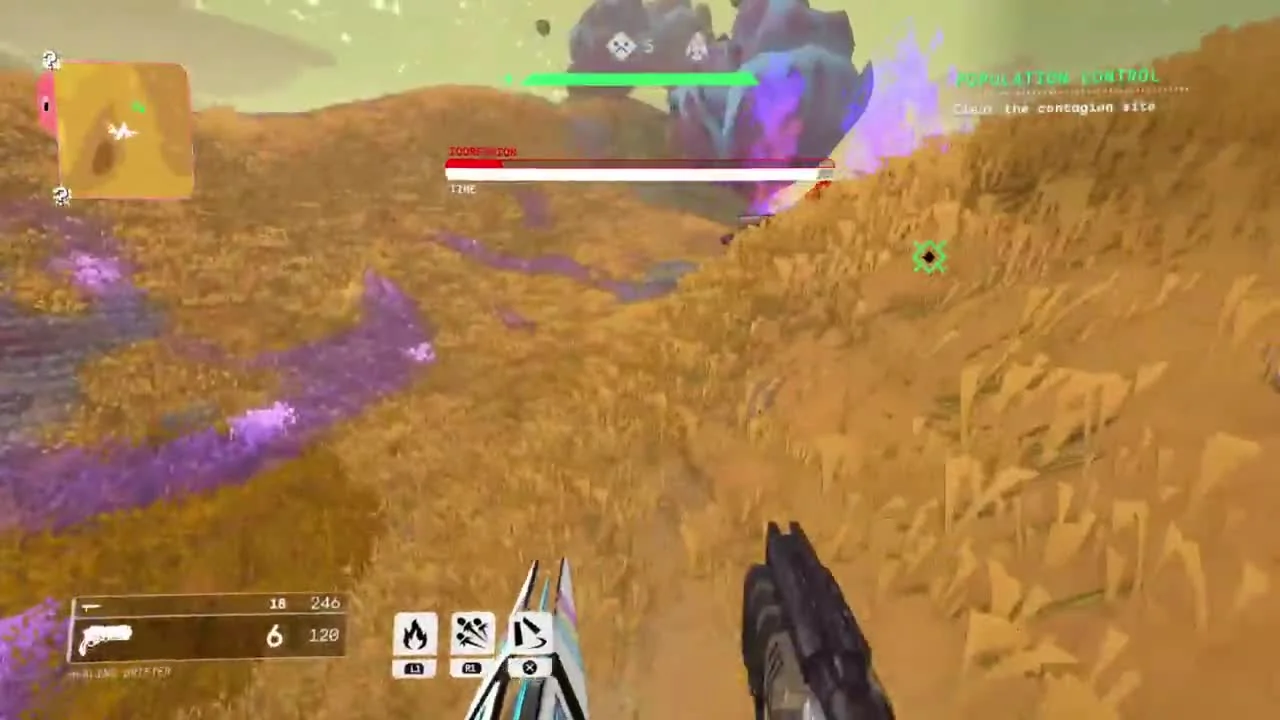
The mission can include Abominations. Give a large enemy room while watching the task text, since the combat can remain busy as the objective advances. A boss health bar draws attention to the enemy, but the objective instruction still tells you what the mission is asking you to do next.
For a group, call out the next marker as soon as it becomes active. A teammate looking down a weapon sight may miss the transition. Keeping everyone aware of the same objective reduces the chance that one player continues clearing an old position while the others have already moved away.
What “Wait for the next site” means
The illustrated run changes to “Wait for the next site” during Population Control. At that point, the current instruction is to wait for the next encounter to become available. Use the interval to reload, collect yourself and get a clear view of the surroundings.
Remain ready for another fight instead of opening the abort prompt. You can check the objective text again while repositioning on safe ground. When the instruction changes and a destination is available, follow that new marker rather than continuing to circle the previous site.
| Objective text | Next action | Useful check |
|---|---|---|
| Active Population Control site | Fight at the marked encounter | Enemy approach and current marker |
| Wait for the next site | Reload and watch for the next instruction | Upper-right objective text |
| Reach the Drop Pod | Travel toward extraction | Pod marker and route |
| Enter the Drop Pod | Get inside the landed pod | Entry position and surviving teammates |
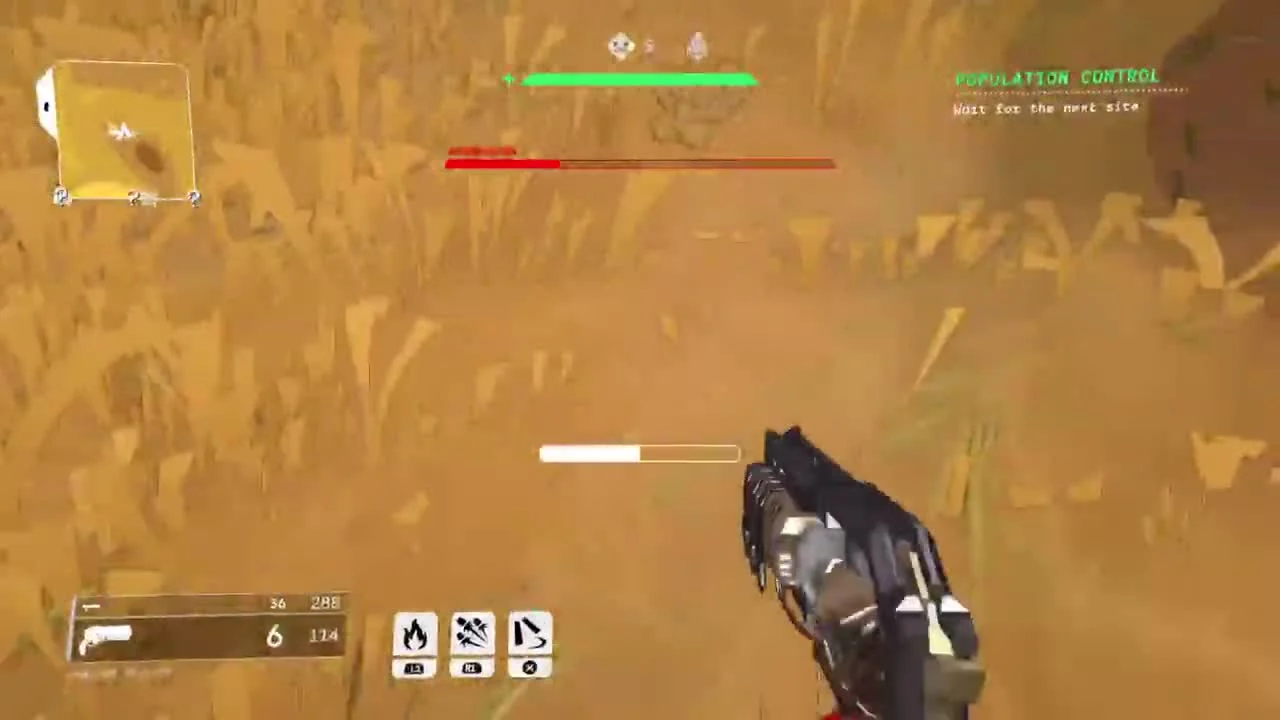
If you lose track of the mission during a crowded fight, pause your attack long enough to read that panel from a safer position. Identify the exact instruction before choosing a direction. This is especially useful after being knocked away from the group or following an enemy behind a hill.
Reach the pod when extraction becomes available
Once the instruction becomes “Reach the Drop Pod,” start moving toward its marker. Plan the route around the terrain in front of you and use your employee’s movement ability where you already know it will carry you safely. Keep enough control to correct your approach near the landing area.
Tell teammates that extraction has started before crossing the map. A player still fighting at the old site may otherwise continue spending ammunition there. If someone is down or separated, make the decision about helping them while you still have a route to the pod.
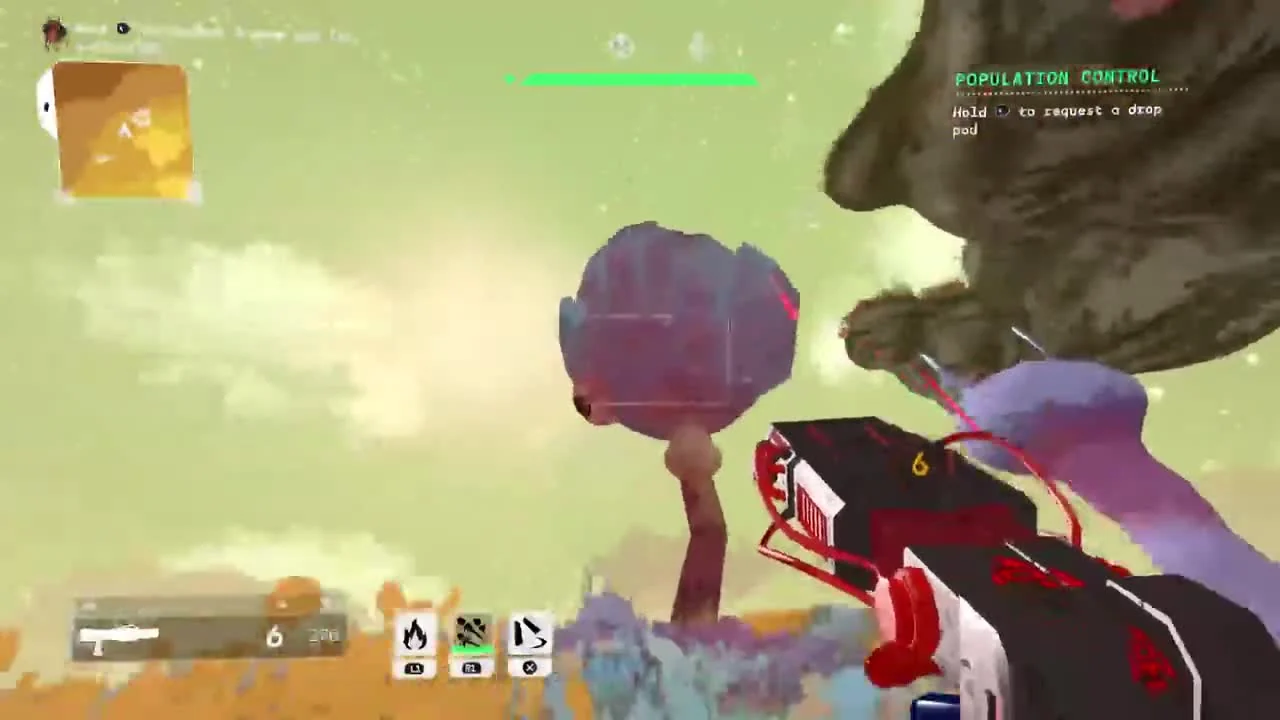
Let the pod finish landing before trying to jump through it. Patch 2.0.3 fixed a bug that could kill a player who jumped inside at the moment it landed. Updating removes that documented bug, and a settled landing also makes the entrance easier to judge during a busy fight.
Move through the entrance when the task says “Enter the Drop Pod.” In the recorded example, a large enemy remains nearby during this stage. Keep using the entry prompt and the pod’s position to finish extracting while dealing with whatever immediate danger blocks the entrance.
Version 1.0 added an important failure condition: the mission fails if nobody successfully gets into the pod. Make sure a surviving player actually boards. If you are the last player with a clear route, reaching the entrance is the urgent action that can still preserve the mission.
Check these points before restarting a run
If the task seems stuck, read the current instruction and identify which stage it names. “Wait for the next site” calls for a different response from “Enter the Drop Pod.” Move to a safer viewpoint, watch for the objective change and keep the team together while checking it.
If you are repeatedly overwhelmed, inspect the mission’s threat level and modifier before trying again. Keep the same familiar loadout while changing one condition, then compare how the encounter plays. For an upgrade that became weaker after reshaping, check the current Pattern Infusion rules before increasing the threat again.
If you reach extraction but still fail, review whether anyone got inside the pod. The marker can bring you to the correct location while enemies keep you outside the entrance. Next time, call the boarding step clearly and give at least one survivor a direct approach to the door.
After returning to the HUB, use the mission result to confirm the run’s outcome before launching again. Keep any troubleshooting notes specific: objective text, modifier, threat level, installed patch and what happened at boarding. Those details distinguish an encounter that needs a different approach from a repeatable problem worth reporting.
Sources
Pigeons at Play: 1.0 release notes · Patch 2.0.2 · Patch 2.0.3.