Rust PC · Industrial automation
Rust Locker Automation Only Reaches One Compartment: Check the Storage Adaptor
On this page
The locker is a special case: one Storage Adaptor accesses one partition rather than the entire locker. Facepunch’s industrial explanation calls for three adaptors to reach all three partitions. First check which partition the working connection serves.
Published October 18, 2026 · Developer revisions and current item references reviewed
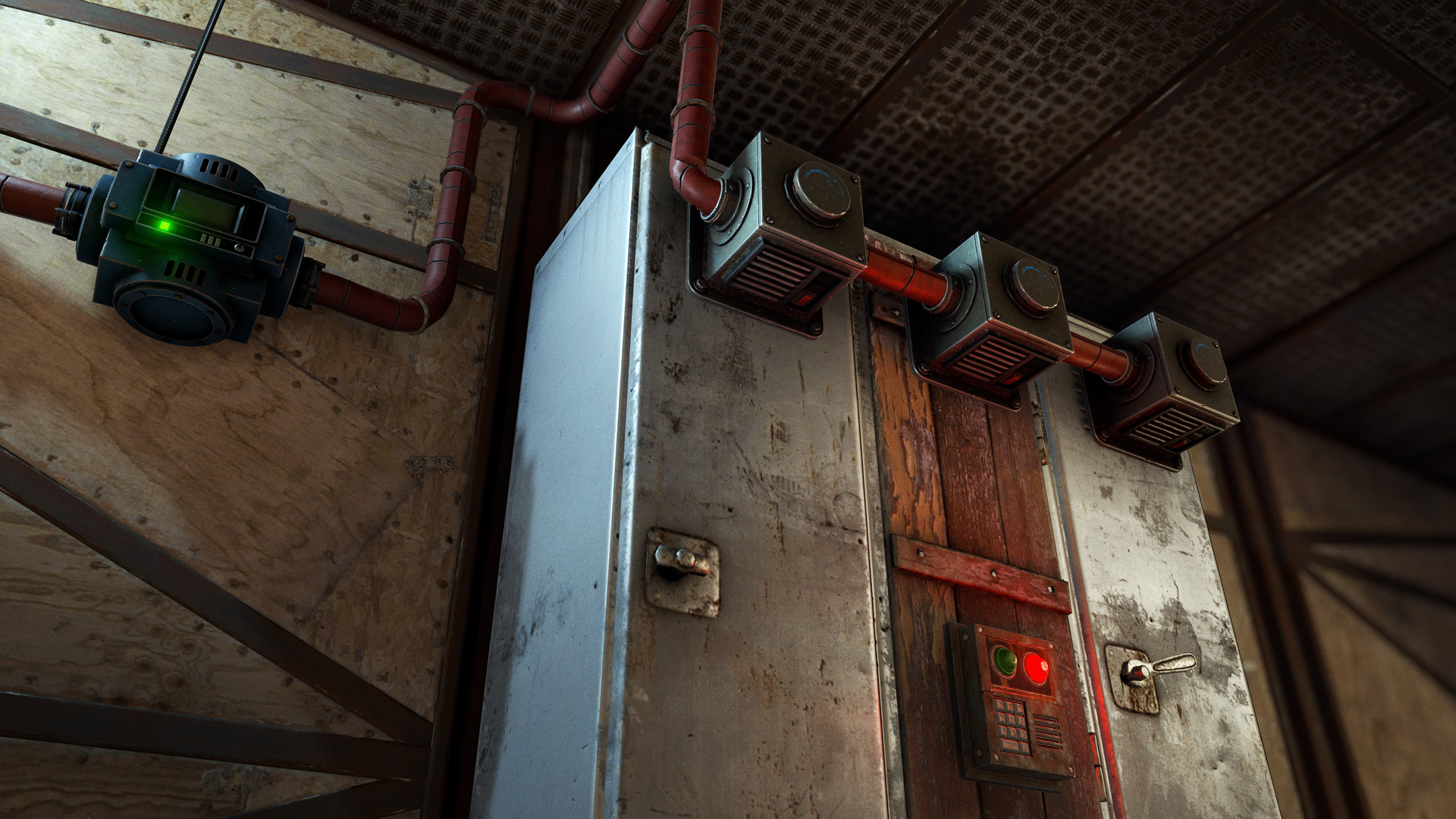
Build the smallest useful test first
- Place one identifiable low-value item in each partition. Record the three starting locations before enabling transfers.
- Test the first adaptor without unrelated destinations. Observe which partition changes.
- Build the remaining partition connections deliberately, then check industrial input and output direction on each one.
- Restore item filters and any quantity policy only after every intended compartment is reachable.
A controlled example
If equipment from one partition moves correctly while the other two remain unchanged, that is evidence that part of the route works. It is not enough to conclude that the conveyor recognizes only one equipment category. Move the same test item between compartments to separate a partition-access question from an item-filter question.
Make the system serve the actual goal
A locker layout often carries a restocking policy as well as a transport route. Decide which kit belongs in each partition and which items should remain untouched. Test access first and replenishment second. Otherwise a working connection to the wrong partition can appear to be successful while preparing the wrong equipment set.
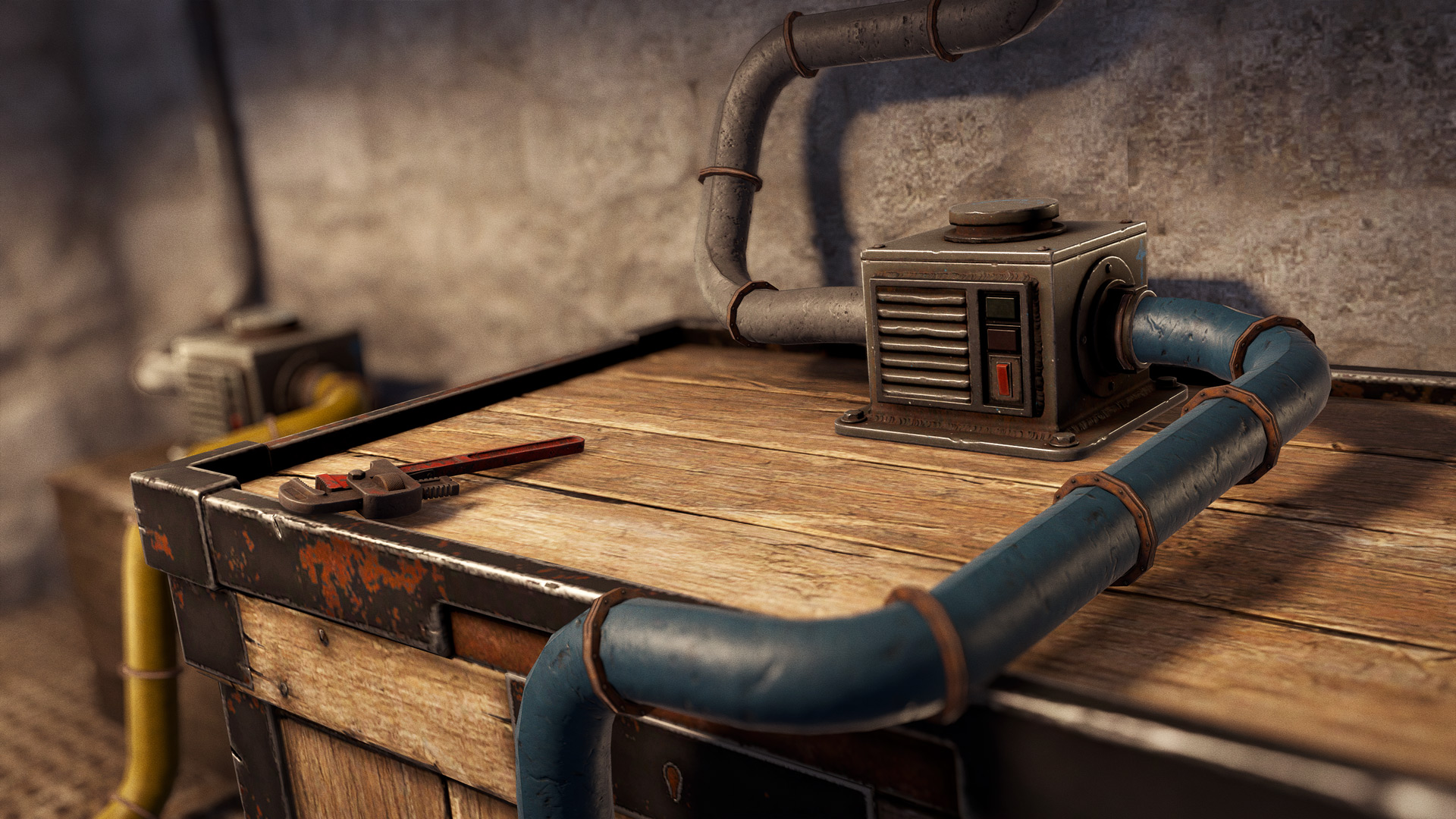
Match the symptom to the next check
| What you see | What to check |
|---|---|
| Only one kit is restocked | Map the adaptor to its actual partition. |
| Changing filters does nothing | Test the same item in the reachable and unreachable partitions. |
| An item disappears into the wrong destination | Inspect direction and connected outputs before changing the locker contents again. |
Version and setup limits
No adaptor power budget is asserted here: the historical developer introduction and retrieved generated item fields do not agree cleanly on that detail. Follow the live device inspection for power planning.
Keep a note of the server and the one setting changed between observations. A modified server can differ from the default design; a historical demonstration is not a measurement of the installation in front of you. Restore the full line in stages after the isolated test works, checking the destination stock after each stage rather than assuming every new connection preserves the result.
Sources
Retrieved October 18, 2026. The troubleshooting order and arithmetic examples are independently written editorial guidance, not a personal gameplay test or a guaranteed server result.