We Were Here Tomorrow · Co-op puzzle · Spoilers
We Were Here Tomorrow Glove Training: All Cable Targets
On this page
Weight the red floor plate, hit the yellow wall button with goop and place a cube on the elevated blue target. Follow each cable back to its indicator; the green line leads to the powered exit. At Magnetronic Transit, get both players onto the long handle and pull together.
Collect the prototype gloves and identify their functions
After the shrinking laboratory, continue to the prototype area marked CAUTION: SUIT UP BEFORE ENTERING. The explorers receive complementary tools: one places goop cubes and the other hooks or pulls objects. Name the roles by those actions before starting the tests so a suit colour does not become confused with a cable colour.
Check the on-screen prompts for placing, aiming and recalling the current goop. Use the recall binding shown for your input device when a misplaced cube blocks the next attempt. Have the partner identify the Hook Gun’s reachable control and observe what happens when it is pulled. Try the goop placement and recall prompts where both players can see the result, then move on to the lift and the coloured-cable tests together.
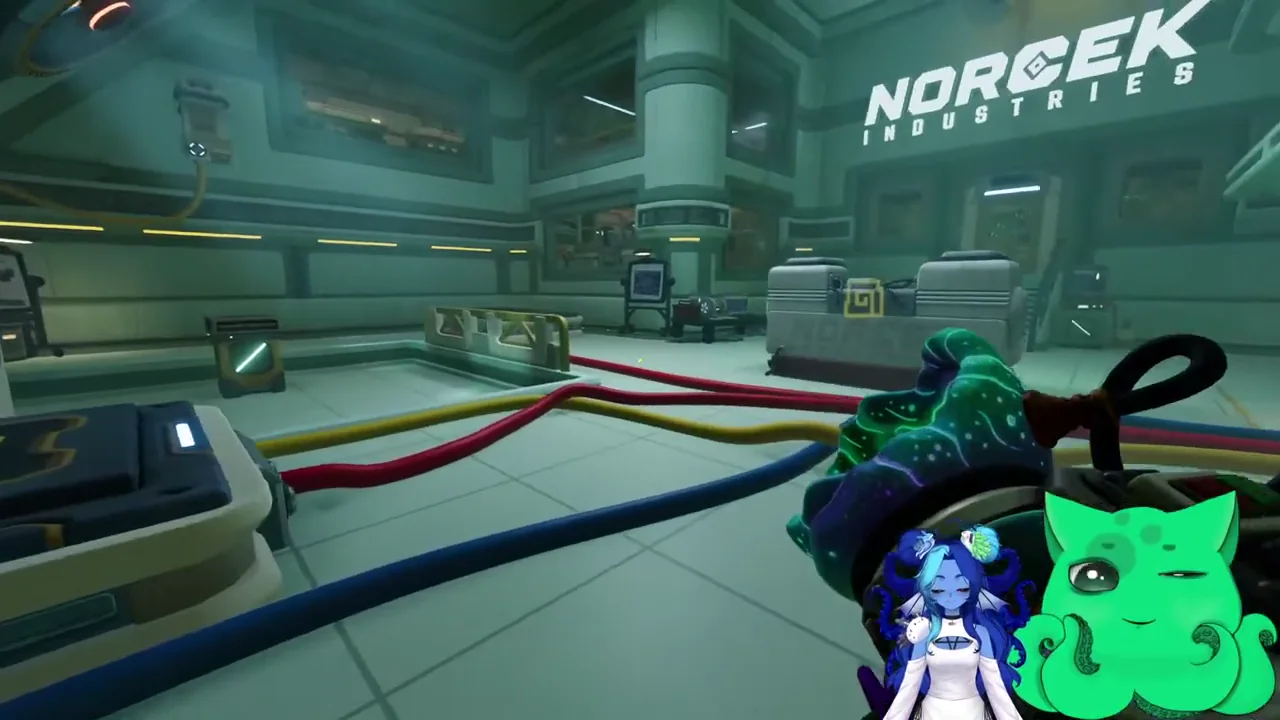
At the initial lift, one explorer needs to ride while the other activates the remote button. Use the goop tool on the button rather than repeatedly attempting to press an unreachable wall control by hand. Confirm the rider is aboard before triggering the movement, then wait for the lift to arrive before changing the supporting setup.
| Tool check | What to observe | Why it matters |
|---|---|---|
| Aiming a goop shot | The receiving button or surface is visible | A shot on the adjacent wall misses the device |
| Using a cube as a step | The partner reaches a fixed ledge | The temporary foothold must remain until the climb finishes |
| Recalling goop | Which supported surface or target becomes empty | Removing the support can undo an input or strand the climber |
For each new device, let the observing player report the result before firing again. This creates a clear link between the last shot and the light or platform that changed, especially when several coloured cables cross the same part of the floor.
Trace each coloured cable to its endpoint
In the main test room, follow the cables from the indicator area to the floor or wall device each one serves. Look around corners and upward where a cable climbs the wall. Identify the red floor plate, the yellow wall button and the elevated target reached by the blue cable. The green line belongs to the door’s resulting power state.
| Cable | Endpoint to find | Co-op job |
|---|---|---|
| Red | Weighted floor plate | Put the required weight on the plate and observe its indicator |
| Yellow | Wall-mounted button | Hit the remote button with the goop tool |
| Blue | Elevated target | Use the ledge route to place a cube on the high target |
| Green | Exit power line | Check the door after the required inputs are active |
Agree on one device per callout. “Yellow wall button” tells the partner both the colour and the object; “over there” depends on a camera angle they cannot see. After an action, have the player near the indicator confirm which light changed before beginning another input.
Activate the floor plate and remote wall button
Stand on the red-cable plate and check its response. Where the test requires more weight than one explorer supplies, use the partner’s goop on the standing explorer to increase their effective weight. Keep the standing player on the plate while observing the indicator, then confirm that the red input has registered.
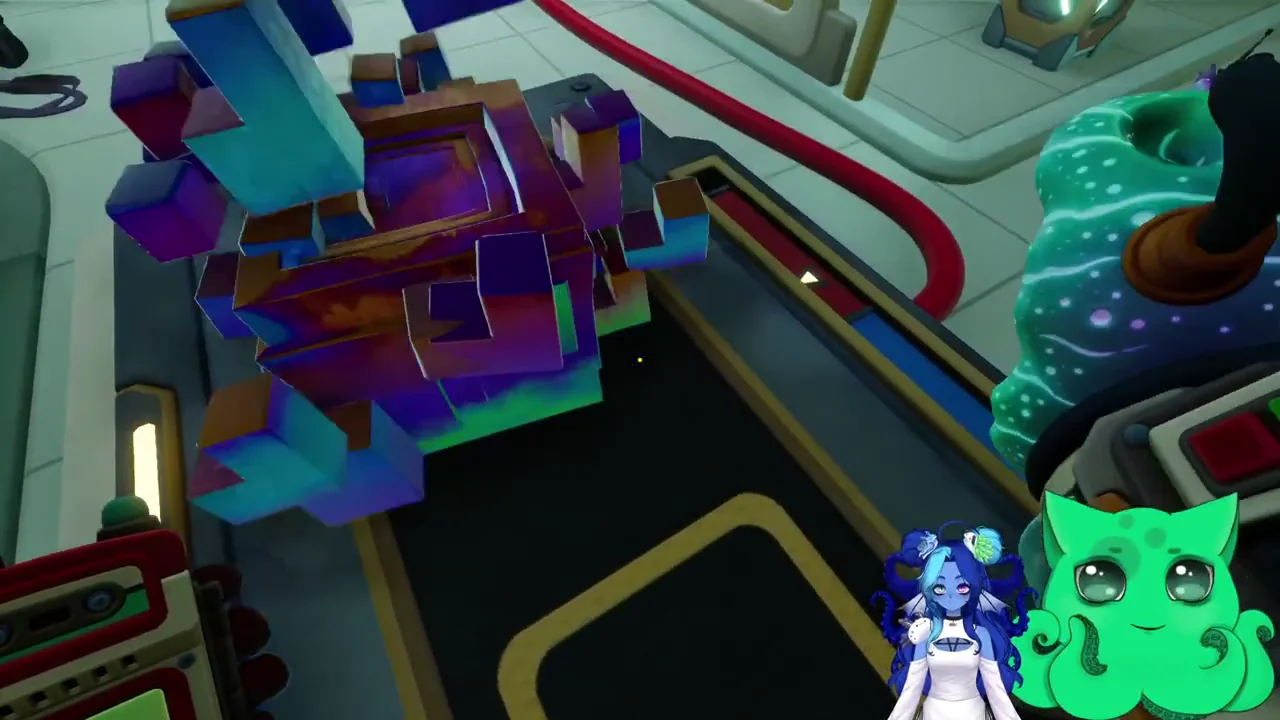
If the plate still does not register, check that the explorer is fully on the marked surface and that the goop interaction reached the intended player. Let the operator describe the visible response before repeating the shot. Have the standing explorer settle fully onto the marked plate first. The partner then applies goop to that explorer while watching for the red indicator’s response.
For the yellow input, follow the cable to its wall button. Aim the goop tool at the button and fire, then ask the partner watching the indicators to confirm yellow. If the shot lands on the surrounding wall, adjust the aim from a position where the target face is clearly visible. Confirm the actual input before recalling or moving to a new platform.
Reach the ledge and feed the elevated blue target
The blue cable goes to a target above ordinary standing reach. Look for the upward route near the door and the wall arrows marking the climb. Place a cube so the traveling explorer can use it as a step, then have that explorer climb onto the ledge before changing or recalling the temporary foothold.
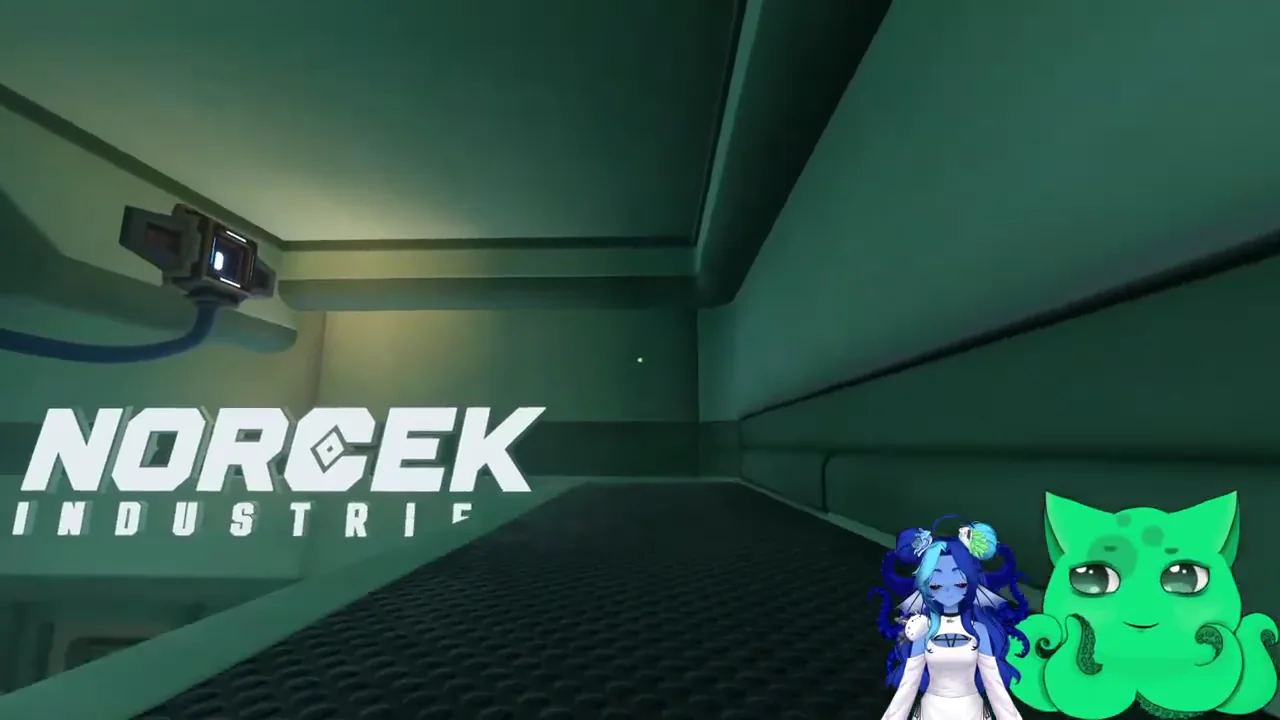
From the usable firing position, place the cube on the high target. From the ledge, look directly at the high target and aim the cube onto its receiving surface. The blue indicator should respond to the cube landing there; reaching the ledge only puts you within range. Call “on the ledge,” then “blue target supplied,” as separate completion checks.
If a new cube cannot be placed, check the current tool’s limit and recall prompt. Finish the partner’s crossing before recalling the cube that supports them. The safest handoff is a clear confirmation that the climber is standing on the fixed ledge and no longer needs the temporary step.
If the climb repeatedly misses, inspect the placement of the first cube and the edge you are trying to grab. Reposition the step to serve the actual ledge, then try the same short climb again. Avoid adding unrelated shots around the room while the partner is still identifying where the useful foothold should be.
Confirm the exit and start Magnetronic Transit together
Return to the indicator area and check the required red, yellow and blue inputs. Follow the green cable to the exit and inspect the door response. If it remains closed, identify the missing input by its light and return to that device. If blue is the unlit indicator, return to the ledge and check the cube on the high target. Leave a working yellow button alone while you correct the blue input.
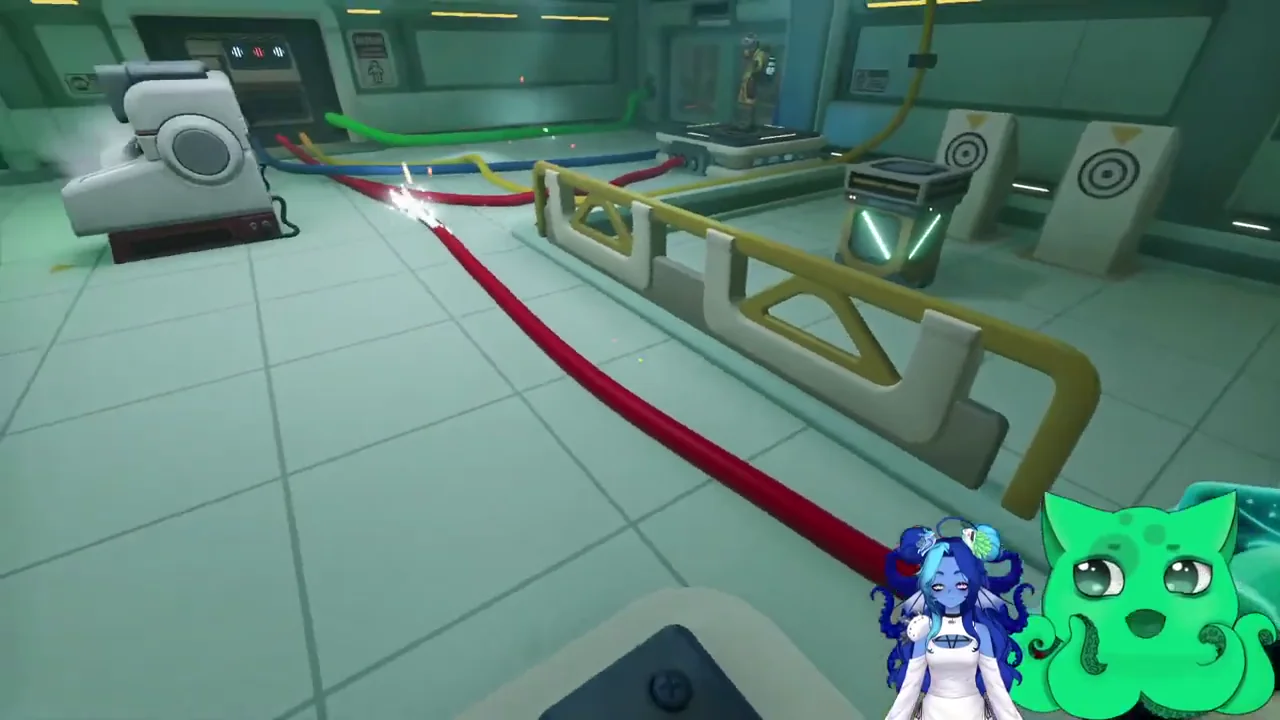
At Magnetronic Transit, both explorers operate the long pull handle together. Get both players into position, count down and pull rather than push. Confirm that each player is using their own side of the shared interaction before repeating it. Continue through the remaining linked wire and hatch interactions with the same reader/operator callouts.
Patch 1.1.2 improves two-player pull-door behaviour under high latency in Chapters 2 and 4. If a correctly held paired pull repeatedly fails on an older build, check the installed update. Keep the physical requirements checked as well: both players in position, the correct pull interaction and the required nearby power or button state.
After the transit ride, the Cargo Elevator route uses the same complementary tools for climbing, holding openings and retrieving keys. At its later Particle Accelerator Lock, the teamwork changes to reading the monitor set and matching symbols before setting three handles.
Sources
Puzzle reference · Patch 1.1.2