Dressmaker · Practical workshop guide
Dressmaker commission accepted but no payment? Check the build and event
Build 403 fixed missing payment for failed commissions that a character accepts. Acceptance is the important condition; this does not mean every failed or abandoned design earns money.
Follow the checks ↓Reviewed October 17, 2026 · Source-based guidance and editorial checks · Not gameplay-tested
What to look at in the picture
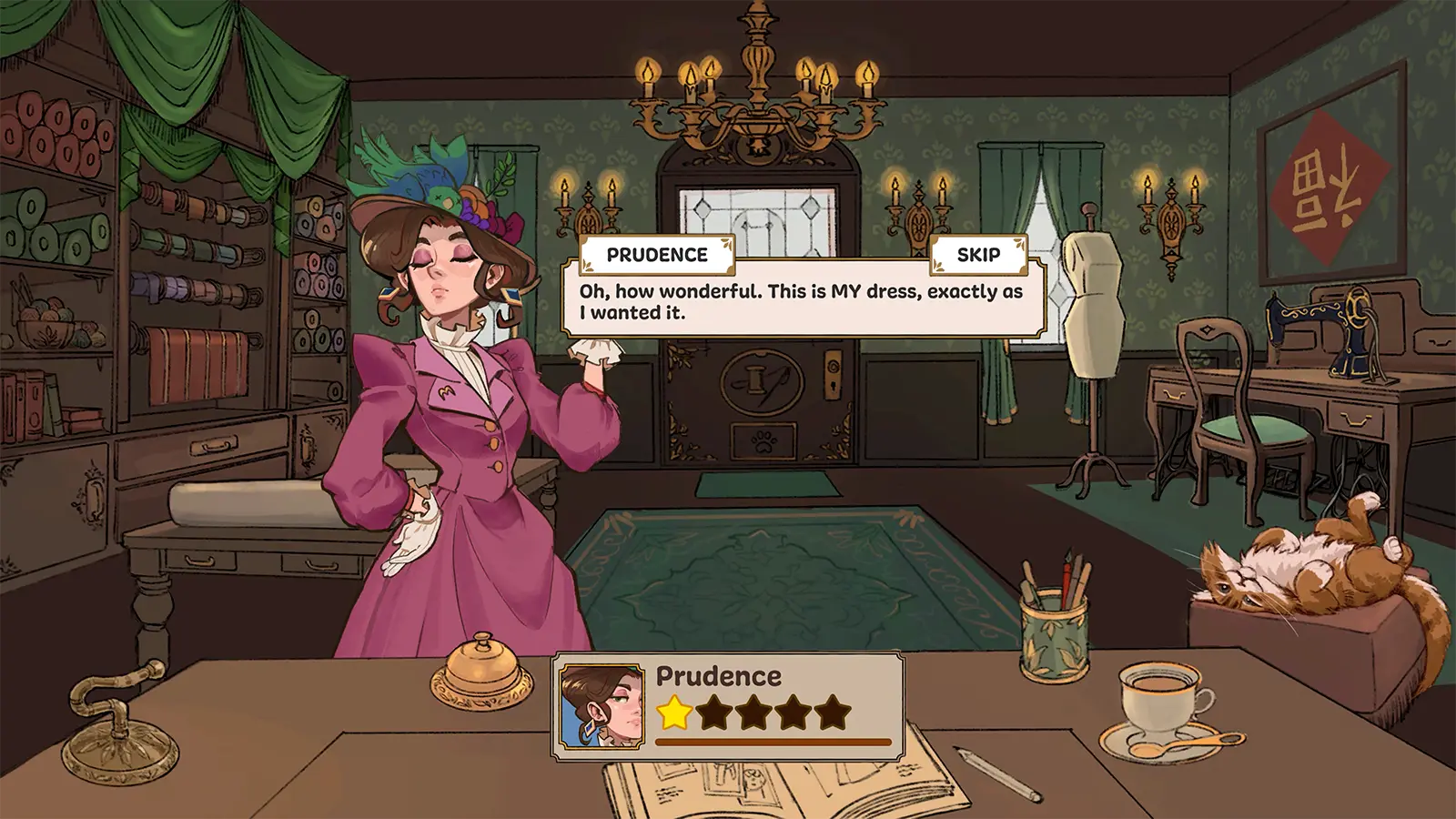
The screenshot shows a customer dialogue and a coin balance at top right. It does not establish the payment amount or a before-and-after comparison.
Step-by-step check
- Record whether the character actually accepted the commission, rather than assuming the result from the dress’s appearance.
- Write down the balance you observed before and after the relevant event if you have that evidence.
- Compare your installed build with the documented fix; an old report and a current reproducible issue are different cases.
- If the issue remains, report the request, acceptance event, build and observed balances rather than repeatedly completing unrelated designs.
Avoid this wrong conclusion
Do not infer a payout from the request’s budget or the displayed balance in this old image. We have no universal commission reward table.
Evidence and limits
The first patch ties the payment fix to accepted commissions. The checklist helps distinguish a missing-payment report from an uncompleted or unaccepted job.
Reference: Developer Build 403 notes. Check your installed build and current interface when following an older source. Our inspection sequence is intended to narrow the problem; it is not a guarantee of a particular commission outcome.