Dressmaker · Practical workshop guide
Dressmaker fabric shopping: check quantity before buying
Choose the material, inspect the quantity and displayed purchase total, then buy only after comparing them with your current design plan.
Follow the checks ↓Reviewed October 17, 2026 · Source-based guidance and editorial checks · Not gameplay-tested
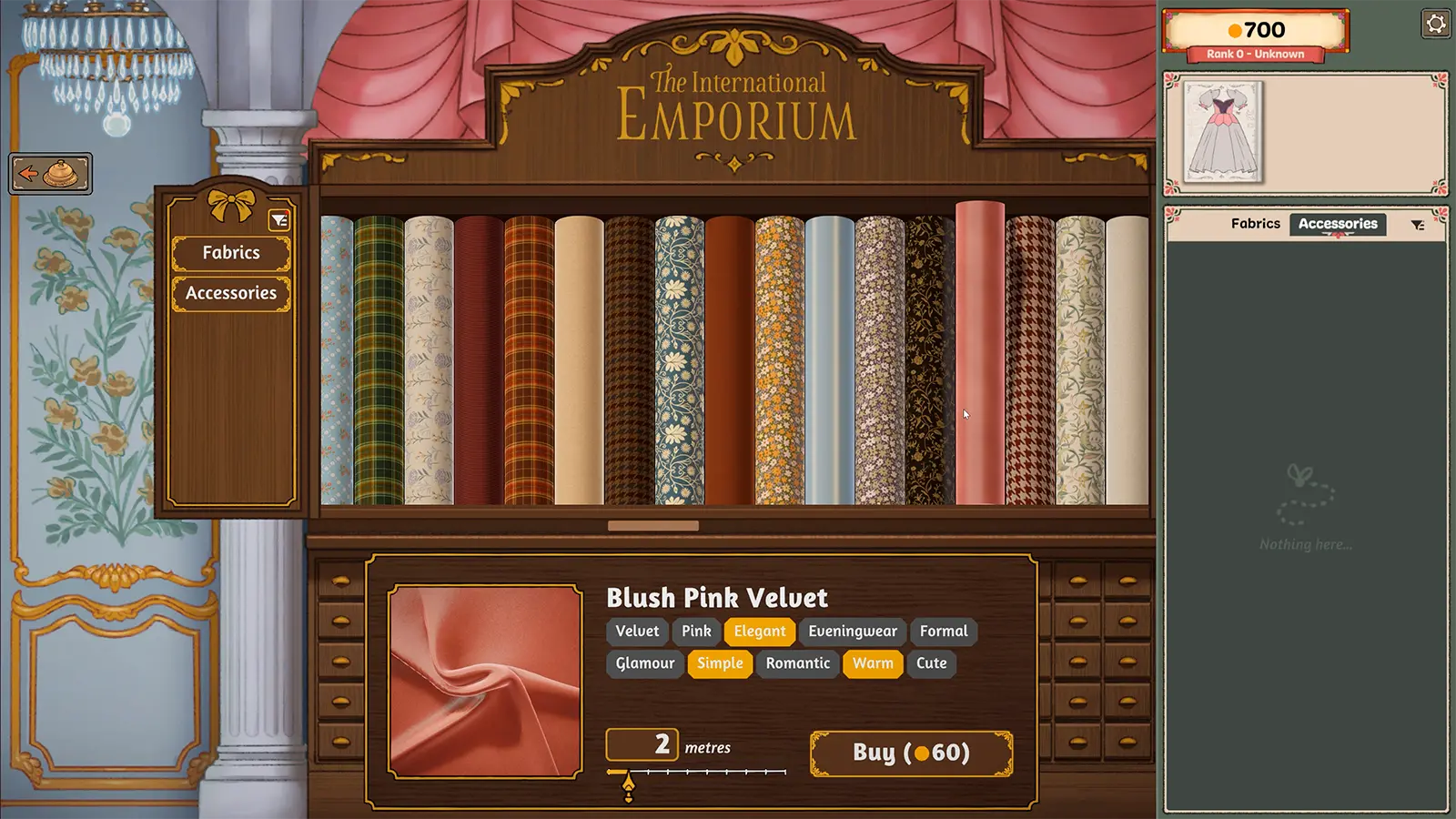
What to look at in the picture
In the picture, the lower panel identifies the selected fabric. Quantity and the purchase action sit beside it. The upper-right coin display is a balance, not a prediction of the commission payout.
Step-by-step check
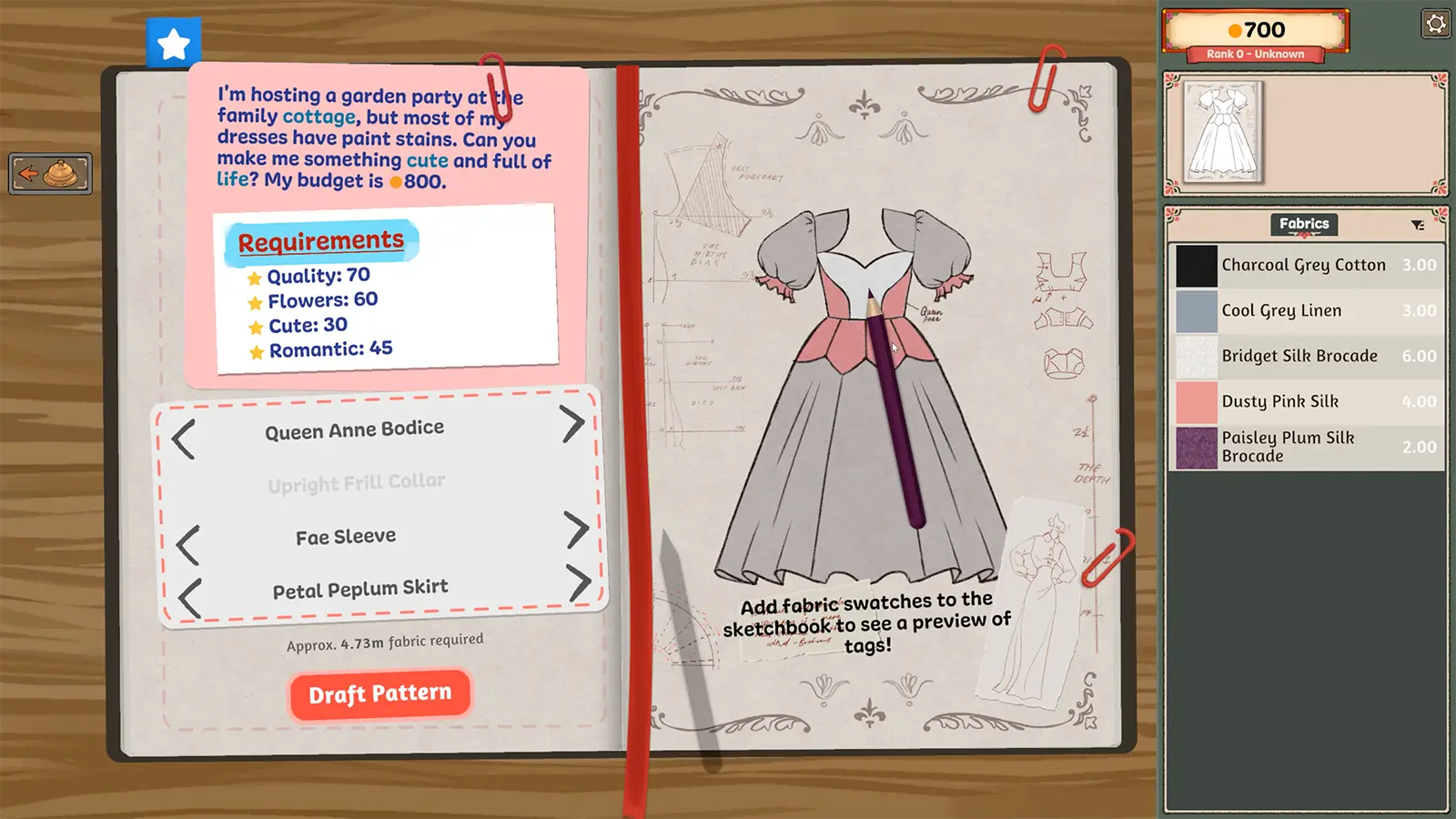
- Read the actual commission and identify which requirements concern material or appearance before opening the shop.
- Inspect the selected fabric’s name and visible tags; do not infer a game tag from colour alone.
- Check the quantity selector and the total shown beside the purchase action. A price on an old screenshot is not your current total.
- Compare the intended purchase with your available coin, leaving unknown requirements unresolved rather than buying several guessed solutions.
Avoid this wrong conclusion
A visually similar bolt is not necessarily the same material. This guide does not claim a cheapest universal fabric or a refund rule. If your plan changes, inspect what you already own before buying more.
Evidence and limits
The official game description establishes a choice of fabric families and per-panel materials. The shopping sequence here is an editorial check of the publisher interface image, not an optimal-money exploit.
Reference: Official Steam game description. Check your installed build and current interface when following an older source. Our inspection sequence is intended to narrow the problem; it is not a guarantee of a particular commission outcome.