Dressmaker · Independent workshop
Dressmaker guides & tools
Plan a layout, find a control, or understand a requirement. Choose a task below to get straight to the right page.
Planning tools
Geometry & manual checklistsPlanning toolDressmaker commission planner and delivery checklist
Track commission requirements as met, unmet or unknown, and print your manual review alongside design notes.
 Interactive simulator
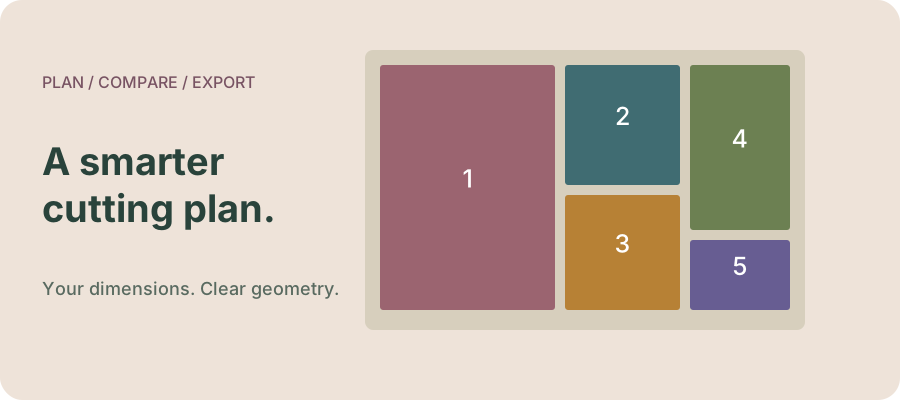
Dressmaker fabric layout simulator: plan rectangular panels
Pack your measured panel rectangles, compare rotation, inspect unused area and export an original layout diagram.
 Interactive simulator
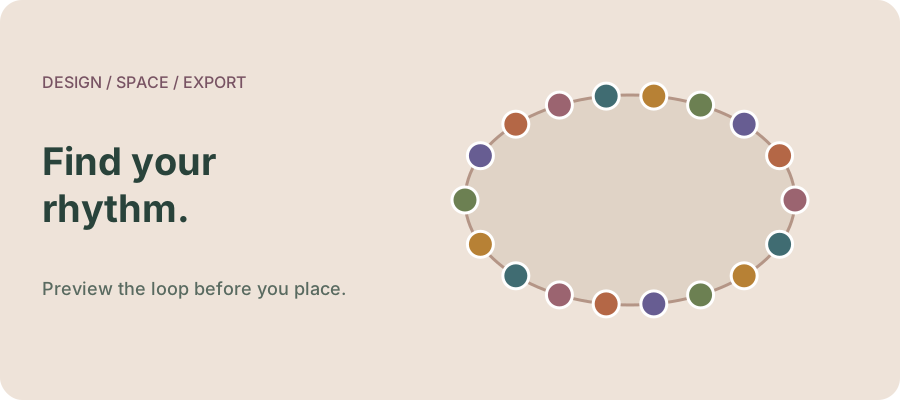
Dressmaker trim layout simulator: evenly space decorations on an ellipse
Preview evenly spaced decorations on an elliptical loop, inspect overlap and export coordinates and a vector diagram.
Controls & mechanics
Linked developer sourcesSource-based guideDressmaker pattern placement: identify panels and plan fabric direction
Use panel hints, separate placement from fabric direction, and check a layout before cutting.
Source-based guideHow to change thread colour in Dressmaker
Find the spool control and keep thread, fabric and decoration choices separate.
Source-based guideDressmaker colour and fabric requirements: why scores changed in Build 443
Understand the documented weighting change and investigate a requirement without inventing a scoring formula.
Source-based guideDressmaker trim and camera controls after Build 443
Use the updated zoom, pan, selection and duplicate controls, with a focused troubleshooting sequence.
Source-based guideDressmaker cutting room: discard fabric, collect panels and move the view
Find the documented Build 443 discard, collect-all and pan controls, with a quick decision table for the cutting room.
Choose the right kind of help
Need an interface control? Start with panel placement, thread colour, or the trim guide. Planning a design? Use a simulator or worksheet. These planning tools do not reproduce customer scoring or read your save.