Dressmaker · Practical workshop guide
Dressmaker crashes or stutters: gather the useful details first
Record the scene, installed build and repeatable action before changing your setup. Build 443 includes performance work but acknowledges that some issues remained.
Follow the checks ↓Reviewed October 17, 2026 · Source-based guidance and editorial checks · Not gameplay-tested
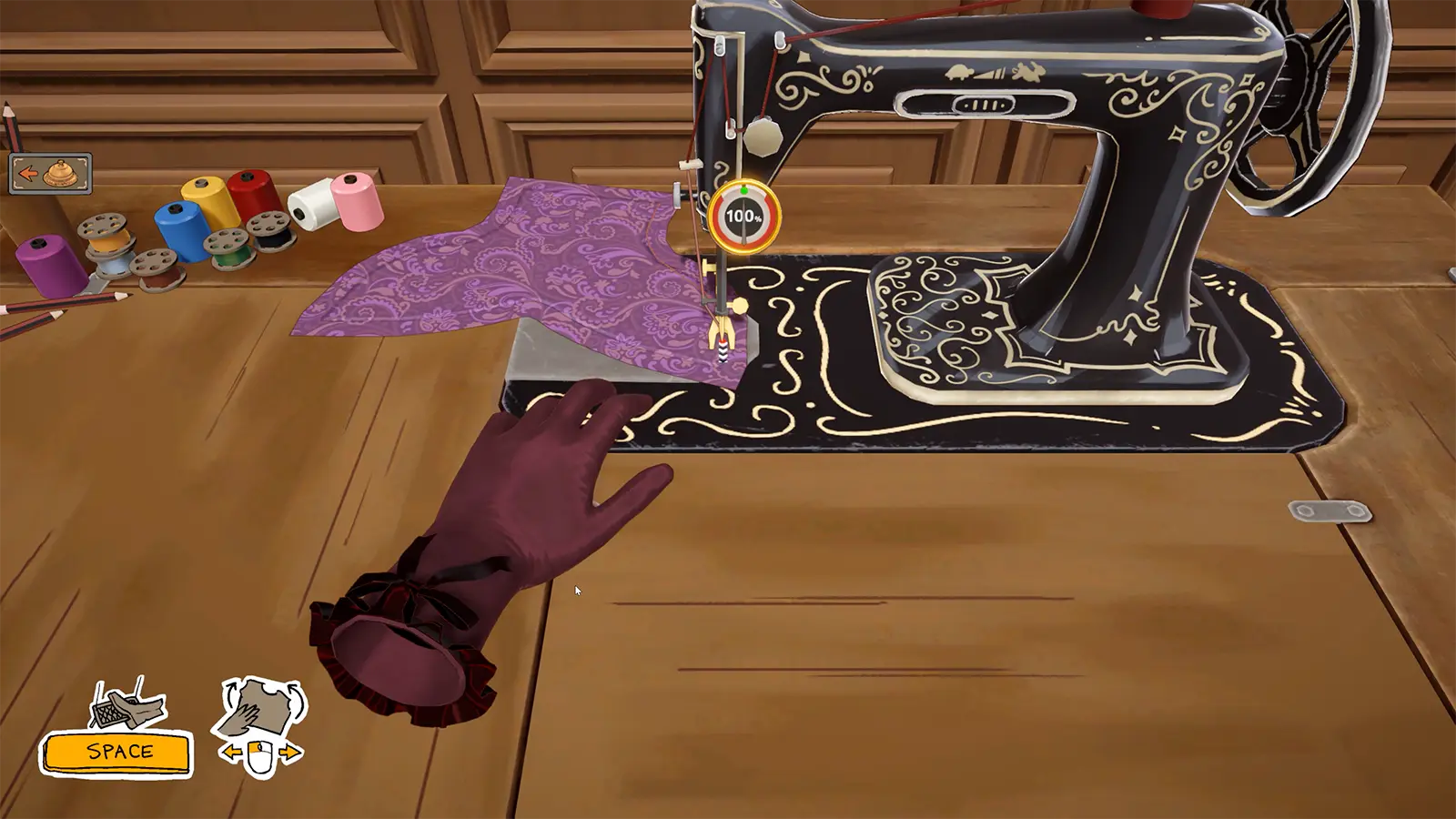
What to look at in the picture
The sewing scene is a representative work area, not a crash screenshot. Its inclusion does not identify sewing as the cause of your issue.
Step-by-step check
- Separate a crash that closes the game from a temporary frame-rate drop, input delay or visual hitch.
- Record the workshop scene, the action immediately before the event and whether it repeats after an ordinary restart.
- Add the operating system and relevant hardware details to the report, keeping private files and unrelated personal information out of it.
- Check official updates and support responses for your specific case before making broad software changes or deleting data.
Avoid this wrong conclusion
The notes mention a third-party utility in some player experiences; that is not proof it is installed or responsible on your computer. We do not recommend uninstalling unrelated applications as a universal fix.
Evidence and limits
The developer distinguishes improvements from a guarantee that every crash was resolved. This page organises a reproducible report instead of inventing a technical diagnosis.
Reference: Developer Build 443 notes. Check your installed build and current interface when following an older source. Our inspection sequence is intended to narrow the problem; it is not a guarantee of a particular commission outcome.