Dressmaker · Practical workshop guide
Dressmaker cutting-room cursor missing: a version-aware check
A disappearing cursor in the cutting-room tutorial was addressed in Build 403. Check your version before following launch-day recovery advice.
Follow the checks ↓Reviewed October 17, 2026 · Source-based guidance and editorial checks · Not gameplay-tested
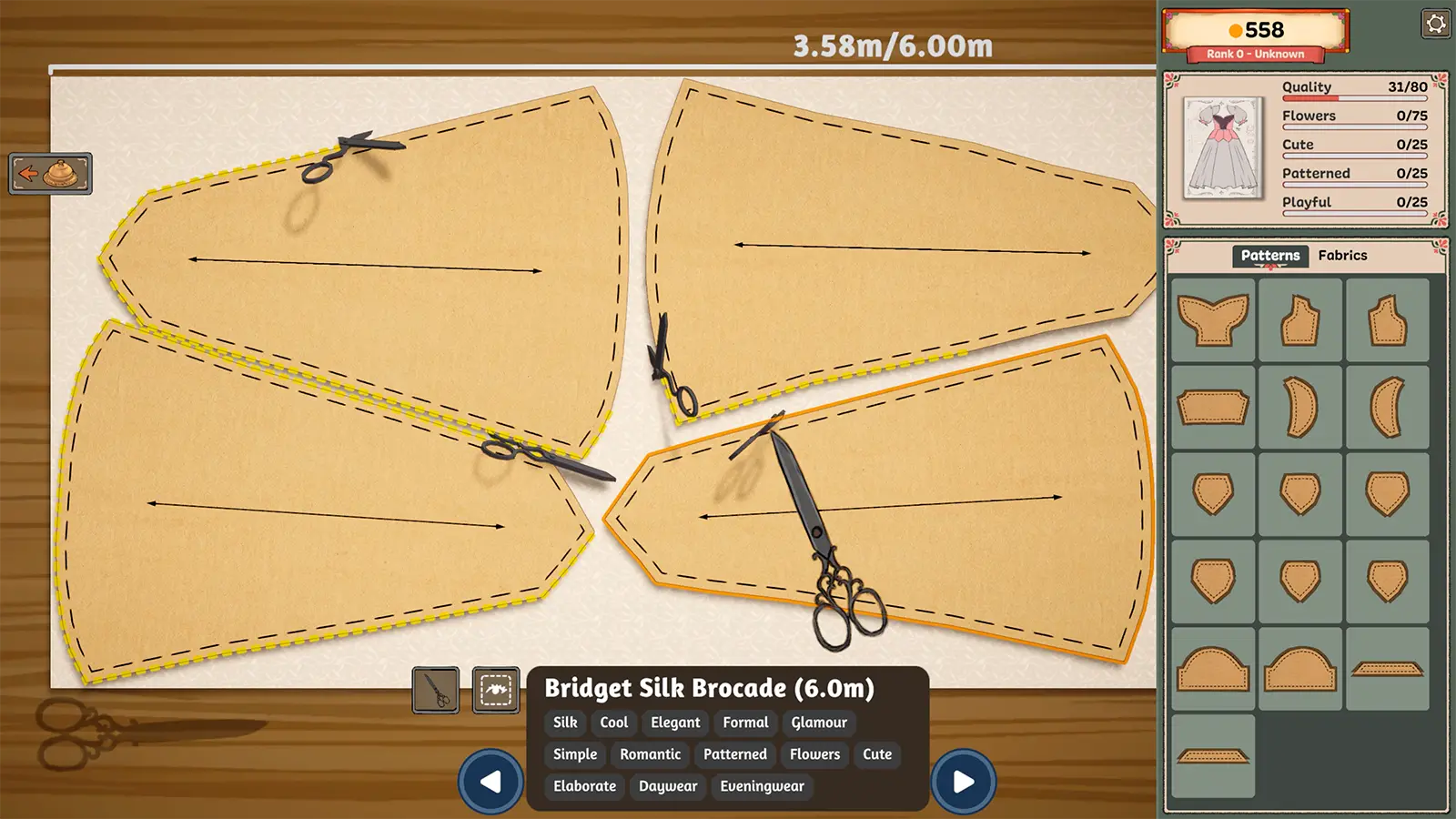
What to look at in the picture
The example shows normal cutting-room tools and panel outlines. It illustrates where the reported tutorial problem occurred; it is not a captured reproduction of a missing cursor.
Step-by-step check
- Record the exact scene and whether the cursor disappeared only there or elsewhere in the application.
- Note the last action before the problem and whether it involved the tutorial.
- Check the installed build against the developer’s fix; do not assume an old report applies unchanged to a newer version.
- Preserve your save and provide the scene, build and shortest repeatable sequence if the cursor still disappears.
Avoid this wrong conclusion
We have not reproduced your case or verified a new universal fix. Deleting a save or reinstalling solely on the basis of this page is not part of the checklist.
Evidence and limits
The historical fix is official. The diagnostic record is our suggested reporting method, and current failures need current evidence.
Reference: Developer Build 403 notes. Check your installed build and current interface when following an older source. Our inspection sequence is intended to narrow the problem; it is not a guarantee of a particular commission outcome.