Dressmaker · Practical workshop guide
Dressmaker: remove an unwanted off-rack design carefully
Build 443 adds a sketchbook action for deleting off-rack dresses. Identify the intended off-rack page before using a deletion action.
Follow the checks ↓Reviewed October 17, 2026 · Source-based guidance and editorial checks · Not gameplay-tested
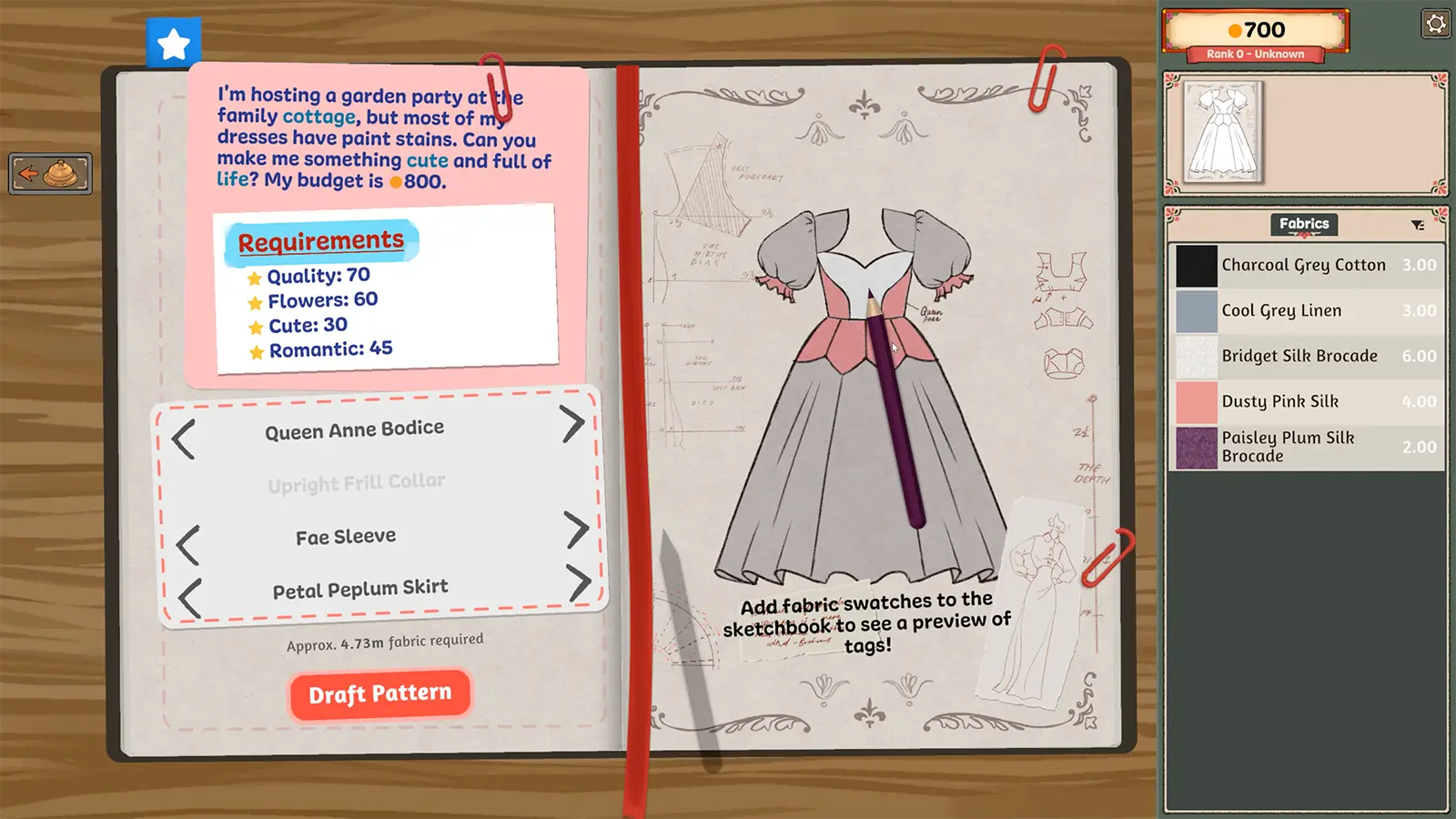
What to look at in the picture
This image explains the sketchbook’s information layout. It predates the added delete action, so it is not a map of that button’s current position.
Step-by-step check
- Find the design you intend to remove and read the visible page rather than acting on the first design that appears.
- Confirm that this is your unwanted off-rack dress, not a customer request you are trying to locate.
- Inspect the current action and any confirmation shown by your build before committing the deletion.
- Afterward, check that the intended entry changed; if another request is missing, treat that as a separate issue and preserve your save.
Avoid this wrong conclusion
The source does not establish an undo operation or a fabric refund. Do not promise either, and do not delete a design solely to diagnose a missing commission.
Evidence and limits
The developer specifically documents deletion of off-rack dresses. That is not permission to generalise the same action to all commission or story data.
Reference: Developer Build 443 notes. Check your installed build and current interface when following an older source. Our inspection sequence is intended to narrow the problem; it is not a guarantee of a particular commission outcome.