Dressmaker · Early commission challenges
Dressmaker early commission dresses: four briefs, four different checks
On this page
- Compare the named request before designing
- Rose: Librarian Workwear
- Prudence: Flamboyant Funeral
- Priya: Fierce Funeral
- Marie: Respectful Funeral
- Starting components for the other three requests
- Repair a dress without guessing the whole recipe
- Flamboyant Funeral: a named outfit to start from
- Why an older example can score differently
- Sources and version notes
- Keep going
Do not reuse one funeral dress blindly: Prudence’s Flamboyant Funeral avoids black, Priya’s Fierce Funeral uses only black, and Marie’s Respectful Funeral asks for a black proportion plus several style targets. Rose’s Librarian Workwear is a separate professional-workwear brief.
Match the named request in your own sketchbook first, then fix the requirement that is actually missing. A similar silhouette is not proof of acceptance.
Updated October 17, 2026 · Early commissions and Build 443 scoring changes
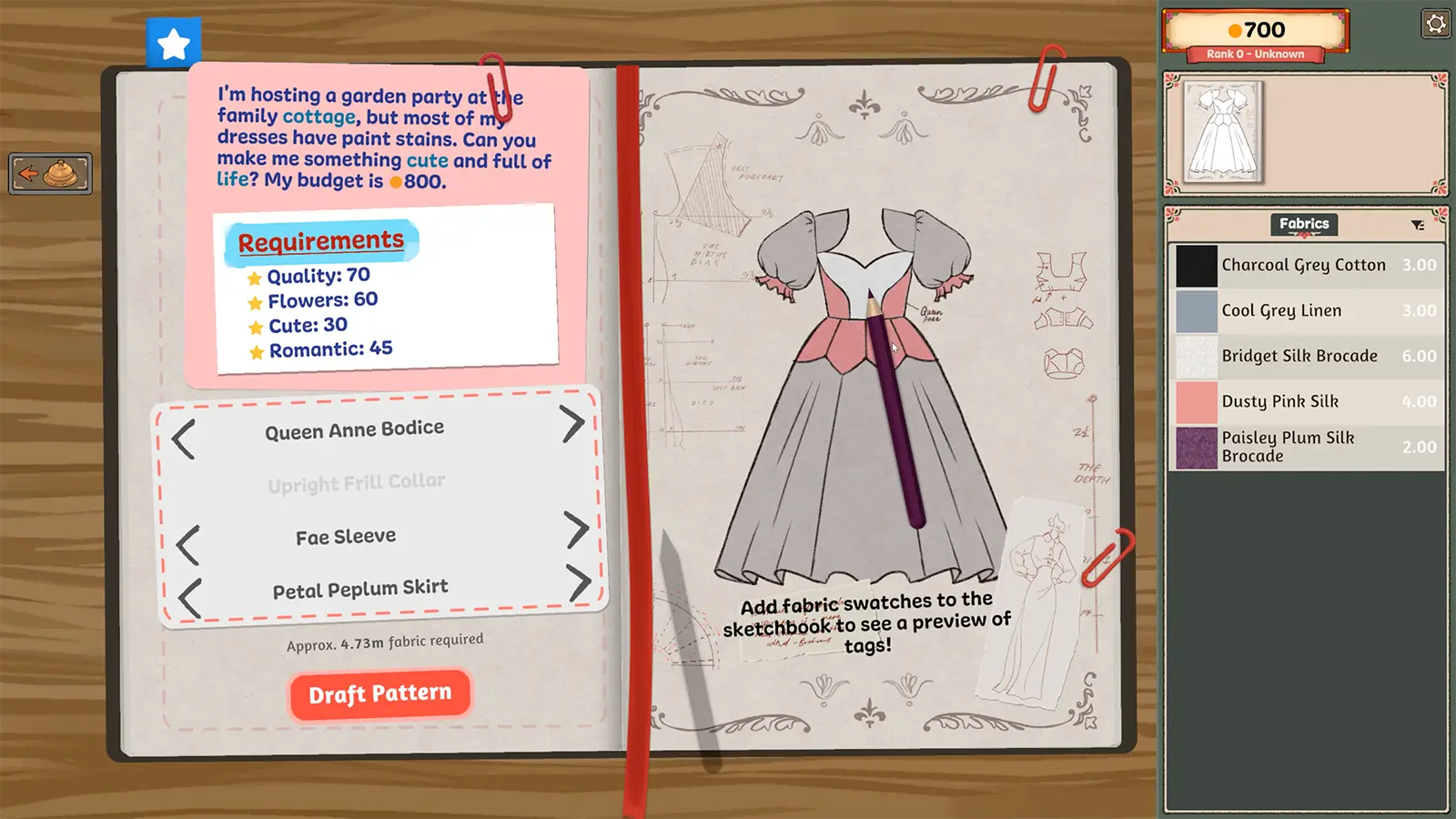
Compare the named request before designing
The following values were read directly from named pages in sorayume’s original player gallery. The result column describes what those historical screenshots display, not our result or a guarantee for your current version. The screenshots do not establish exact component names or a reusable current scoring formula.
| Request and client | Visible requirement | Player’s visible result |
|---|---|---|
| Librarian Workwear Rose | Quality: 60 Professional: 40 | Quality: 91 Professional: 75 |
| Flamboyant Funeral Prudence | Quality: 75 Elegant: 65 Glamour: 40 colour: Avoid Black | Quality: 79 Elegant: 98 Glamour: 40 |
| Fierce Funeral Priya | Quality: 75 Formal: 50 Gothic: 40 colour: Use only Black | Quality: 99 Formal: 60 Gothic: 81 |
| Respectful Funeral Marie | Quality: 75 Formal: 50 Elegant: 40 Simple: 40 Black: 50 | Quality: 98 Formal: 85 Elegant: 80 Simple: 90 Black: 100 |
For numeric entries such as Quality or Elegant, the requirement is the target shown by that historical brief. For colour wording, preserve the distinction between a proportion, an exclusion and an only-allowed rule. Read your live card if it differs.
Rose: Librarian Workwear
The observed brief asks for Quality 60 and Professional 40. Start by finding components and material that contribute to the Professional target, then check the assembled design’s displayed result. Do not solve it by adding funeral-related Gothic or Glamour values simply because they appear in another panel.
The original gallery is especially instructive here: the named left-page brief and a sidebar show different information. A zero in a different sidebar is not enough to override the name and requirement on the page you are reviewing. Before spending more fabric, make sure the current request and the stats being inspected correspond.
Prudence: Flamboyant Funeral
In the observed example, Elegant 65 is the largest style target and black is excluded. First eliminate any fabric that fails the live colour rule; then compare the remaining options for Elegant and Glamour. Increasing an unrelated stat does not repair an Elegant deficit.
The player image displays Elegant 98 and Glamour 40, illustrating that one condition can have ample margin while another only just meets its target. If you change the design, recheck both rather than assuming the old margin transfers to the altered dress.
Priya: Fierce Funeral
The observed card uses Formal and Gothic, with only black. Formal and Professional are different labels. A walkthrough sentence that accidentally uses the other word is not evidence that the requirement changed.
Be cautious with patterned fabrics suggested by old guides: a fabric that looks mostly black may contain another colour. Check the actual client tags and live requirement before buying it. We do not treat a black-and-white material as automatically compatible with an only-black rule.
Marie: Respectful Funeral
The observed brief adds Formal, Elegant and Simple alongside Quality and Black 50. This is not the same as Priya’s only-black rule, and it is not Prudence’s exclusion. Inspect every line after a change; a decoration that helps one style may leave a different target unresolved.
The historical result displays Black 100 against a target of 50. It demonstrates a design with more black than the target in that screenshot, not that all-black is the sole possible answer.
Starting components for the other three requests
These component leads come from Rabiya Rizwan’s September 21 commission walkthrough. Compare each choice with the named requirement above; material changes can alter the final result.
| Request | Pattern starting point | Material decision |
|---|---|---|
| Librarian Workwear | Princess Bodice, collar, Peasant Sleeves and Pencil Skirt | Compare Cool Grey Linen against Professional. |
| Fierce Funeral | Elevated Sweetheart Bodice, Pointed Collar, Flounce Sleeve and Professional Skirt | Inspect Black Corduroy’s current colour tags. Keep the client’s Formal target distinct from the pattern name. |
| Respectful Funeral | Heart Princess Bodice without sleeves, plus Bias Cut Skirt | Compare Onyx Black Silk; preserve Simple as well as Elegant and Formal. |
Reject a fabric when its live tags conflict with the brief, even if a walkthrough lists it. We exclude that walkthrough’s black-and-white suggestion for Fierce Funeral because it does not establish compliance with the only-black condition.
Repair a dress without guessing the whole recipe
- Identify the exact card. Record its name, client and current requirements before following an outside example.
- Resolve exclusions first. A style improvement does not compensate for breaking a colour or fabric restriction.
- Inspect the assembled garment’s meters. Check the actual completed component set rather than judging only the sketch or an isolated swatch.
- Change one source of the missing style. Compare an available component or material against the specific deficit, then recheck all requirements, including any negative effects.
- Keep craftsmanship separate. If Quality is short while style targets pass, review measurements, cutting and sewing instead of adding unrelated accessories.
- Before delivery, re-read every live condition. Do not use an attractive preview or a historical screenshot as a replacement for the game’s current checks.
Flamboyant Funeral: a named outfit to start from
The independent Dressmaker Tools Prudence guide lists Sweetheart Bodice, Flounce Sleeve and Mermaid Skirt, with Deep Rose Crushed Velvet as a non-black material candidate and optional White Zig Zag Lace. Its saved methodology says featured combinations were checked in version 0.7.0. Its version-specific notes are linked in the source section below.
The source also calls the named fabric a starting point rather than an exact recreation of its picture. Consequently, this list does not establish a guaranteed finished score, material quantity or total cost for your garment.
- Check that the named components are unlocked and compatible in your current game.
- Compare the complete design against your live Elegant and Glamour targets before committing material. A component list alone does not establish the final score.
- Use the non-black material candidate only if its current colour tags satisfy the brief. Treat lace as optional and recheck every target after adding it.
- Complete construction and inspect the final request checks. Quality is a separate requirement; an attractive design does not certify it.
Check the request meters again after changing components, fabric or decoration; the full garment must meet every condition.
Why an older example can score differently
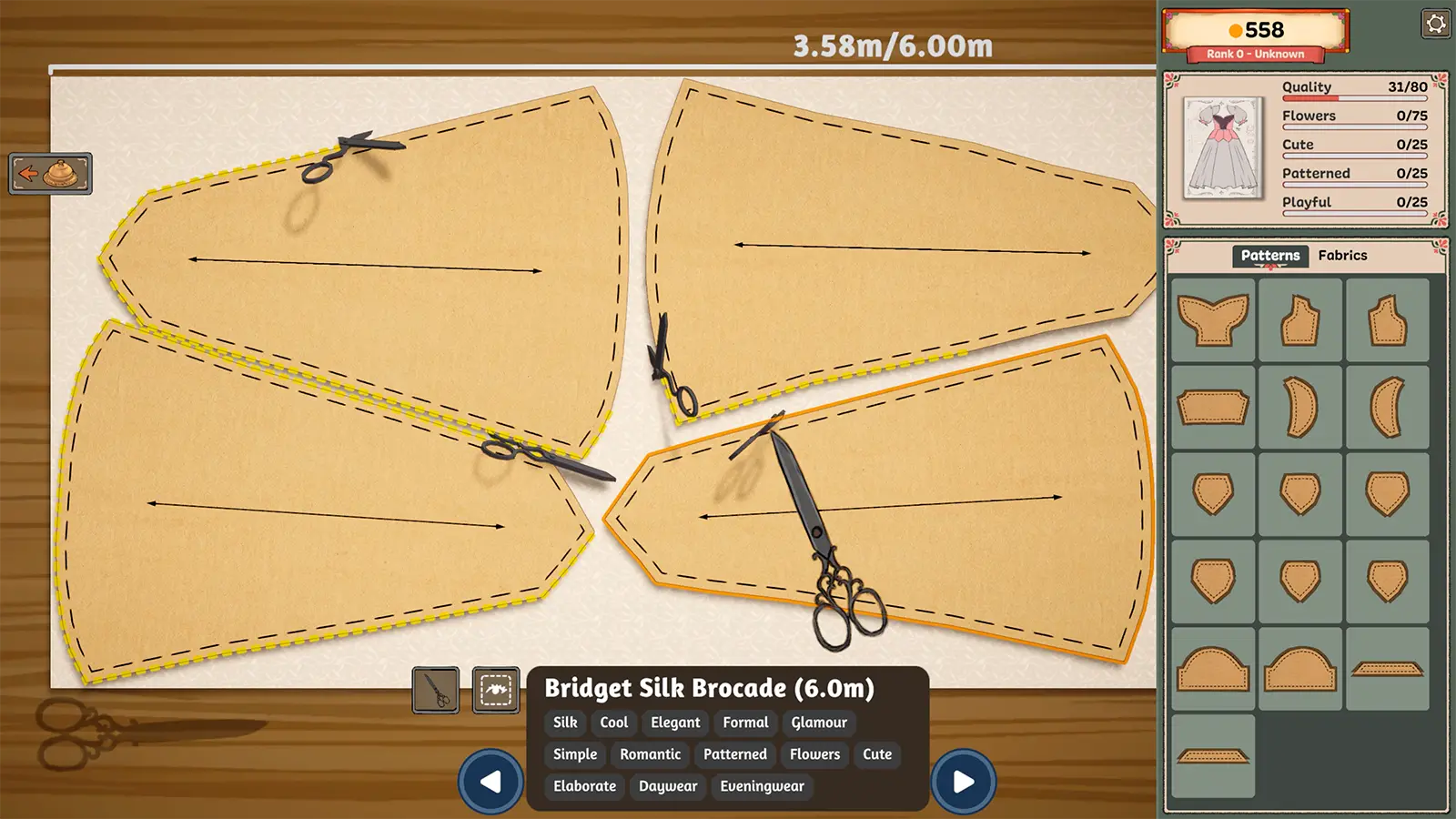
Build 443 changed colour and fabric-type calculations to give panels on smaller components more influence. The developer explicitly warns that existing dress scores can differ after that change. Therefore a September result cannot be labelled a reproduced October result without a new check.
A garment’s visible shape also does not reveal every selected variant, fabric assignment or accessory. We will not invent an exact shopping list from appearance alone. Use an old design as a starting idea, then inspect the current materials and requirement meters.
Sources and version notes
sorayume’s original Dress for Success gallery supplies the four observed named briefs and results. Player images are not republished here. Developer Build 443 notes explain the scoring change and request-navigation controls. The Chinese gallery topic led to the original source; it was not a complete current-version recipe guide.
The outfit example is attributed to Dressmaker Tools’ saved version 0.7.0 guide, whose publisher reports an in-game check. Its current page returned HTTP 403 during our latest recheck. Historical scores are not current-version guarantees; Build 443 changed colour and fabric weighting. This guide covers the four named early requests, not every challenge in the game. Colour and fabric requirements → · Achievement conditions → · All Dressmaker guides →