Dressmaker · Practical workshop guide
Dressmaker mannequin sizing: use the gears deliberately
In the sizing room, the developer documents adjusting mannequin gears with the mouse wheel or arrow keys. Check the active control before changing a measurement.
Follow the checks ↓Reviewed October 17, 2026 · Source-based guidance and editorial checks · Not gameplay-tested
What to look at in the picture
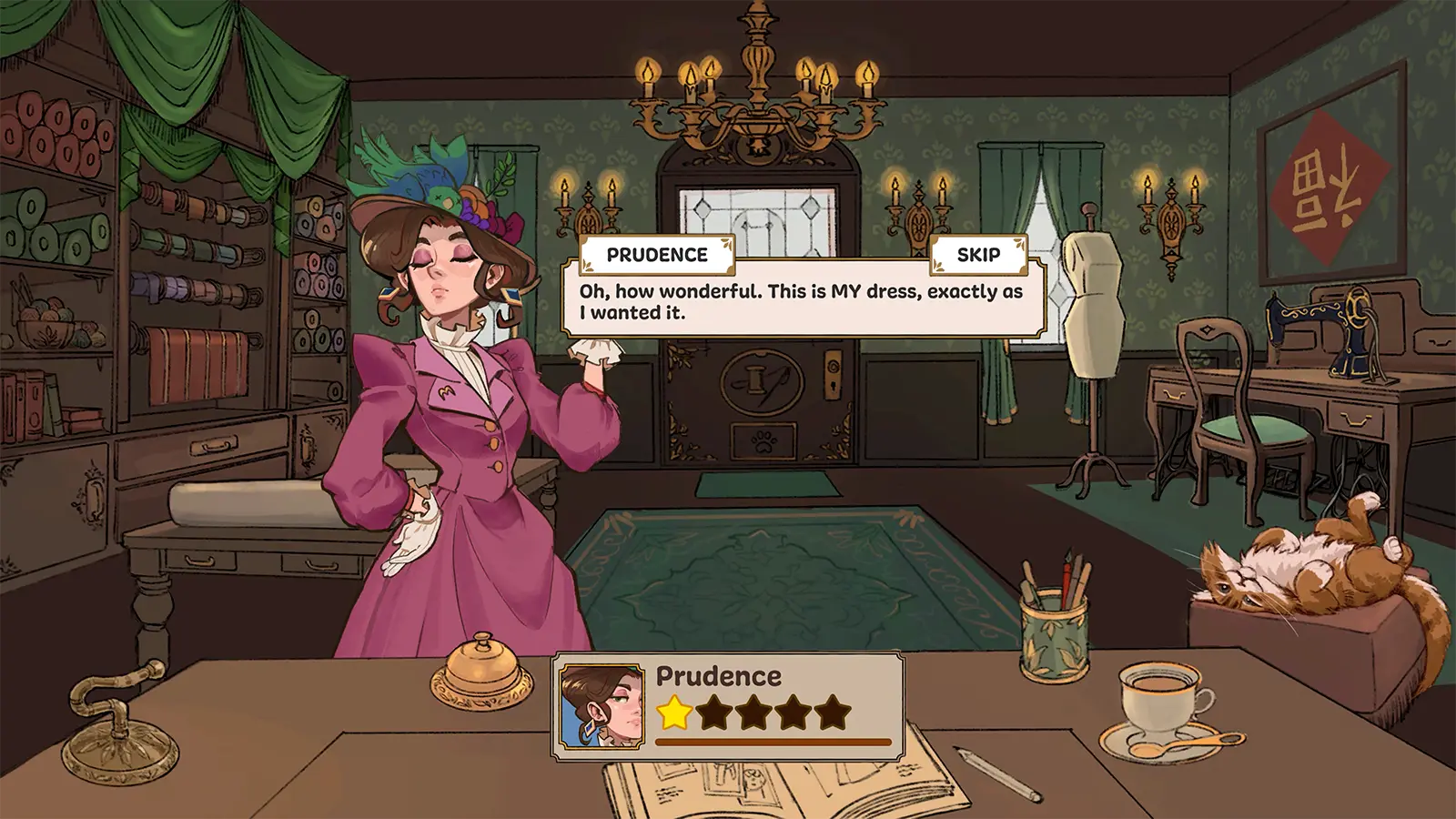
The showroom image includes a mannequin in the background. It provides workshop context, not the actual sizing-room controls or a measurement result.
Step-by-step check
- Identify whether you are in the sizing room or merely looking at a mannequin during decoration; these are different tasks.
- Read the customer measurements and the current gear or value you intend to adjust.
- Use the documented wheel or arrow-key control, observing which value changes rather than making several adjustments blindly.
- Compare the final values with the current request before leaving; if you are uncertain which measurement was taken, document it instead of inventing a correction.
Avoid this wrong conclusion
We do not provide an unverified remeasurement, reset or perfect-fit shortcut. The update establishes a control method, not a universal correction for an earlier measurement mistake.
Evidence and limits
Build 443 describes the gear controls. Current interface hints take precedence over a promotional image or an old keybinding guide.
Reference: Developer Build 443 notes. Check your installed build and current interface when following an older source. Our inspection sequence is intended to narrow the problem; it is not a guarantee of a particular commission outcome.