Dressmaker · Practical workshop guide
Dressmaker randomise button: explore components, then check the brief
The sketchbook’s randomisation option changes dress components. Use it to explore a silhouette, then check the result against the original request.
Follow the checks ↓Reviewed October 17, 2026 · Source-based guidance and editorial checks · Not gameplay-tested
What to look at in the picture
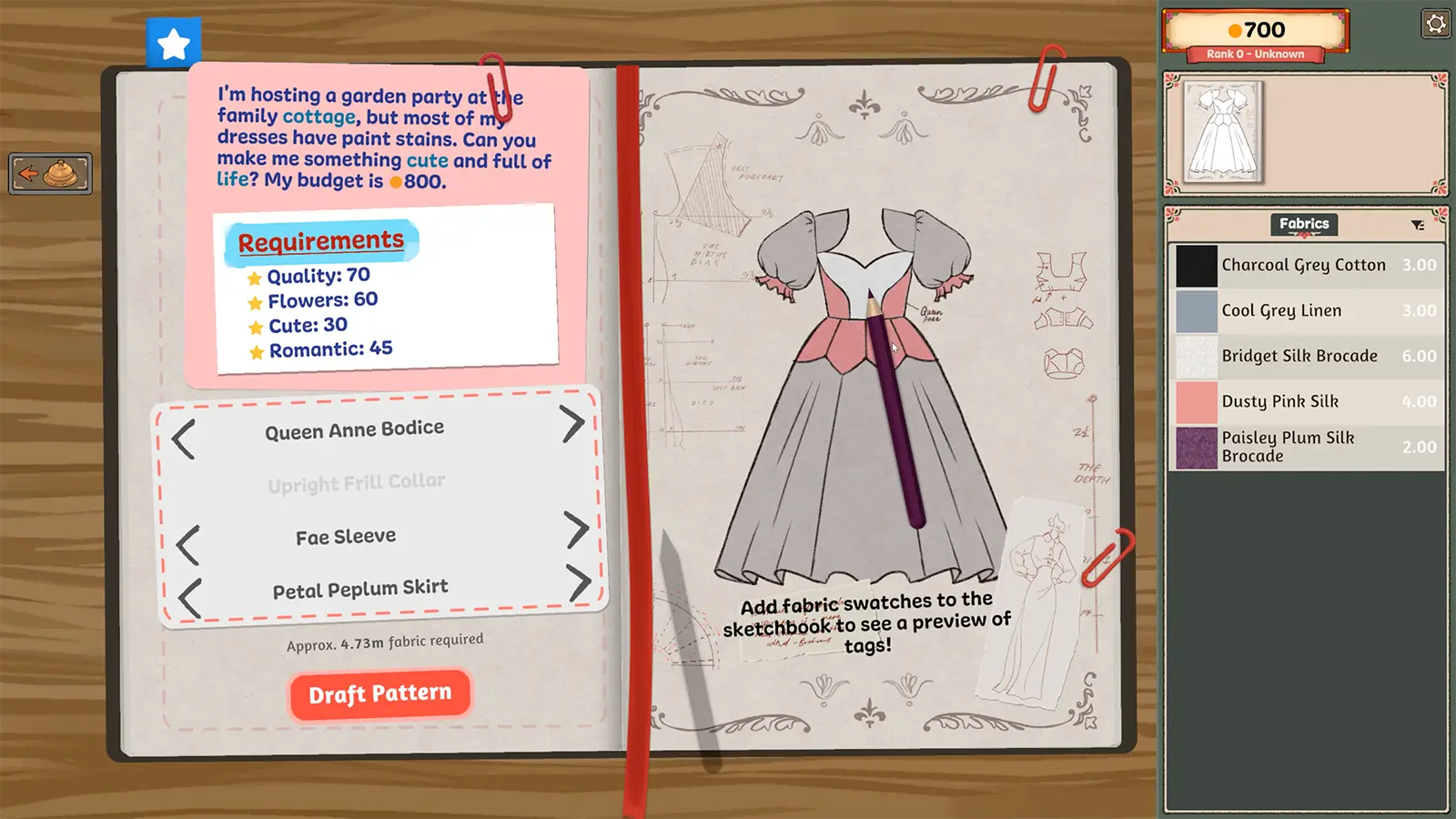
The component area is below the request in this publisher image. The right page previews the resulting dress. The old picture is not a current screenshot of the randomisation control.
Step-by-step check
- Record the requirements you intend to preserve before generating a new arrangement.
- Inspect which component choices changed; do not assume that the random result preserves the parts you previously liked.
- Compare the silhouette with the request, and deliberately choose any component that needs correction.
- Review materials and appearance before proceeding to cut, since an exploratory combination is not a verified customer solution.
Avoid this wrong conclusion
Randomisation is not a scoring solver, a budget optimiser or evidence of an unlocked item. Do not label a generated combination the best build without separate support.
Evidence and limits
Build 443 documents component randomisation. The inspection sequence is our editorial method for using creative exploration without forgetting the brief.
Reference: Developer Build 443 notes. Check your installed build and current interface when following an older source. Our inspection sequence is intended to narrow the problem; it is not a guarantee of a particular commission outcome.