Dressmaker · Practical workshop guide
Dressmaker visual settings: reduce animation and outlines
Build 443 includes options for reducing animation and disabling the red outline. Adjust the setting that matches your visual problem, then compare the same scene.
Follow the checks ↓Reviewed October 17, 2026 · Source-based guidance and editorial checks · Not gameplay-tested
What to look at in the picture
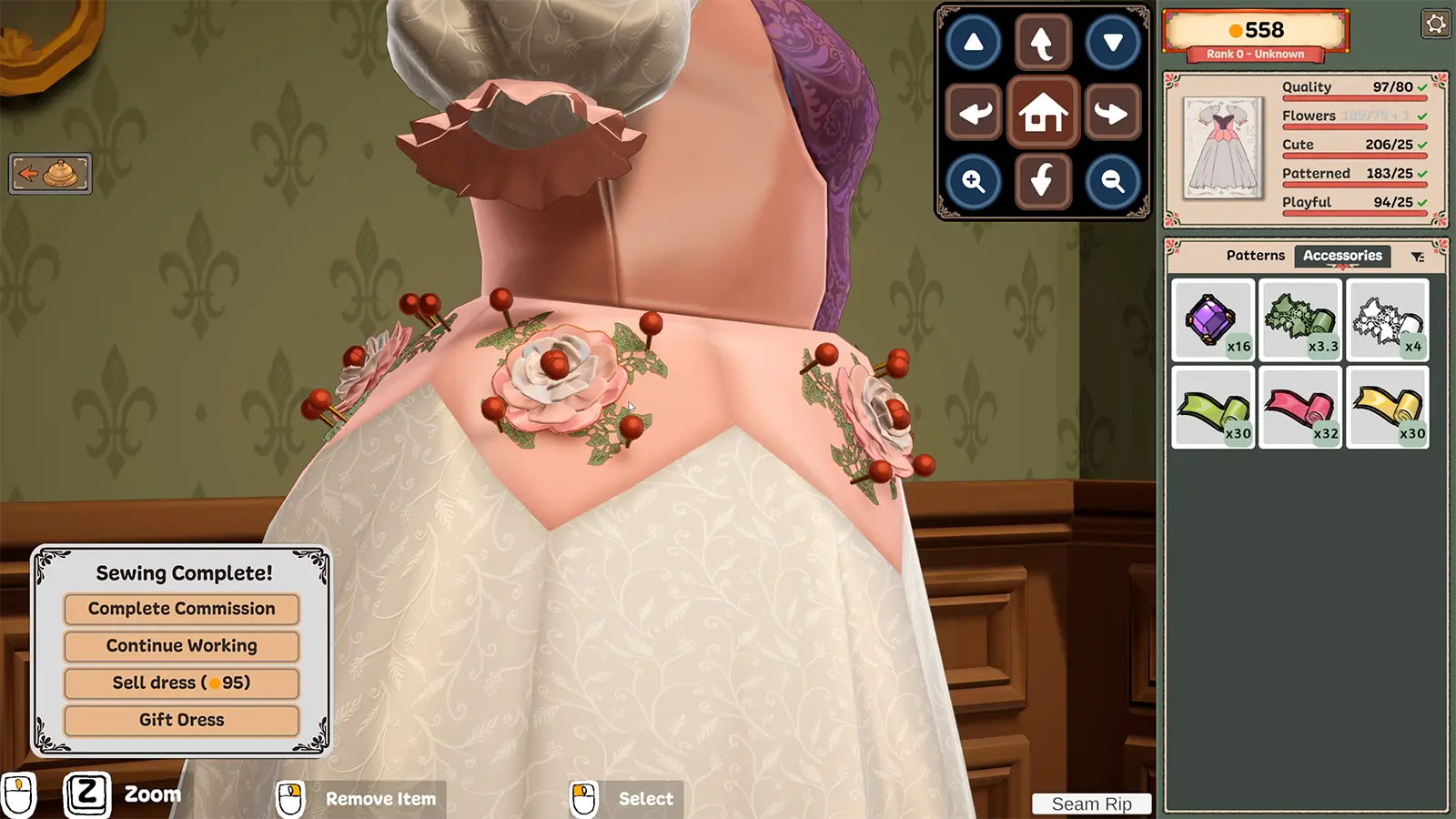
The publisher image shows a busy decoration scene. It is context for visual clutter, not a screenshot of the settings menu or proof of the current option values.
Step-by-step check
- Describe the distraction first: animation, selection outlines or another visual effect. Avoid changing every setting at once.
- Open the current options and identify the relevant documented setting; the developer links reduced animation to the sewing and cutting scenes.
- Change one option, return to the same task and inspect whether it changed the effect you meant to address.
- Keep functional selection feedback understandable for yourself, and restore the previous setting if the change makes object identification harder.
Avoid this wrong conclusion
This is a usability comparison, not medical advice or a guarantee of comfort. Camera motion, flash brightness and selection outlines are separate effects.
Evidence and limits
The update documents animation and outline options and a reduction to photo-scene flash brightness. We have not tested a particular accessibility configuration.
Reference: Developer Build 443 notes. Check your installed build and current interface when following an older source. Our inspection sequence is intended to narrow the problem; it is not a guarantee of a particular commission outcome.