Moon Sweepers · PC · 1.0.5
Moon Sweepers Conveyors Not Working: Capsule Fixes
On this page
Trace the first stopped connection from the receiving end, test it with one capsule, and inspect the next machine’s input and power. Update to 1.0.5 before diagnosing the large-base packing failure.
Find the first place where capsules stop
Start at the destination and walk backwards along the conveyor. Look for the last capsule that reaches the station or machine, then find the first connection where the next one waits. Keep that point in view while testing the route.
A packed line can make the whole factory appear broken. Checking the receiving end first gives you a smaller job: an occupied output, an unfinished connection or a machine waiting for an ingredient. Adding more dust at the source only makes the queue longer while you investigate.
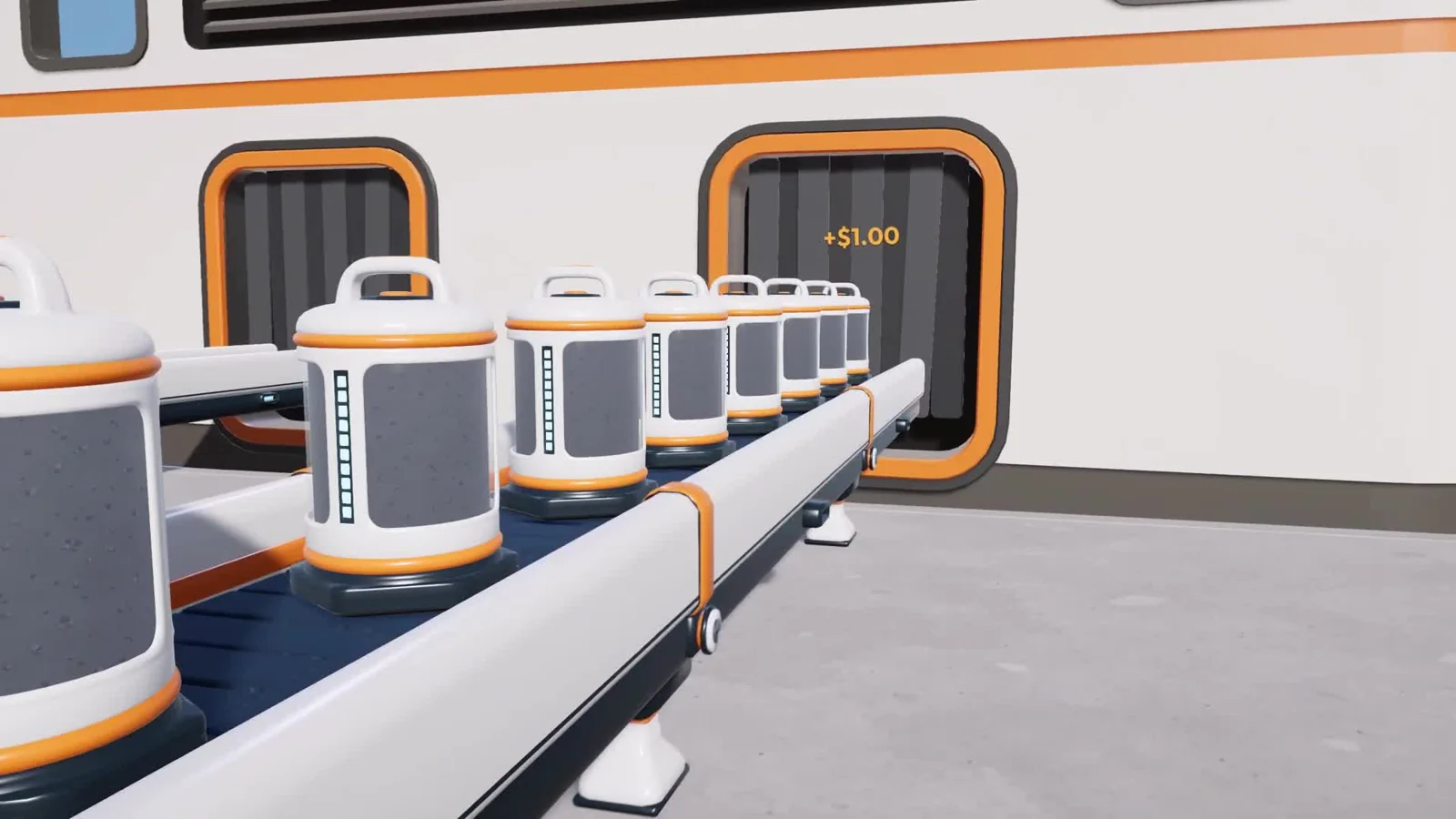
For a simple selling route, follow the belt all the way into a station intake. Since 1.0.3, belt-delivered dust and stone are paid as they arrive. Watch the intake display and the crew wallet as a load enters; that gives you an observable end to the route.
| Last working stage | First stopped stage | Check |
|---|---|---|
| You fill a Packager | No capsule leaves it | Its outgoing belt and the packing status |
| A capsule travels along the belt | It stops at a junction | The junction's receiving and outgoing connections |
| A machine accepts material | Its product does not leave | Output route, power and the displayed requirement |
| A garage receives dust | The silo retains it | The silo explanation and outfeed |
Reconnect one short section before rebuilding the line
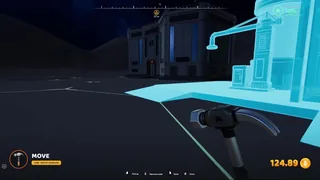
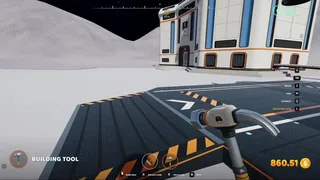
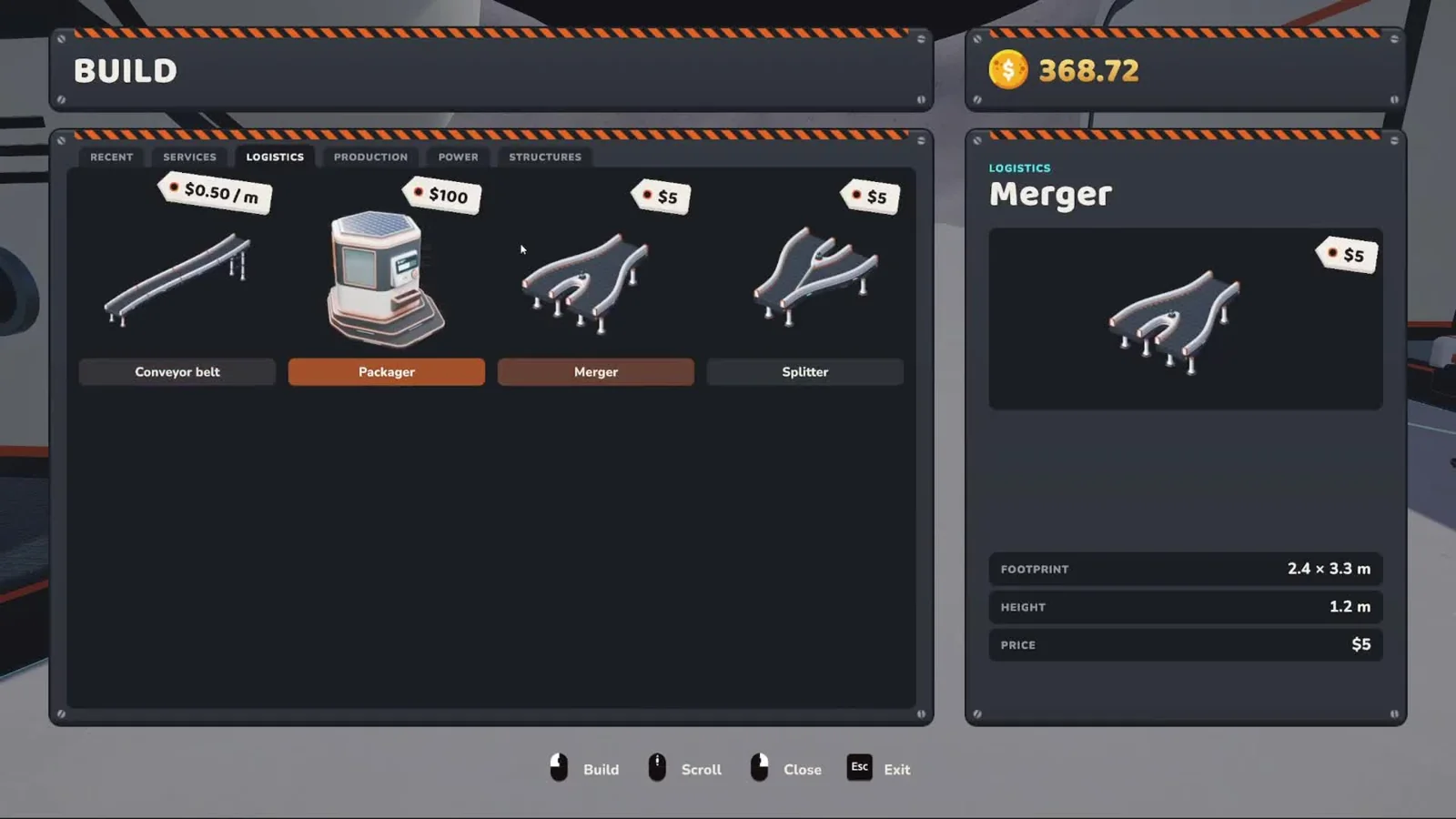
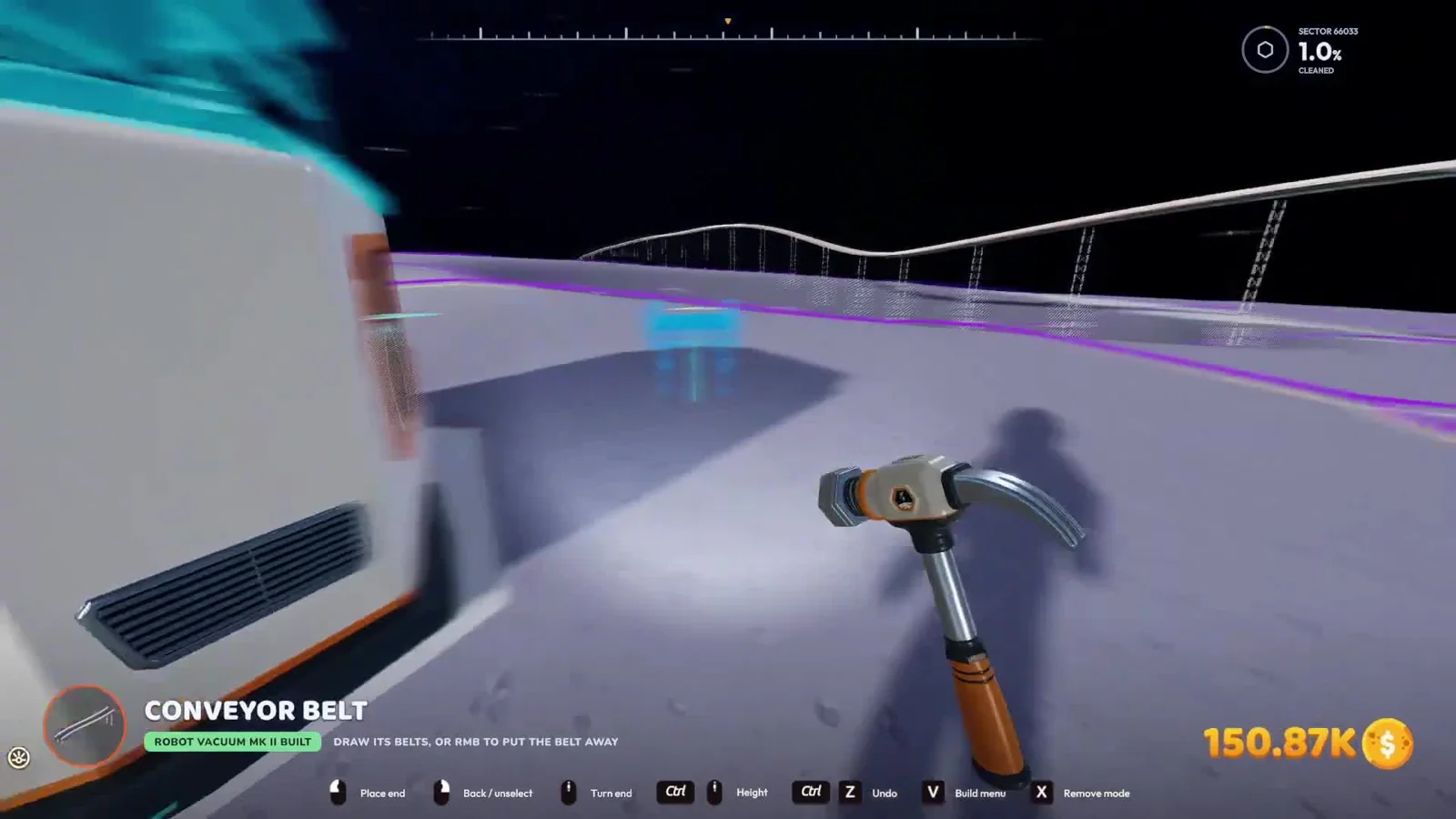
Equip the Building Tool. Right-click opens the build menu; the in-game Building page also lists B as the belt shortcut. Aim at the intended connection and watch the preview rather than judging alignment only from the belt's position on the ground.
Use the mouse wheel to rotate the selected piece. Holding Ctrl while turning the wheel changes its height. A raised route can clear the ground or other construction, but each end still needs to meet the piece it is supplying.
- Identify the source and intended receiver for the failed section.
- Trace their ports and remove only the section you intend to replace.
- Preview the replacement with both endpoints visible.
- Place it and watch a single capsule cross the join.
- Reconnect the next section only after that crossing succeeds.
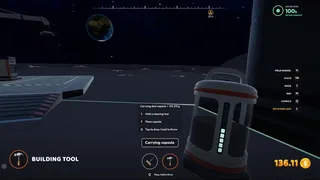
Use a carried capsule to test an accessible belt segment. The 1.0.3 update allows you to place it onto the belt at the point you aim at. This is useful when the upstream cleaner is far away: you can test the local connection without waiting for another delivery.
If you need to shift a machine to expose its port, use Move Mode rather than moving several downstream pieces at once. Check its belts afterwards; connected belts follow a moved port only where they can reach.
Check mergers and splitters in a shared crew
When joining routes, follow one incoming load through the junction before adding another feed. That shows which physical connection it enters and where the outgoing route goes. Test the other feed separately, then allow both to supply the junction.
The patches changed co-op building behaviour. Version 1.0.3 fixed splitters and mergers built by crewmates; 1.0.4 then allowed any crewmate to add those parts to another player's belt. There is no need to redesign the whole network around an old host-only placement workaround.
Mergers alternate between their inputs in the updated version. If one side appears starved, observe both feeds at the junction: check whether each actually has material waiting. An empty upstream machine gives the merger nothing to draw from, even while the other line remains busy.
Have one crew member change the failed junction while the others leave that section alone. Then test one incoming capsule at a time. Keeping the edit local makes it possible to see which replacement restored flow, especially in a base where several players have built overlapping routes.
Read a machine's requirement before adding more belts
Follow the capsule into the machine and inspect its displayed status. Production machines require nearby solar power, as the in-game manual explains. If the belt delivers material but production has stopped, inspect the power supply and the required input before buying more conveyors.
Check that the material is going to the correct receiving port. A Stone Press uses different ingredients, so trace each feed independently. Label the route in your own layout by keeping the feeds visually separated until each one reaches its port.
The Packager has a different role: you transfer your collected dust into it, and it sends capsules onto its belt. Test that first handoff before expecting a belt network to collect the dust still inside your handheld tool.
At a garage, use the silo's status explanation. Version 1.0.5 can explicitly tell you that the outfeed needs a conveyor connection. If your vehicle has already emptied, the return trip worked; concentrate on the silo-to-belt handoff described in the garage guide.
Update before troubleshooting an old packing failure
Version 1.0.4 fixed machines reporting “Could not pack a capsule” despite having power and materials. Version 1.0.5 fixed another packing failure in large bases with many capsules on belts, affecting Q, the Auto-Packer and machines.
If several unrelated packing actions stop together, record that pattern before dismantling anything. Check the installed version, then try a small manual packing action and a short machine route. A failure shared by both is a different report from one broken conveyor connection.
The 1.0.5 patch also raises the world's capsule limit to 90,000, replacing the older 10,000 limit. Old advice that treats 10,000 as the current ceiling no longer describes this version. Clear a stopped delivery route because its receiver needs space, rather than assuming every stall has reached the old cap.
When the source is a carried capsule, start the test on the receiver's side of the suspected fault, then try the source side. If the first load arrives and the second stops, you have narrowed the repair to the intervening segment. Keep the destination unchanged while comparing those two placements.
After repairing a route, watch a complete sequence: a capsule enters the first repaired section, crosses the junction, reaches the receiver and produces the expected delivery or processing result. If the failure persists, report that exact stopping point, the displayed message, game version and whether the host and a crewmate see the same state.
Sources
DragDrop Games: official patch notes · Play BIG or Die: in-game manual and garage walkthrough · VeedoDaMutt: map and building walkthrough · DragDrop Games: official trailer · Steam: endgame delivery bottlenecks.