Moon Sweepers · PC · 1.0.5
Moon Sweepers Pack Dust: Q, Packagers and Selling
On this page
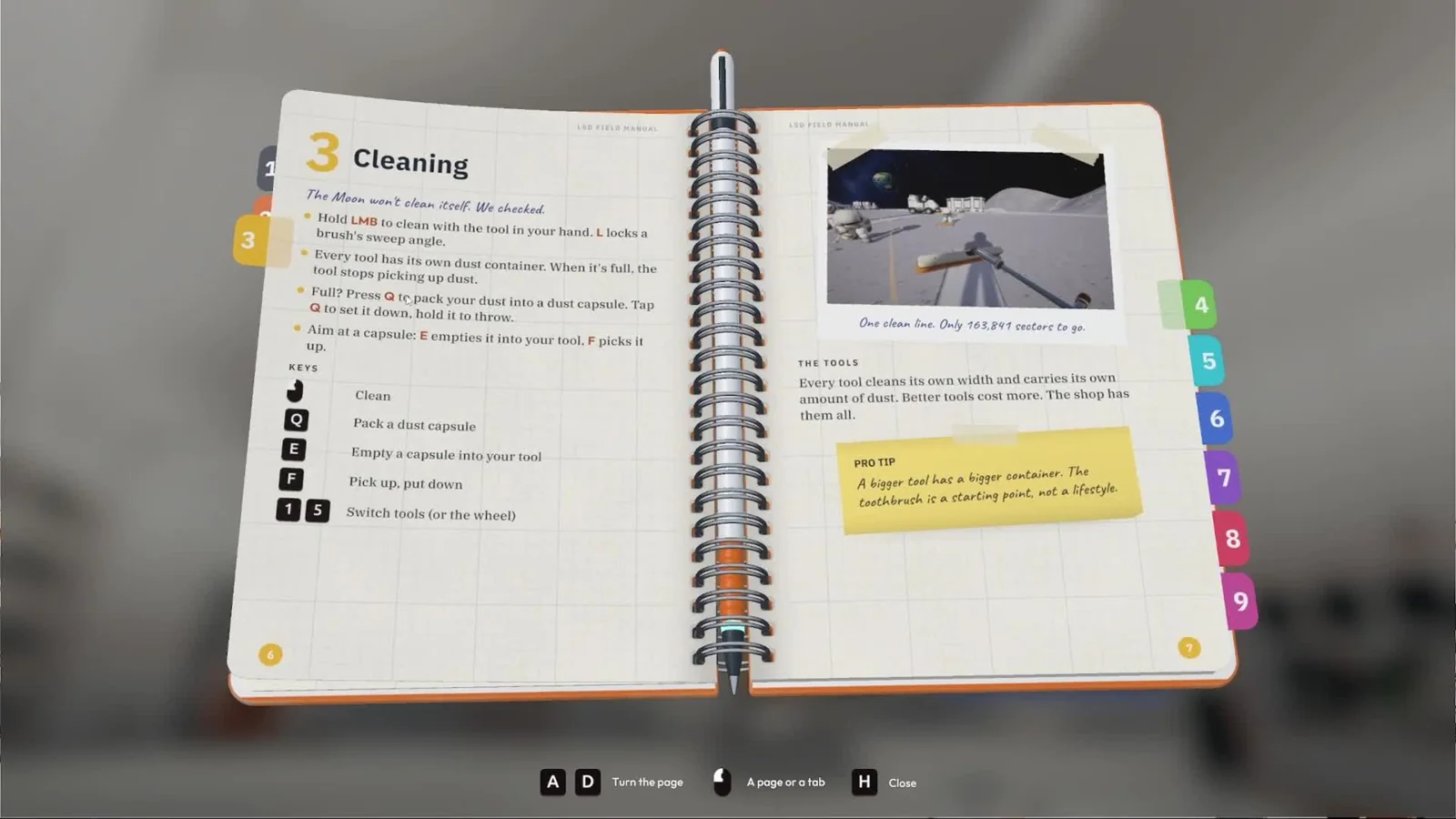
Press Q to pack the held tool’s dust. F picks a capsule up; E empties it back into your tool. At a station, hold E to fill the deposit tray and press its button to sell, or feed a Packager connected to the station intake.
Empty the tool that has actually filled up
Each cleaning tool has its own dust container. Look at the amount shown while holding the tool you are using. When that container fills, the tool stops collecting, so continuing to brush the ground will not clear the remaining dust.
Press Q to turn that collected dust into a portable capsule. The container becomes available for another pass, while the packed material remains a physical object you can carry or place. If you switch tools, check the new tool's own container rather than expecting every slot to show the same amount.
The useful first test is small: collect some dust, pack it, then check that the amount held by the tool changes. Keep the capsule where you can see it. Finish moving that one load to its destination before leaving several more scattered around your work area.
| Job | Input | Result to watch |
|---|---|---|
| Clean with the held tool | Hold left mouse button | Dust enters that tool's container |
| Pack collected dust | Q | A capsule holds the packed material |
| Set a carried capsule down | Tap Q | The capsule is placed nearby |
| Throw a carried capsule | Hold Q | The capsule is thrown |
| Pick up a capsule | Aim at it and press F | You carry the capsule |
| Empty a capsule into your tool | Aim at it and use E | Dust returns to the tool's container |
Use the deposit intake for a manual sale
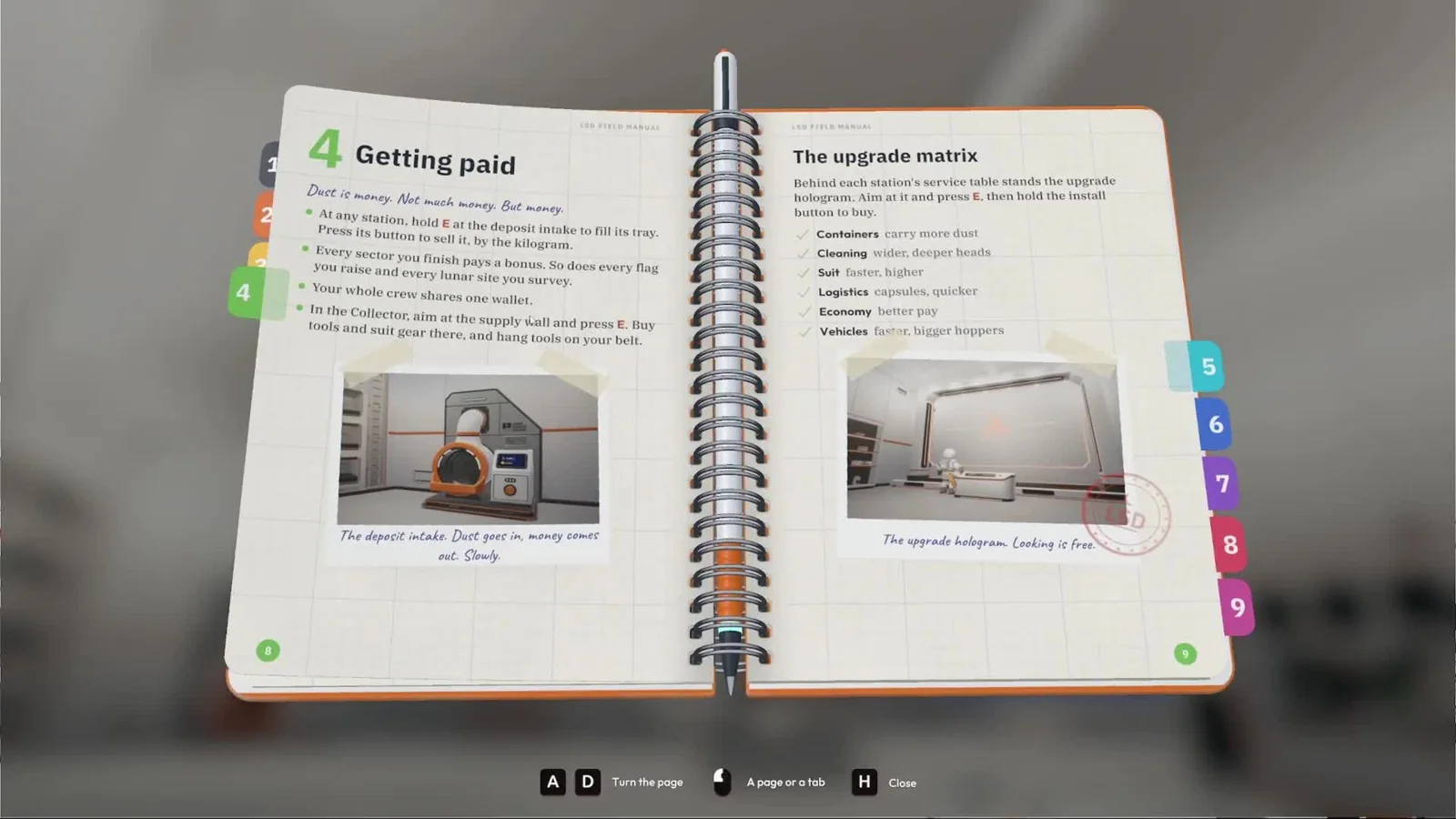
Return to a station and find the deposit intake: it has a receiving tray and a sale button. Hold E at the intake to transfer dust from your tool into the tray, then use the intake's button to sell that load.
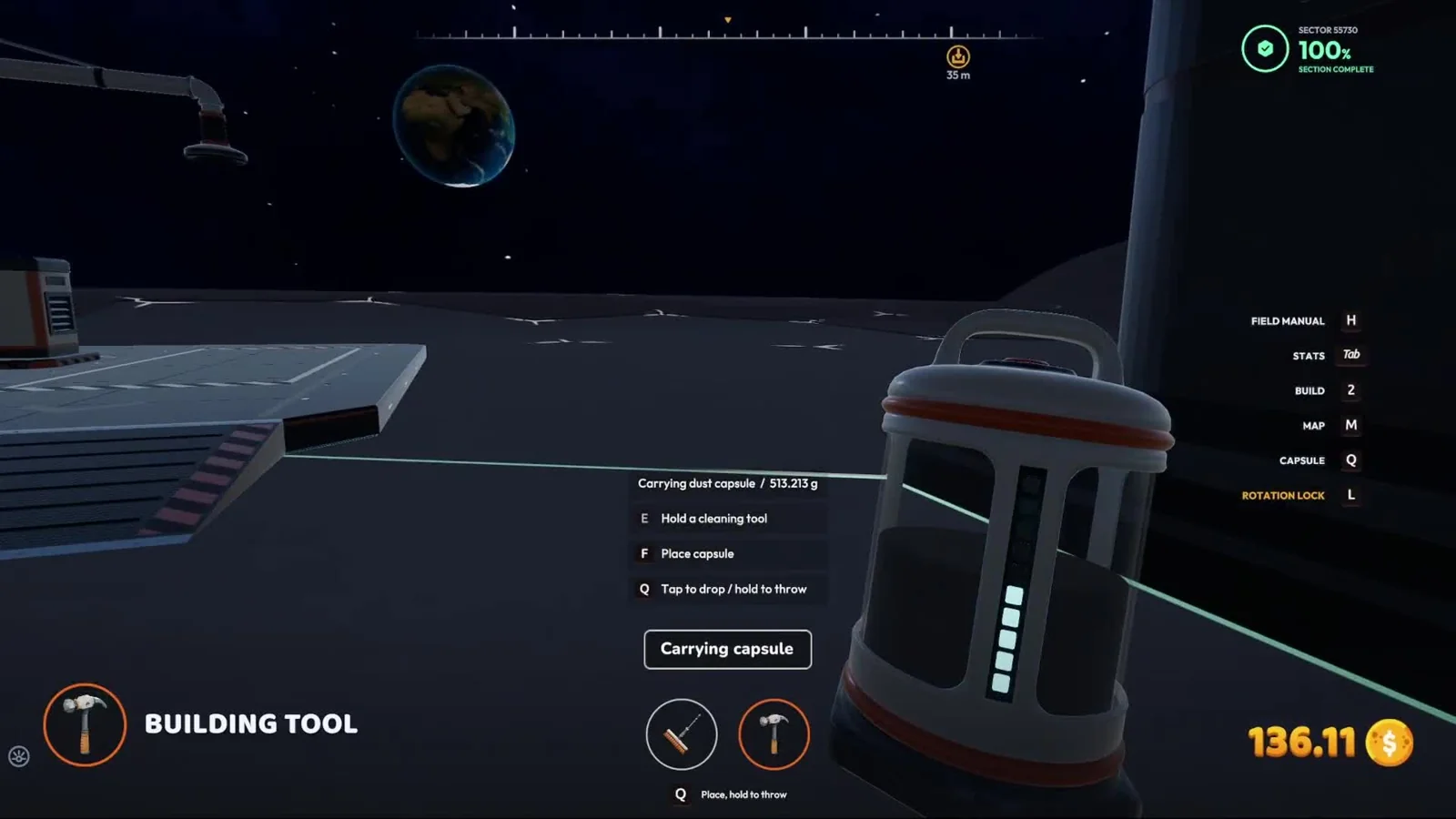
If you arrive carrying a capsule, check what you are targeting. E on the capsule empties it into the tool. E at the station intake transfers the tool's dust into the tray. Work through those two handoffs when you want to sell a packed load manually.
- Carry the capsule back to the station.
- Set it where you can aim at it without losing sight of the intake.
- Empty its dust into the held tool with E.
- Hold E at the deposit intake to fill the tray.
- Press the intake's sale button and check the wallet.
Use the receiving tray and the wallet as separate checkpoints. A load in the tray is ready for the sale action; a wallet change confirms that the sale completed. This is particularly useful at the beginning, before you have installed a conveyor selling route.
Your crew shares one wallet. Ask other players to pause purchases while you test a small sale if the changing balance makes the result hard to follow. A teammate buying equipment at the same moment can obscure the money you have just received.
Read the amount at the intake before using its button. After selling, check that the tray and balance have changed together. If you still have another capsule beside the machine, repeat the transfer for that load instead of walking away assuming all the objects nearby were included in the same sale.
Feed a Packager when you want belt delivery
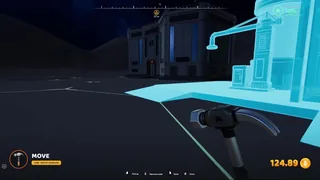
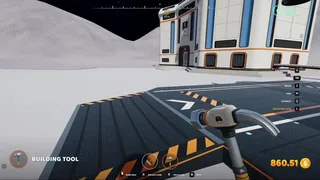
Buy the Building Tool, put it in a slot and use it to open the construction menu. The Packager is listed with the conveyor equipment. Place it where you can reach its dust-transfer point and build an outgoing route to a station intake.
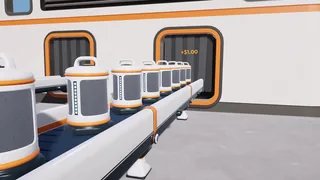
A Packager takes dust from your tool with E and sends it along the attached belt in capsules. Leave room to stand at it while filling, and keep the start of the belt visible so you can see whether the transferred material actually leaves.
Connect the destination before depositing a large load. For your first route, use the station intake directly: feed dust into the Packager, watch a capsule enter the belt and follow it to the station. Belt-delivered dust and stone are paid on arrival in the updated game.
Once that route works, choose whether to extend it into production. The in-game manual describes production machines turning dust into Moon Sand and Moon Stone, with nearby solar power required. Keep the direct selling line available while you build so you can distinguish a working Packager from a processor still waiting for its inputs.
Check the handoff that failed
If the tool fills but Q produces no usable result, check your installed version. The 1.0.5 patch fixed packing failures affecting Q, the Auto-Packer and machines in large bases. A repeated failure across several packing methods is worth recording before changing the entire layout.
If Q works but you cannot clean again, look at the tool you currently hold and its container display. Switch deliberately to the slot you want to use. The manual gives each tool a separate container, so another filled tool can still need emptying.
If a Packager accepts dust but its capsules queue immediately, follow its outgoing connection. Inspect the next belt and the receiver beyond it before depositing more. Use the conveyor-stall guide if you can see the exact point where movement stops.
| Symptom | Next action |
|---|---|
| Brush moves but the full container cannot collect more | Pack with Q or take the tool to an intake |
| You are holding a capsule at the station | Use the capsule-to-tool and tool-to-tray sequence for a manual sale |
| The tray has dust but the balance has not changed | Use its sale button |
| The Packager sends a capsule but it stops on the belt | Trace the next connection and destination |
| The load is still inside a vehicle | Use the garage collector pad |
Choose the route that matches the load
For a few handheld loads near a station, the tray gives you a short, visible sale sequence. A Packager and belt become useful when repeated walking is the delay. A vehicle uses the garage's collector pad and silo, which is a separate receiving route.
Keep one successful delivery as your reference when upgrading. After increasing a tool's capacity, repeat the same transfer and sale. After adding a belt, watch the first capsule reach the station. Each change then has a clear result you can compare with the previous route.
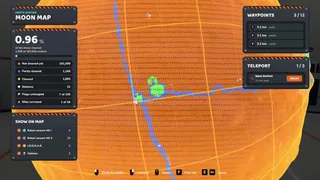
If your cleaning patch is getting too far from the station, mark the return area on the Moon Map. A larger container carries more dust, but you still need a route back to the transfer point you have built.
Sources
DragDrop Games: official patch notes · Play BIG or Die: in-game manual and garage walkthrough · VeedoDaMutt: map and building walkthrough.